Troubleshooting
10-24 OPERATION GUIDE
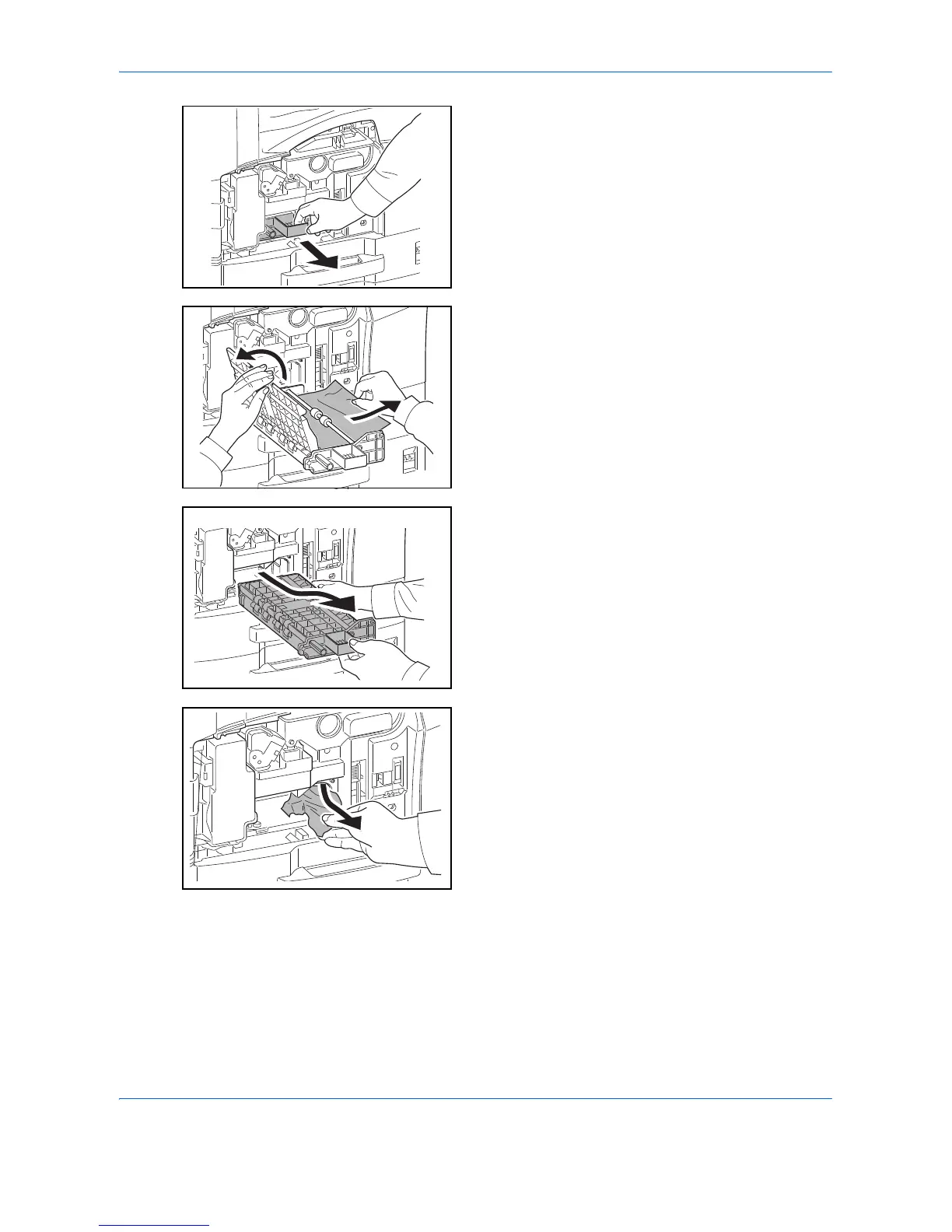
6 Pull out paper feed unit (A2).
7 Open paper feed unit cover (A3) and remove any
paper.
If the paper tears, remove every loose scrap from
inside the machine.
8 If the paper is torn, pull paper feed unit (A2) all the
way out and lift it slightly to remove any paper.
9 Remove the paper.
If you cannot remove the paper, proceed with the
next step.
10 Push paper feed unit (A2) back in place, and close
the front cover.



 To Next Page