EasyManua.ls Logo

Utax CD 1242 - Touch Panel Display

Utax CD 1242
424 pages
Print Icon
To Next Page IconTo Next Page
To Previous Page IconTo Previous Page
Loading...
Basic Operation
3-4 OPERATION GUIDE
Touch Panel Display
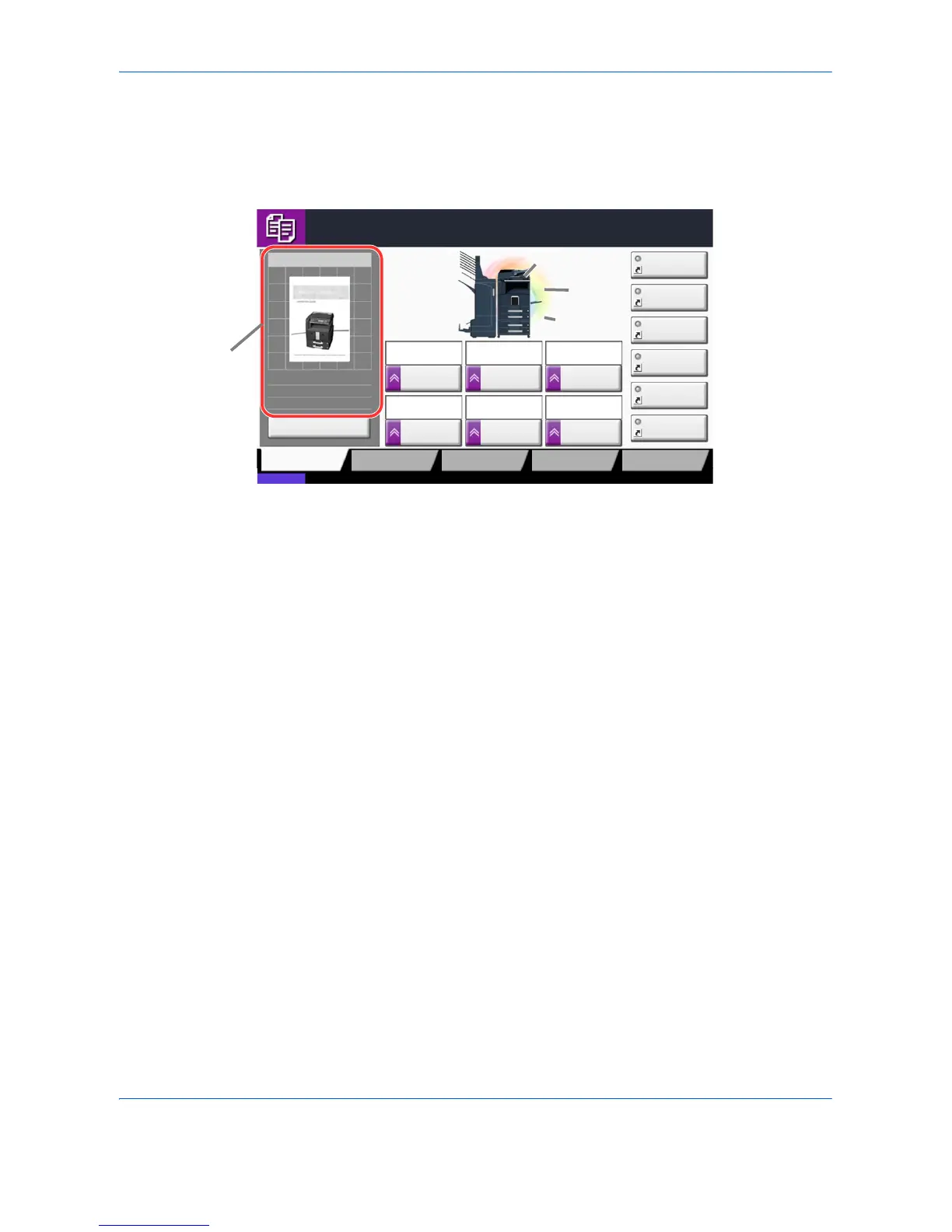
Display for Originals and Paper
The touch panel displays the selected paper source and output tray.
Cancel
Copy Image
Copies
1
Image QualityOrg./Paper/
Finishing
Quick Setup Layout/Edit Advanced
Setup
Status
08/08/2009 10:10
Shortcut 1
Shortcut 4
Shortcut 3
Shortcut 2
Shortcut 6
Shortcut 5
LetterOriginal
Zoom
Paper
100%
:
:
:Letter
Staple/Punch
Off2 in 1
Combine
2 sided
>>2 sided
Duplex
Normal 0
DensityPaper
Selection
Auto
Zoom
100%
Press Start key to start printing.
Press [Cancel] to change settings.
Original position
Size/orientation of
original and paper
Paper
source
Output
tray

Table of Contents

Related product manuals