Preparation before Use
2-10 OPERATION GUIDE
Adjusting the Operation Panel Angle
Adjust the angle of the operation panel in two as shown
by releasing the operation panel lock lever.
Switching the Language for Display [Language]
Select the language displayed on the touch panel.
Use the procedure below to select the language.
1 Press the System Menu key.
2 Press [Common Settings] and then [Change] of
Language.
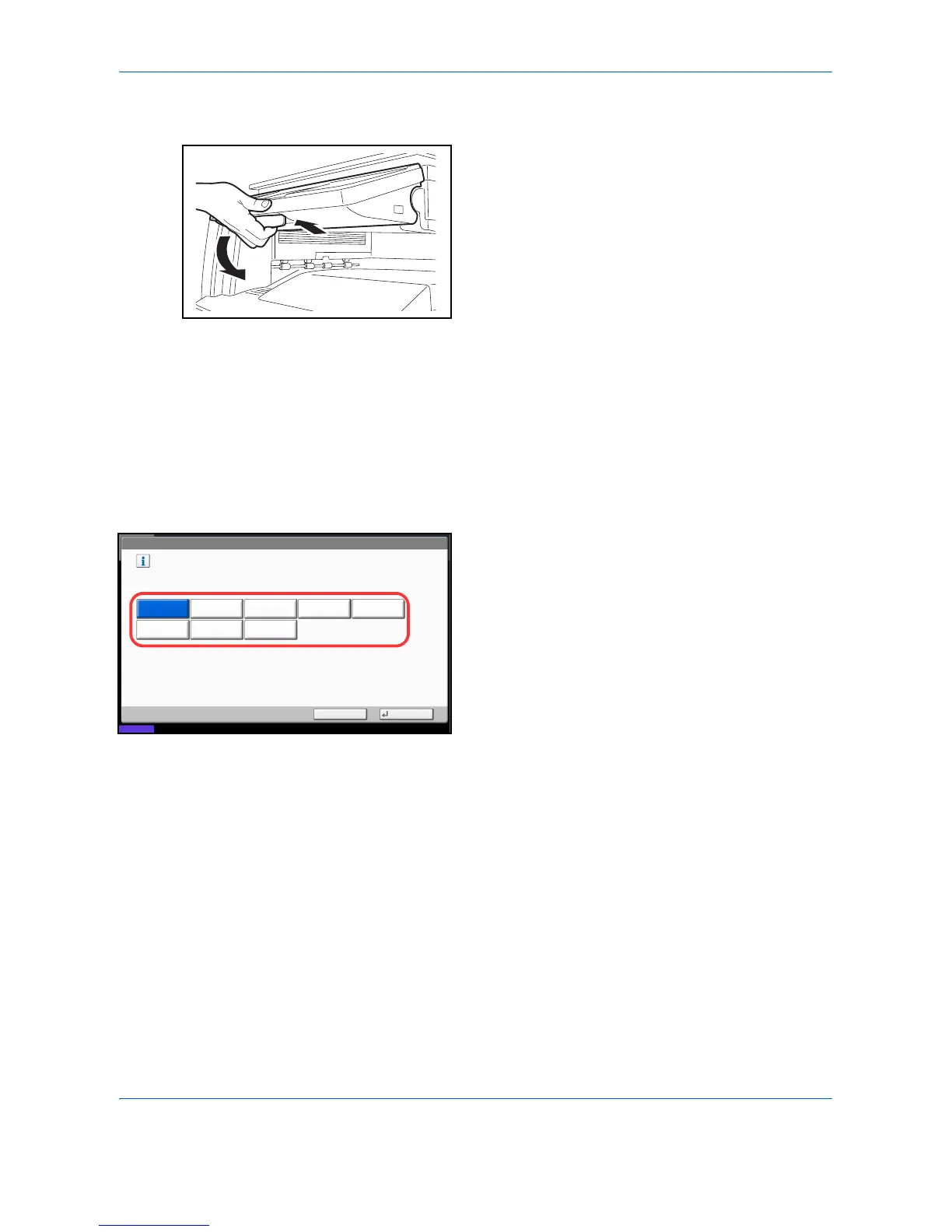
3 Press the key for the language you want to use.
4 Press [OK].
The touch panel language will be changed.
Common Settings - Language
Set the language to use for the touch panel display.
English FrançaisDeutsch Italiano
ǸțșșȒȐȑ
Nederlands
Español
Cancel OK
Status
08/08/2009 10:10
Português



 To Next Page