Management
11-16 OPERATION GUIDE
Adding an Account
This section explains how to add a new account. The following entries are required.
Use the procedure below to register a new account.
1 Press the System Menu key.
2 Press [User Login/Job Accounting].
3 If user login administration is disabled, the user
authentication screen appears. Enter your login
user name and password and then press [Login].
For this, you need to login with administrator
privileges. Refer to Adding a User on page 11-5 for
the default login user name and password.
4 Press [Next] of Job Accounting Setting, [Register/
Edit] of Accounting List, and then [Add].
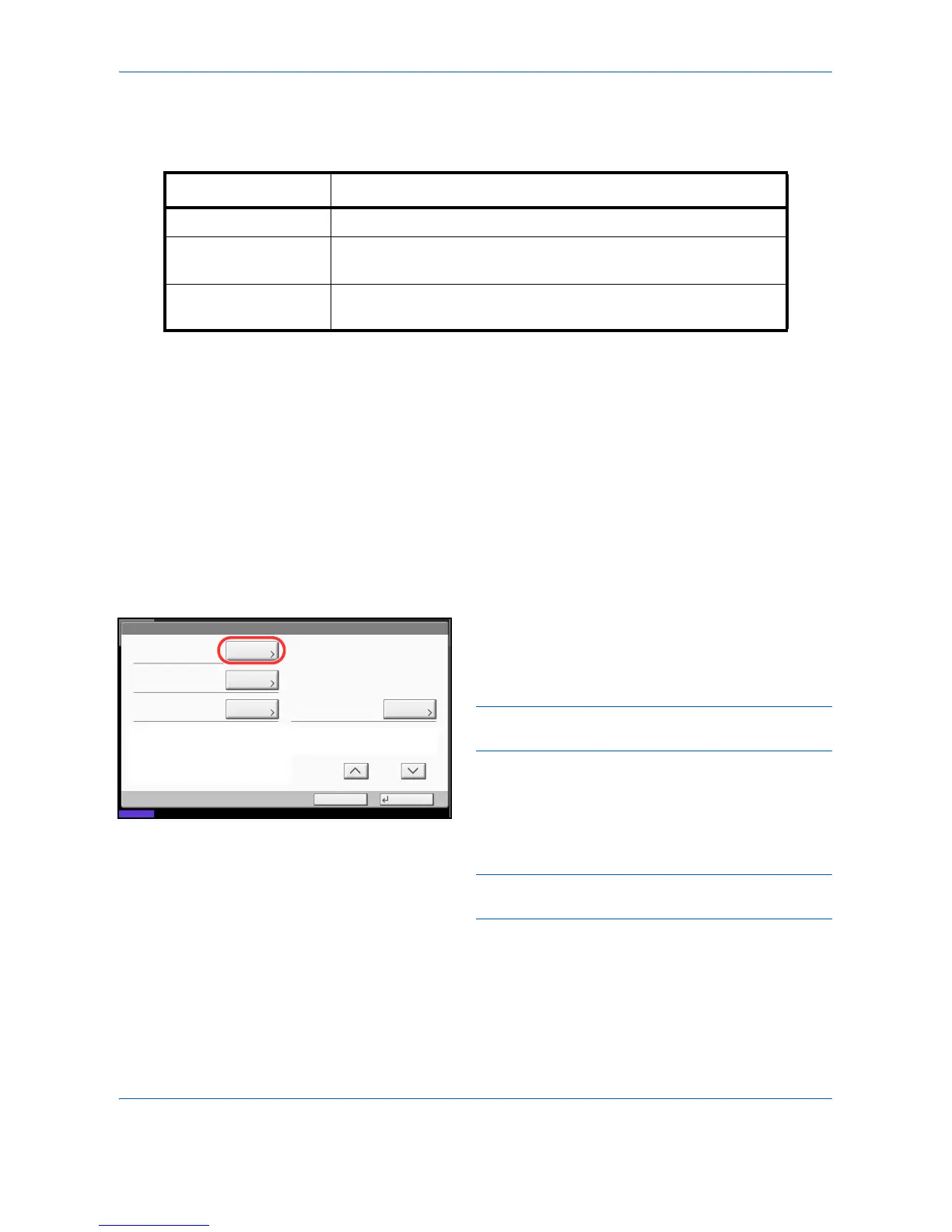
5 Press [Change] of Account Name.
6 Enter the account name and press [OK]. The
Account screen reappears.
NOTE: Refer to the Character Entry Method on
Appendix-10 for details on entering characters.
7 Follow steps 5 and 6 above to enter the Account ID.
NOTE: Any account ID that has already registered
cannot be used. Enter any other account ID.
8 Activate or deactivate restriction. Refer to
Restricting the Use of the Machine on page 11-18.
9 Press [Register] to add a new account on the
Account List.
Item Description
Account Name Enter the account name (up to 32 characters).
Account ID Enter the account ID as many as eight digits (between 0 and
99999999).
Restriction This Prohibits printing/scanning or restricts the number of sheets to
load. Refer to Restricting the Use of the Machine on page 11-18.



 To Next Page