Basic Operation
3-8 OPERATION GUIDE
Selecting Image Quality
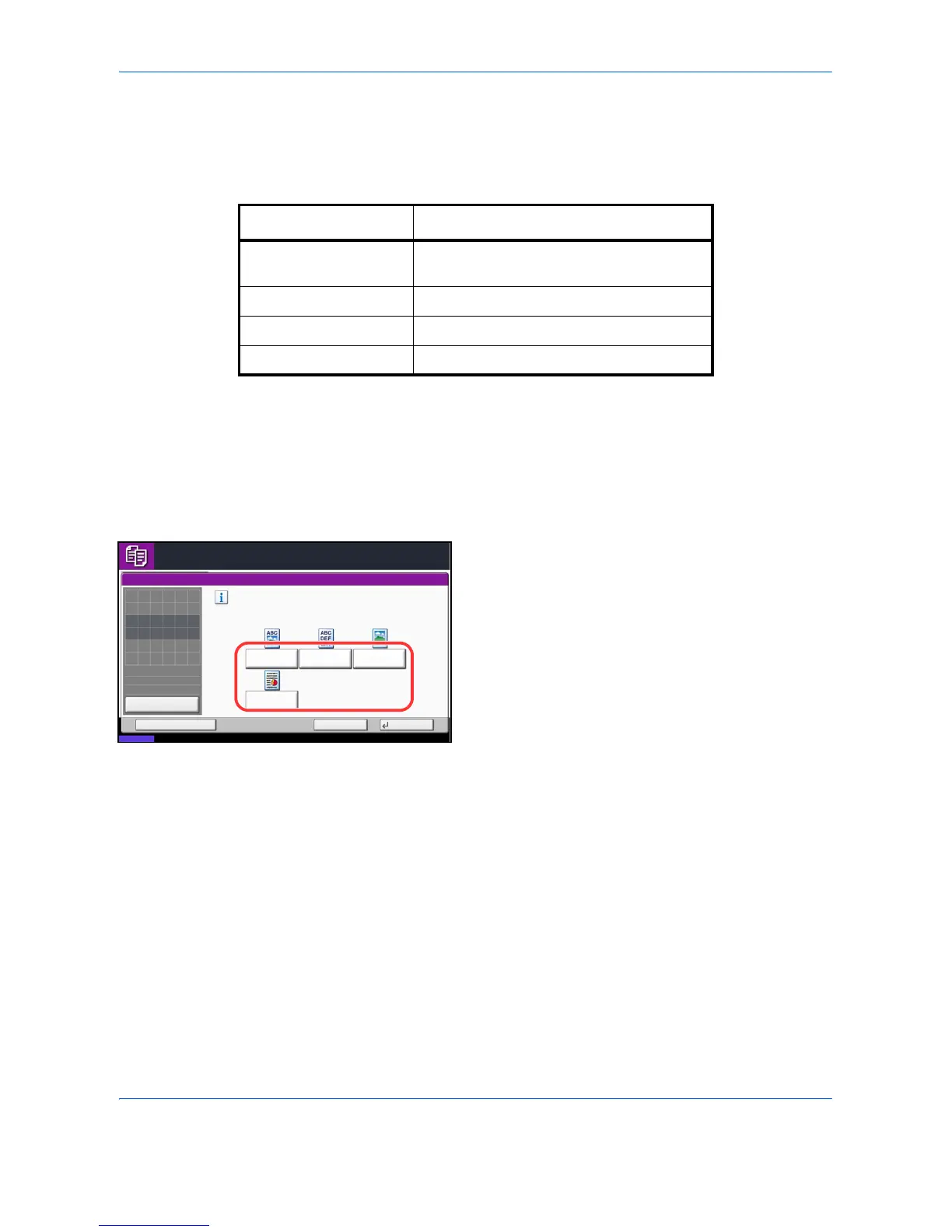
Select image quality suited to the type of original.
The table below shows the quality options.
The procedure for selecting the quality of copies is explained below.
1 Press the Copy key.
2 Place the originals on the platen.
3 Set the original on the platen and press [Image
Quality] -> [Original Image].
4 Select the image quality.
5 Press [OK].
6 Press the Start key. Copying begins.
Image Quality Option Description
Text+Photo For originals with both text and
photographs.
Text For originals primarily consisting of text.
Photo For photos taken with a camera.
Printed Document For documents printed from this machine.



 To Next Page