EasyManua.ls Logo

Vaisala HUMICAP HMT360 SERIES - User Manual

Vaisala HUMICAP HMT360 SERIES
114 pages
Print Icon
To Next Page IconTo Next Page
Loading...
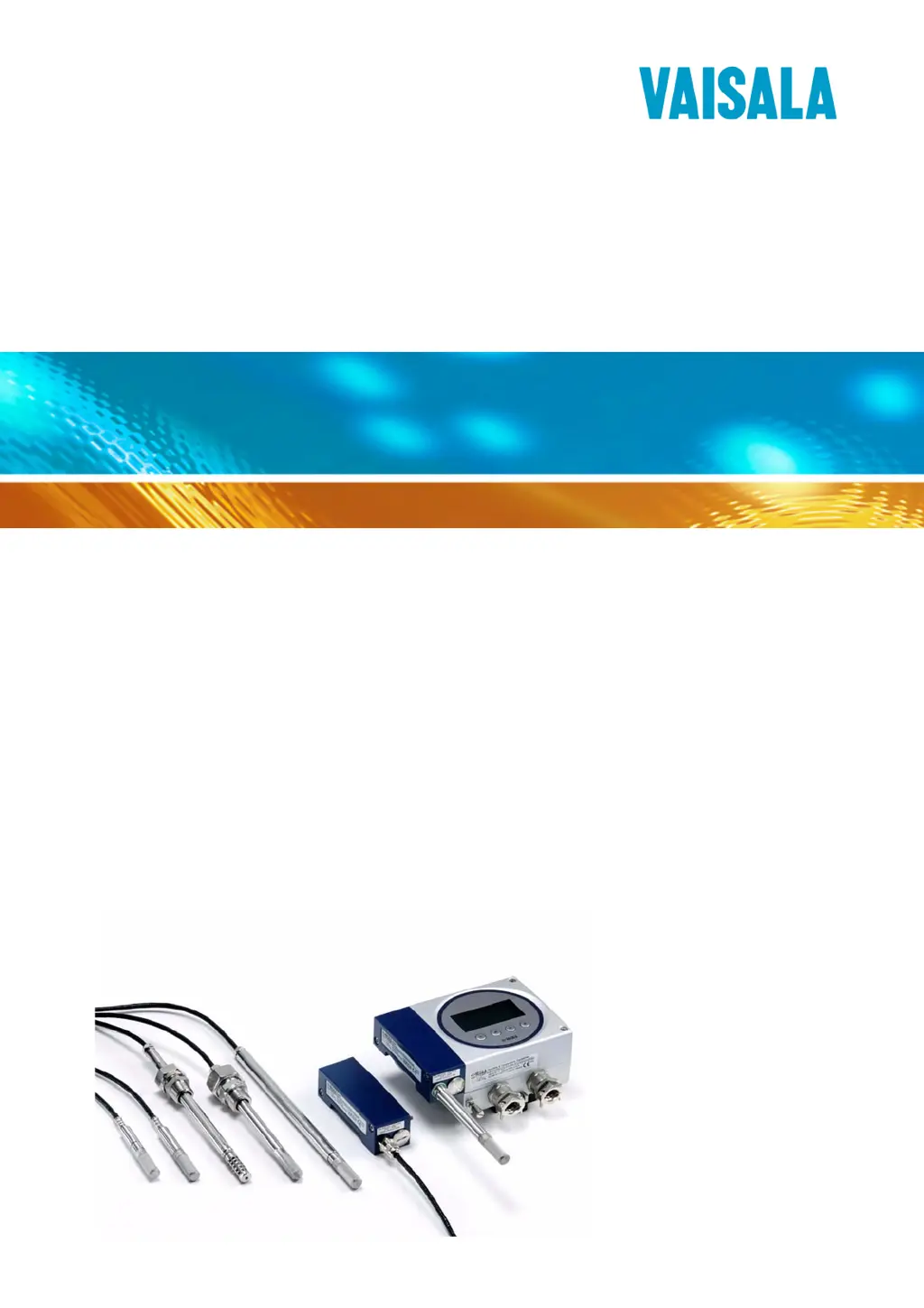
USER’S GUIDE
Vaisala HUMICAP® Humidity and
Temperature Transmitter Series HMT360
M010056EN-I

Table of Contents

Questions and Answers

  • B
    Brian SnyderJul 31, 2025
    What to do if my Vaisala HUMICAP HMT360 displays 'ERROR'?
    • B
      brownkennethJul 31, 2025
      If your Vaisala Transmitter displays the word 'ERROR', it could be due to connection issues or moisture. First, check that the sensor is connected properly. If the sensor is connected properly, check if there is condensed water in the probe and allow the probe to dry.
  • B
    Brandon NelsonAug 9, 2025
    Why is the LED on my Vaisala Transmitter lit when no calibration is in progress?
    • P
      phillip72Aug 9, 2025
      If the LED on your Vaisala Transmitter is lit when no calibration is in progress (for transmitters without a display), it may be due to connection issues or moisture. Check that the sensor is properly connected. Also, inspect the probe for any condensed water and allow it to dry completely.
  • S
    Sherri HerreraAug 19, 2025
    What to do if the analog output current drops below 4 mA on my Vaisala HUMICAP HMT360?
    • J
      jenniferspearsAug 19, 2025
      If the analog output current on your Vaisala Transmitter drops below 4 mA, ensure that the sensor is properly connected. Additionally, check the probe for any condensed water and, if present, allow the probe to dry thoroughly.

Summary

Users Guide

Vaisala HUMICAP Humidity and Temperature Transmitter Series HMT360

Introduction to the Vaisala HUMICAP® Humidity and Temperature Transmitter Series HMT360.

Chapter 1 General Information

Safety

Important safety precautions and guidelines for using the product.

Chapter 2 Product Overview

Probe Options

Details on the various probe options available for the HMT360 series.

Chapter 3 Installation

Probe Mounting

Specific instructions for mounting different types of probes.

Electrical Connections

Instructions for making the necessary electrical connections.

Installation in Hazardous Locations

Specific requirements for installing the transmitter in hazardous locations.

Chapter 4 Operation

Serial Interface

Information on using the serial interface for communication and configuration.

Adjustment Commands

Commands for performing calibration and adjustment.

Chapter 5 Measuring at Overpressure

Chapter 6 Calibration and Adjustment

User Calibration and Adjustment

Procedures for performing calibration and adjustment by the user.

Manual Adjustment

Step-by-step guide for manual calibration and adjustment.

One-Point Temperature Adjustment

Procedure for performing a one-point temperature adjustment.

Chapter 7 Maintenance

Chapter 8 Troubleshooting

Chapter 9 Technical Data

Vaisala HUMICAP HMT360 SERIES Specifications

General IconGeneral
Humidity Measurement Range0 ... 100 %RH
Protection ClassIP65
Measurement ParametersHumidity, Temperature
Output SignalRS-485
Power Supply10...35 VDC
DisplayOptional LCD
CalibrationField calibration
Accuracy of Humidity Measurement±1 %RH (0 ... 90 %RH) ±1.7 %RH (90 ... 100 %RH)
Humidity sensorVaisala HUMICAP® sensor
Operating temperature-40 to +60 °C
Temperature measurement accuracy±0.2 °C
Sensor TypeHUMICAP®

Related product manuals