Active Electrodes
Monopolar Function
ForceTriad User’s Guide 4-11
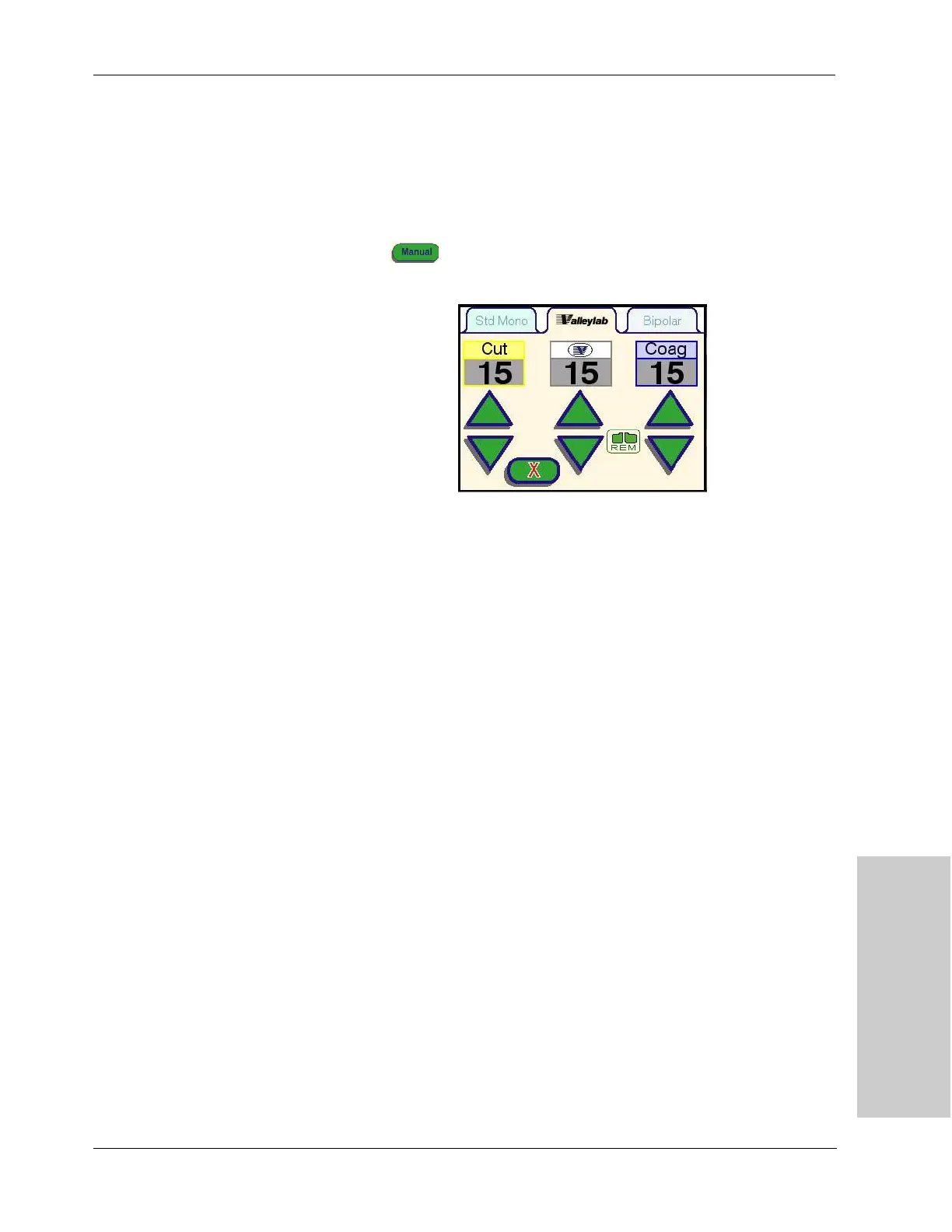
Manual Power Control Functionality
The manual mode allows the user to operate the energy platform outside the
pre-set power ranges available in the Valleylab tab. In manual mode, the slider on
the electrosurgical instrument is disabled, and power can only be set at the
touchscreen interface.
1. To set the system into the manual mode, press the green Manual
button on the Valleylab tab touchscreen. The manual control display
will appear on the touchscreen.
2. Adjust the power output for cut, Valleylab mode, and coag by pressing the
associated green up or down buttons on the energy platform touchscreen.
3. To return to the sterile field control mode, click on the X button. The Valleylab
mode control screen will re-appear on the touchscreen, and the power zone
and slider position will reset based on the current instrument configuration.



 To Next Page