After Surgery
LigaSure Tissue Fusion
ForceTriad User’s Guide 6-9
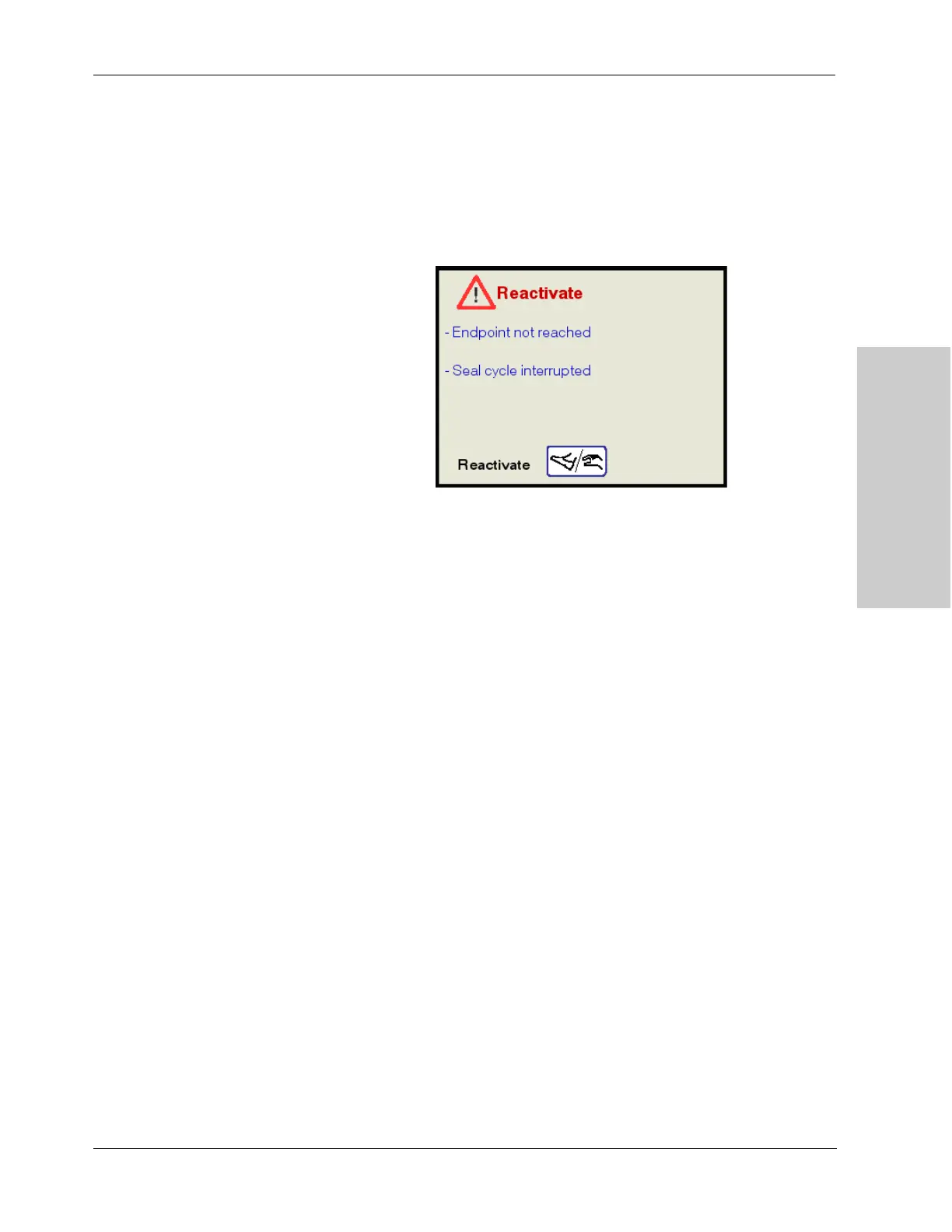
Reactivate
A four-pulsed tone will sound when the Reactivate screen is displayed.
If this message appears the user should:
1. Release the footswitch pedal or hand switching button.
2. Reactivate the seal cycle without repositioning the instrument.
Endpoint not reached – Additional time and energy are needed to complete the
fusion cycle.
Seal cycle interrupted – The seal cycle was interrupted before completion. The
handswitch or footswitch was released before the end tone activated.
Reactivate / Energize – Reactivate the seal cycle without removing or
repositioning the instrument.
After Surgery
Disconnect the instruments
1. Turn off the energy platform.
2. Disconnect all instruments from the front panel.
• If the instrument is single use only (disposable), dispose of it according to
the procedures for your institution.
• If the instrument is reusable, clean and sterilize it according to the
manufacturer’s instructions for use.
3. Disconnect and store any footswitch(es) used.



 To Next Page