USER MANUAL
Chapter 4 DVR Starting up
4.1 Start Wizard
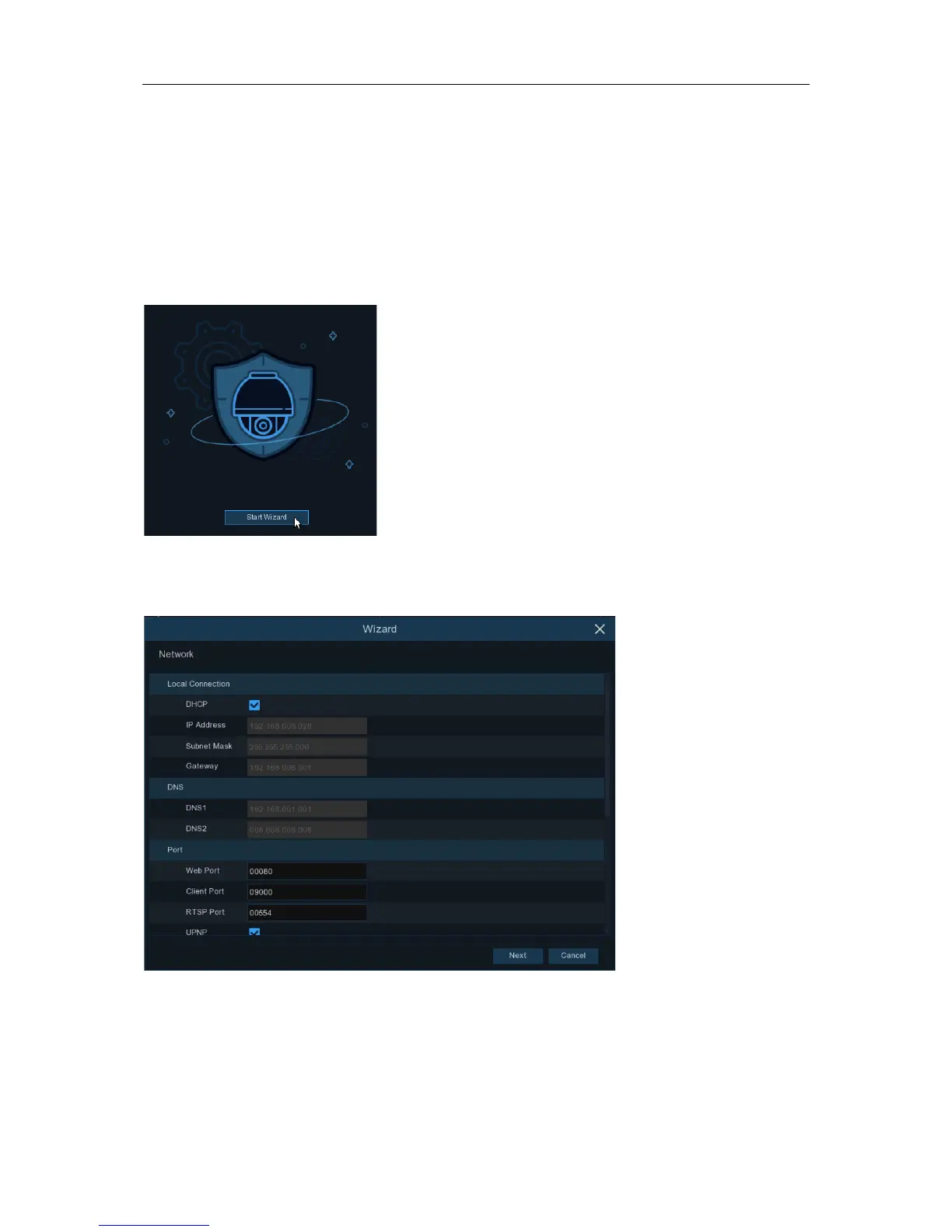
Startup Wizard will help to configure the system and get the DVR works quickly.
4.1.1 Start Wizard
Click the
Start Wizard
to proceed to the next step
4.1.2 Network Configuration
If you connect to a router allows to use DHCP, please check the
DHCP
box. The router will assign
automatically all the network parameters for your DVR. Unless the network is manually addressed
below parameters:
IP Address
: The IP address identifies the DVR in the network. It consists of four groups of
numbers between 0 to 255, separated by periods. For example, “192.168.001.100”.
7


 To Next Page