USER MANUAL
6.
Press and hold the left button of your mouse, and drag the drag the cursor to the timeline where
you want to end the video clip.
7.
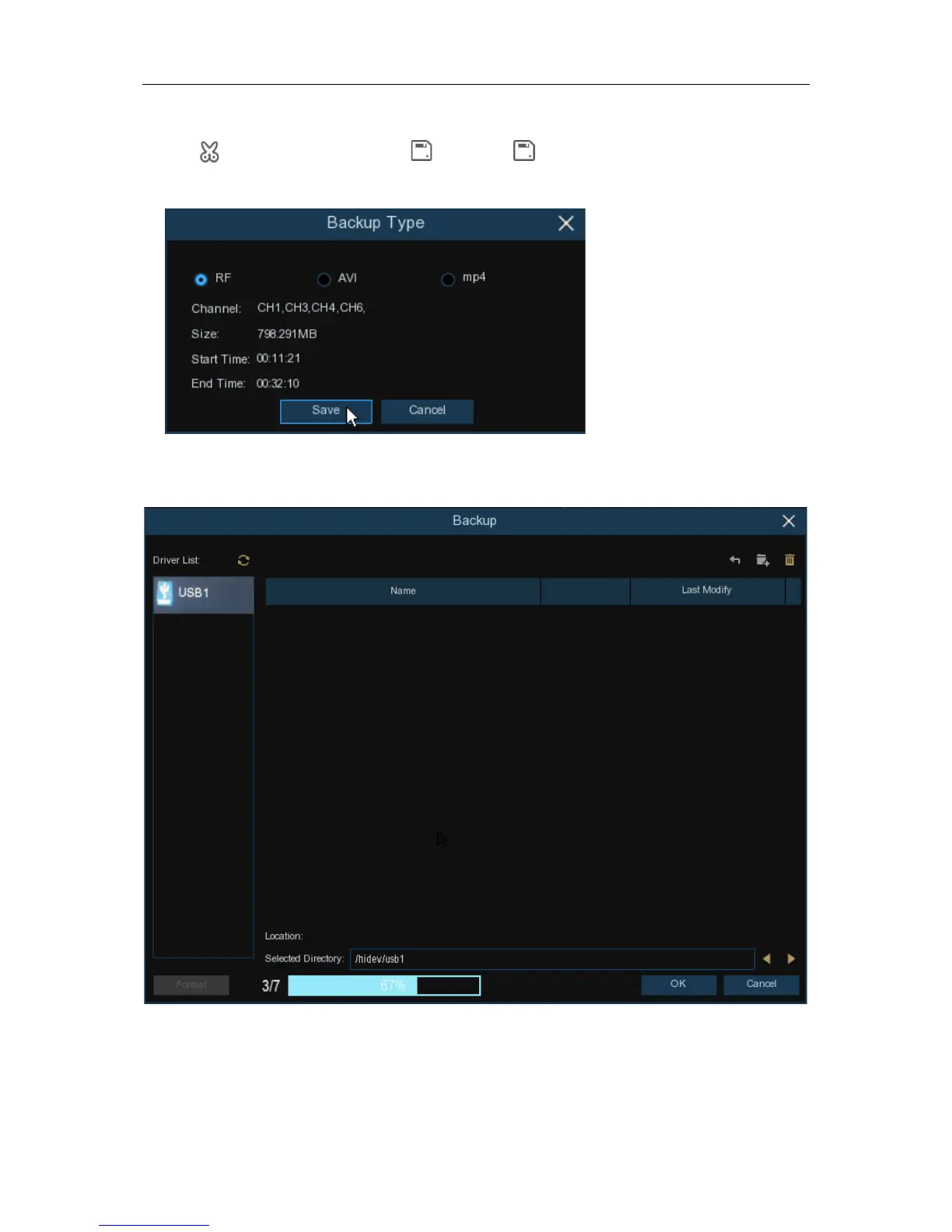
The icon has been changed to icon, click to save the video clip.
8.
Select a file type for your backup files, click
Save
button to save the video clips. Please make
sure your USB driver has enough space to save the video clips.
9.
The backup drive menu appears. Navigate to the folder you want the backup files to save in.
10.
Click
OK
to begin. The progress bar at the bottom of the window shows you the progress of
the backup.
80


 To Next Page