2.2 Local panel operations
2 Local panel user interface
Operation and configuration
VAMP 24h support phone +358 (0)20 753 3264
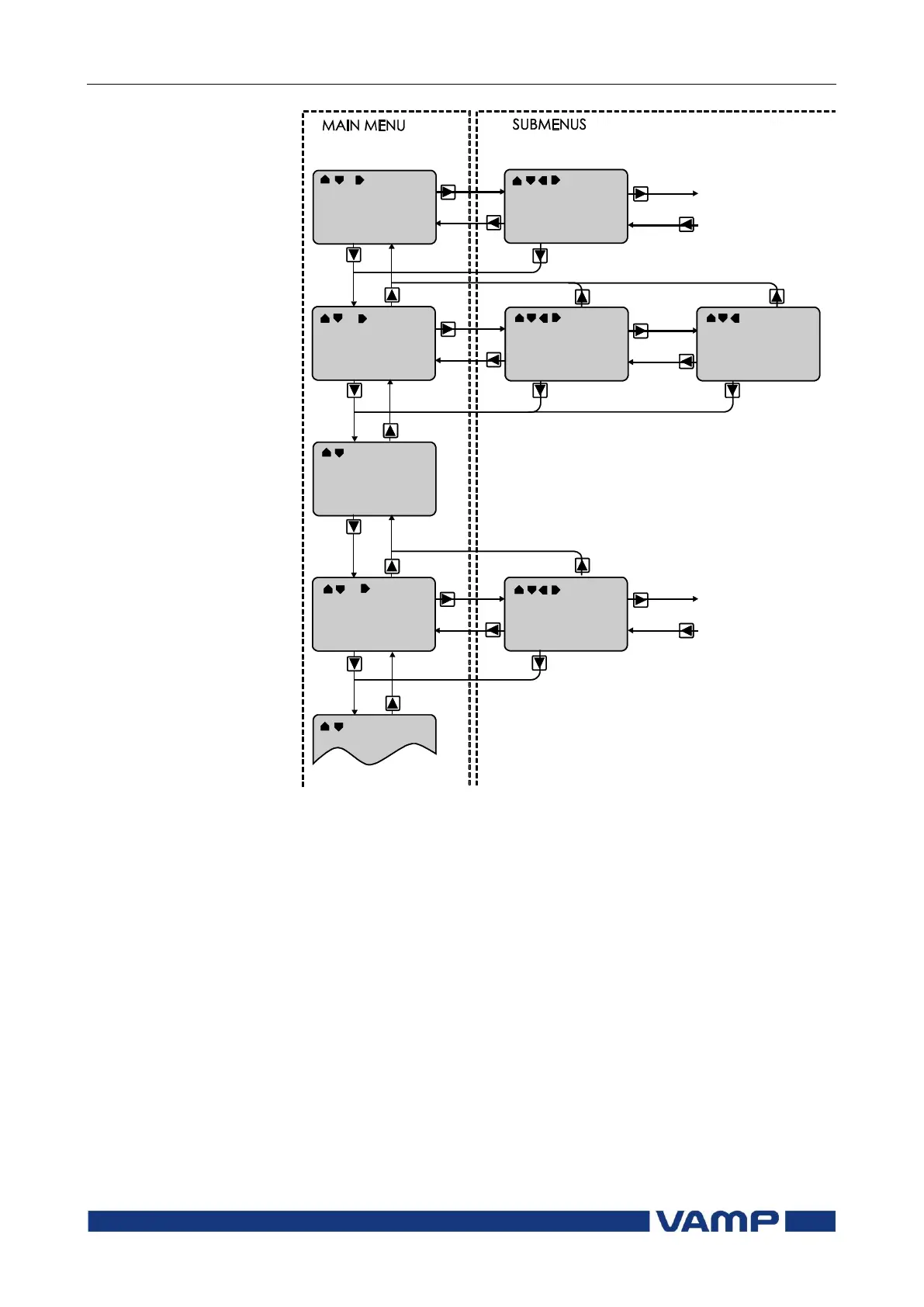
Figure 2.2.1-2 Principles of the menu structure and navigation in the menus
7. Push the INFO key and then the ENTER key to give the
password.
8. Push the INFO key to obtain additional information about
any menu item.
9. Push the CANCEL key to revert to the normal display.



 To Next Page