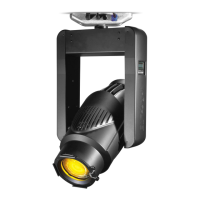
VARI❋LITE® - VL2402™ WASH LUMINAIRE USER’S MANUAL
54 17-Sept-01 02.9671.0001 C
Shortcuts
A few button combinations are provided as shortcuts for frequently used menu
functions. These shortcuts are as follows:
• Pressing [Enter] and [Up] at the same time = Lamp On
• Pressing [Enter] and [Down] at the same time = Lamp Off
• Pressing [Menu] and [Up] at the same time = Recalibrate
• Pressing [Menu] at Power up interrupts calibration. See “Program Starting
Address Without Calibrating the Luminaire” on page 24 for more information.
Keep in mind that [Up] and [Down] arrows are dependent on the Display Orientation.
Refer to “Display Orientation” on page 52.


 To Next Page