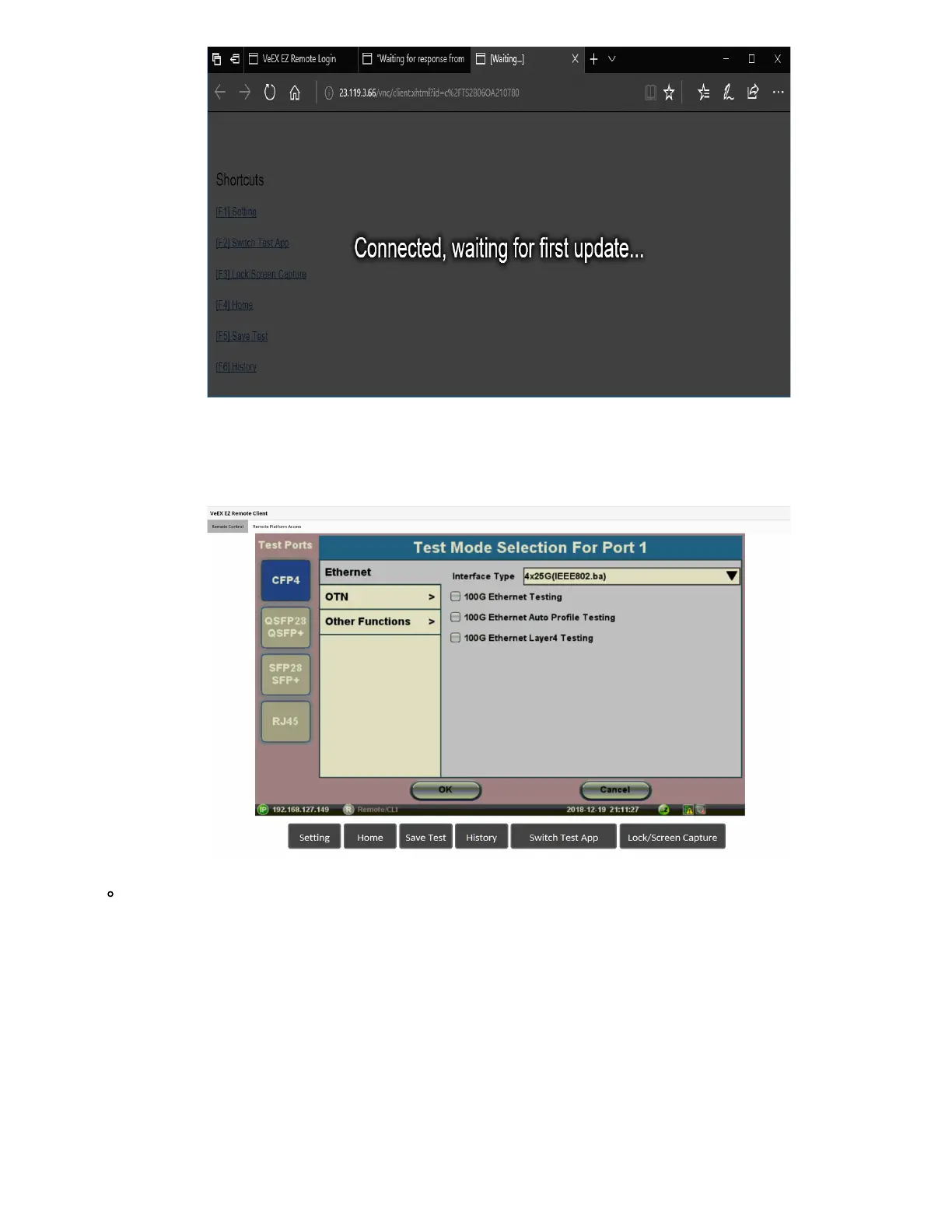
4. Depending on the type of test set used, shortcut buttons may be provided below the mirrored screen, allowing access to
functions provided by physical buttons on the instrument, such as
Settings, Home, Save Test results. Click or tap on the
shortcut to activate it.
Once the remote GUI appears, you can use the Remote Control tab to operate the test set in the same way you
would control a local unit from its touch screen.
TX300s_Platform_Manual_RevB00



 To Next Page