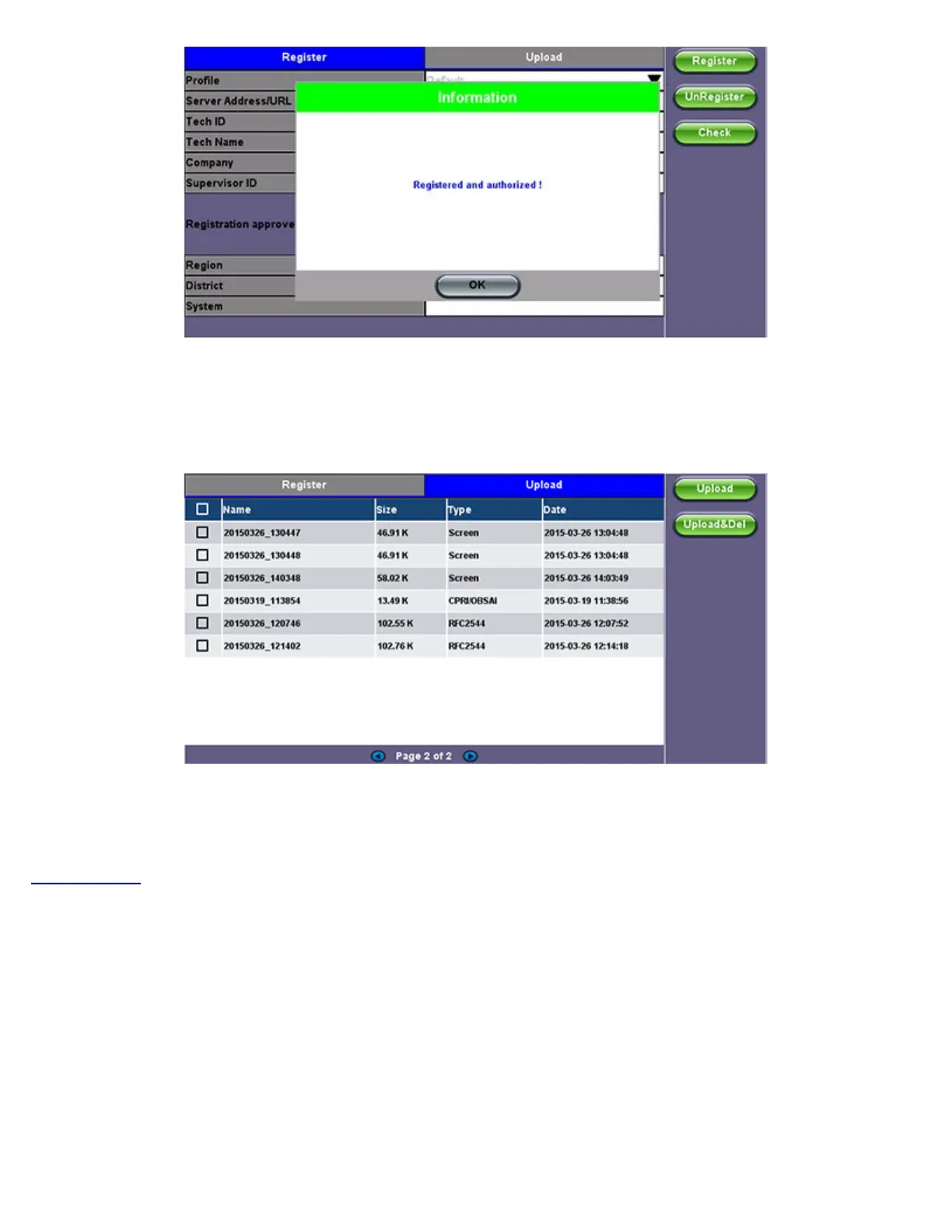
3. When the test set registration is complete and approved by the R-Server manager, you can select Check function button to verify
that your test set is authorized.
Once your test set is authorized, you can proceed to Upload.
Upload
To upload result files to the R-Server, tap the Upload tab and select the desired files. Tap on Upload or Upload&Del.
Upload: Transfers the selected result file(s) and keep the file(s) in the test set
Upload&Del: Deletes the file(s) from the test set after uploading
Go back to TOC
TX300s_Platform_Manual_RevB00



 To Next Page