5.4 R300 Server (Advanced Management)
The R-Server is a centralized server repository for test results. Technicians in the field can register their test set on the R-Server and
upload test results directly to the server.
To enter the R-Server result upload function, there must be an IP connection established, otherwise a reminder message will pop
up.
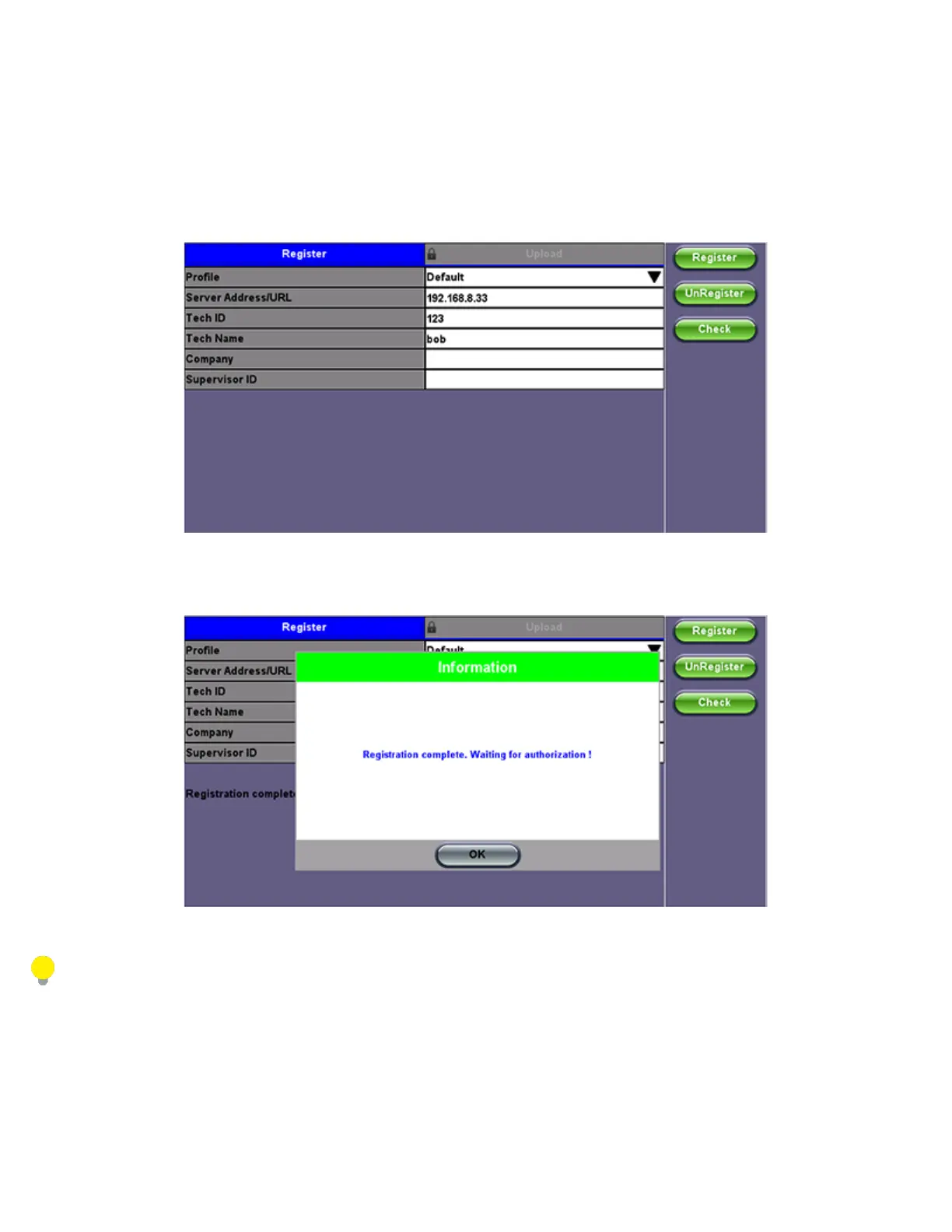
Register
1. Enter the IP address of the server.
A test set must register to an R-Server before it can upload results to the server.
2. Press the Register button to register your test set on the R-Server.
If your test set has already been registered, you don't need to preform this step.
The Registration has to be approved by the R-Server manager before access is allowed.
TX300s_Platform_Manual_RevB00



 To Next Page