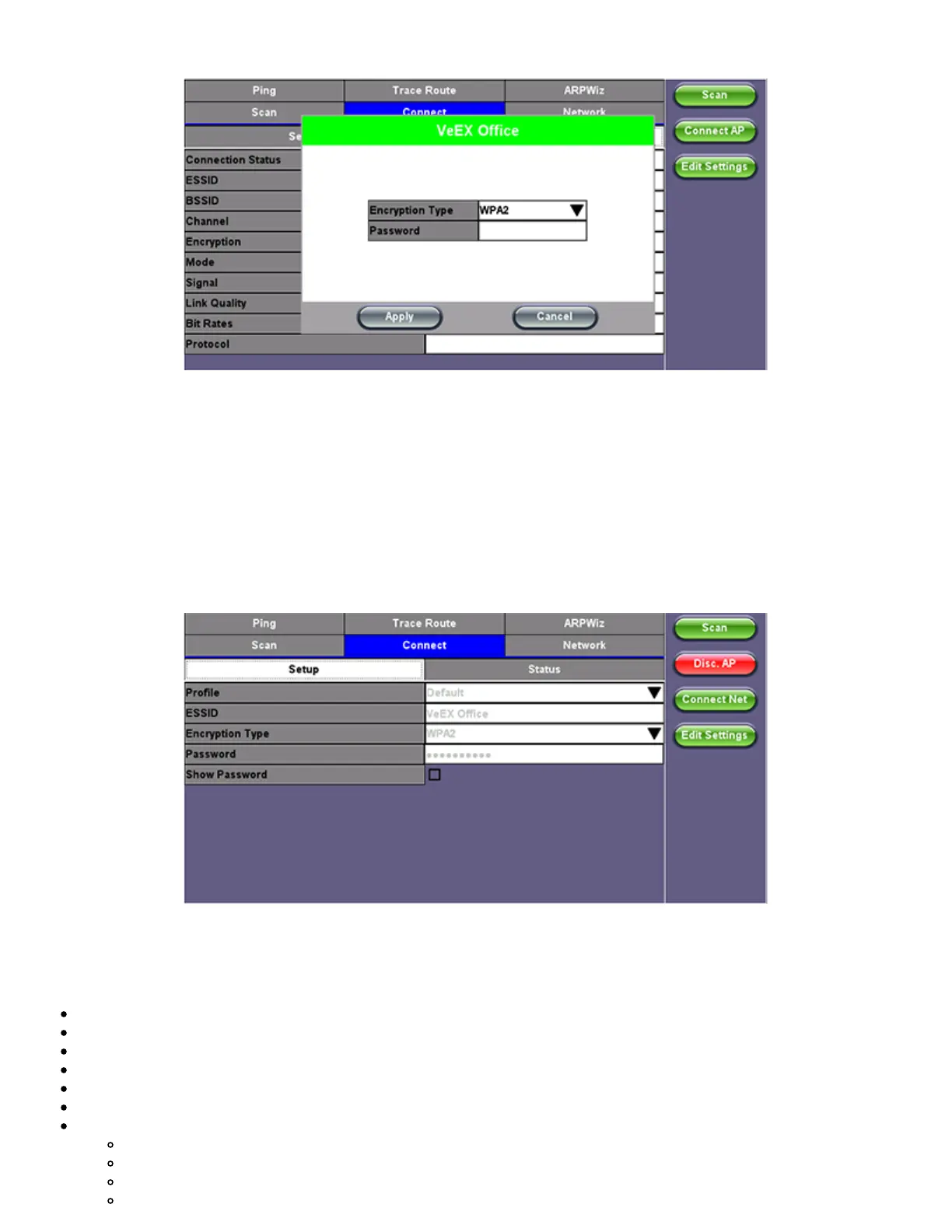
WiFi Wiz - AP Encryption Settings
Connect
The Setup Tab displays the Profile, ESSID, Encryption Type and Password.
WiFi Wiz Connection Setup
Status
The Status Tab displays the following information on the connection:
Connection Status
ESSiD: Name connected to
BSSiD: MAC address of wireless router/device connected to
Channel: WiFi Channel # connected to
Encryption: Encryption type
Mode
Signal:
Radio signal level (dBm)
Link quality score
Max data rate
802.11 protocols supported
TX300s_Platform_Manual_RevB00



 To Next Page