38
6 Set up with the display and adjustment module
VEGAPULS 69 • Foundation Fieldbus
47251-EN-160815
– Move to the menu overview
– Conrmselectedmenu
– Edit parameter
– Save value
•
[->] key:
– Change measured value presentation
– Select list entry
– Select menu items in the quick setup menu
– Select editing position
•
[+] key:
– Change value of the parameter
•
[ESC] key:
– Interrupt input
– Jump to next higher menu
The instrument is operated via the four keys of the display and
adjustment module. The individual menu items are shown on the LC
display.Youcanndthefunctionoftheindividualkeysintheprevious
illustration.
When the [+] and [->] keys are pressed quickly, the edited value,
or the cursor, changes one value or position at a time. If the key is
pressed longer than 1 s, the value or position changes continuously.
When the [OK] and [ESC] keys are pressed simultaneously for more
than 5 s, the display returns to the main menu. The menu language is
then switched over to "English".
Approx. 60 minutes after the last pressing of a key, an automatic reset
tomeasuredvalueindicationistriggered.Anyvaluesnotconrmed
with [OK] will not be saved.
6.3 Measured value indication - Selection
national language
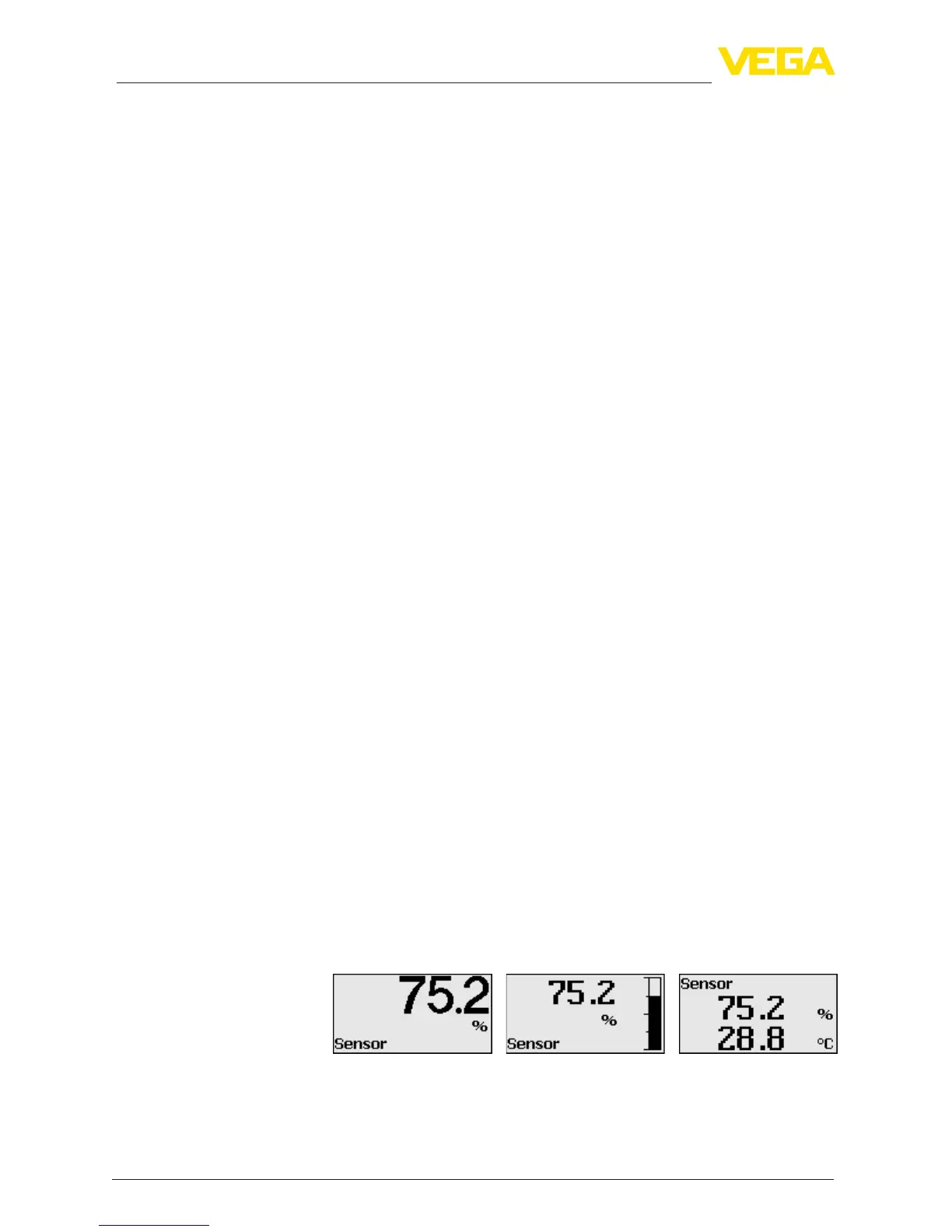
With the [->]keyyoumovebetweenthreedierentindicationmodes.
Intherstview,theselectedmeasuredvalueisdisplayedinlarge
digits.
In the second view, the selected measured value and a correspond-
ing bar graph presentation are displayed.
In the third view, the selected measured value as well as a second se-
lectable value, e.g. the temperature of the electronics, are displayed.
During the initial setup of an instrument shipped Ex works, use the
"OK" key to get to the menu "National language".
Adjustment system
Time functions
Measured value indica-
tion



 To Next Page