53
7 Setup with PACTware
VEGAPULS 69 • Foundation Fieldbus
47251-EN-160815
7 Setup with PACTware
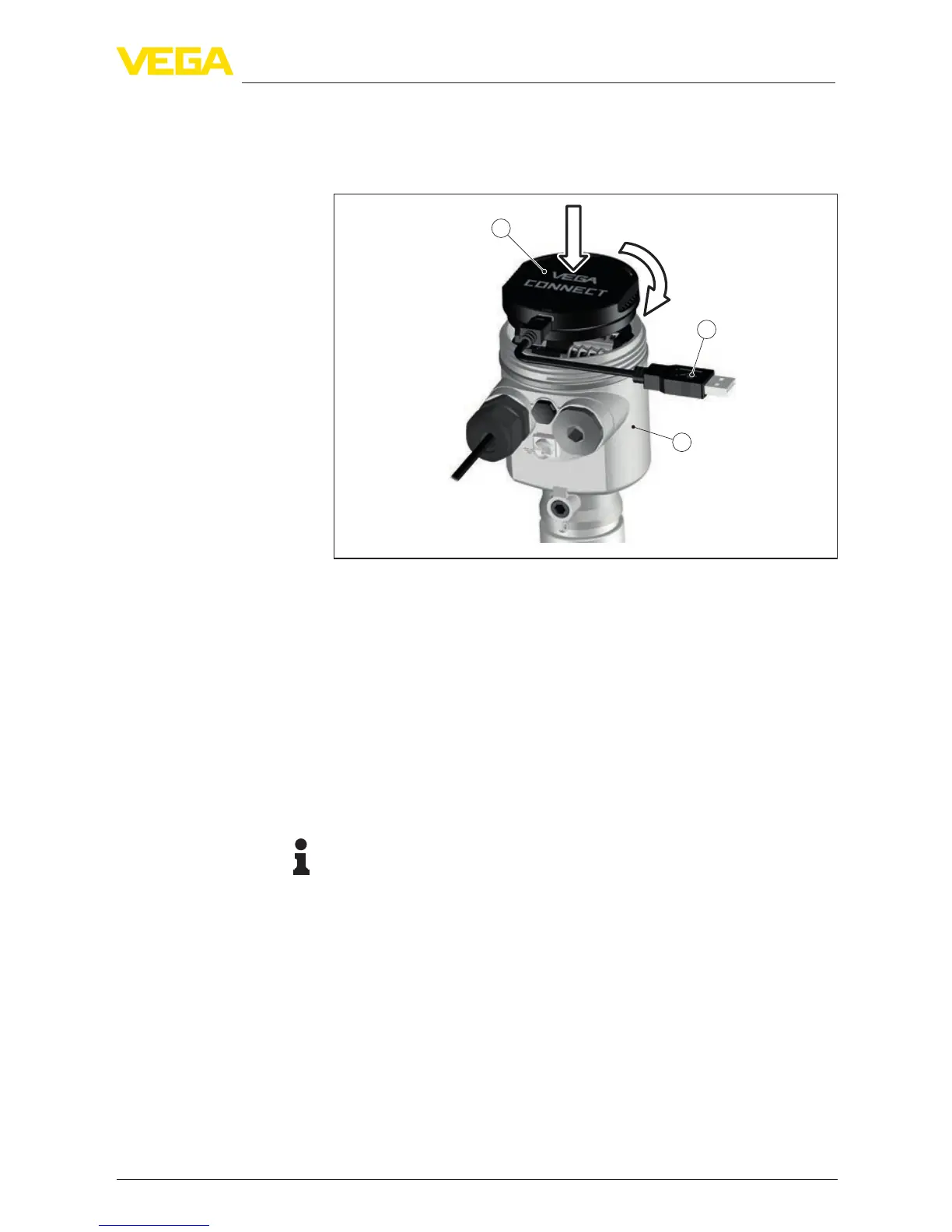
7.1 Connect the PC
3
1
2
Fig.37:ConnectionofthePCdirectlytothesensorviatheinterfaceadapter
1 USBcabletothePC
2 InterfaceadapterVEGACONNECT
3 Sensor
7.2 Parameter adjustment
For parameter adjustment of the instrument via a Windows PC, the
congurationsoftwarePACTwareandasuitableinstrumentdriver
(DTM) according to FDT standard are required. The latest PACTware
version as well as all available DTMs are compiled in a DTM Collec-
tion. The DTMs can also be integrated into other frame applications
according to FDT standard.
Note:
To ensure that all instrument functions are supported, you should
always use the latest DTM Collection. Furthermore, not all described
functionsareincludedinolderrmwareversions.Youcandownload
the latest instrument software from our homepage. A description of
the update procedure is also available in the Internet.
Further setup steps are described in the operating instructions manu-
al "
DTMCollection/PACTware" attached to each DTM Collection and
which can also be downloaded from the Internet. Detailed descrip-
tions are available in the online help of PACTware and the DTMs.
Via the interface adapter
directly on the sensor
Prer
equisites



 To Next Page