39
6 Set up with the display and adjustment module
VEGAPULS 69 • Foundation Fieldbus
47251-EN-160815
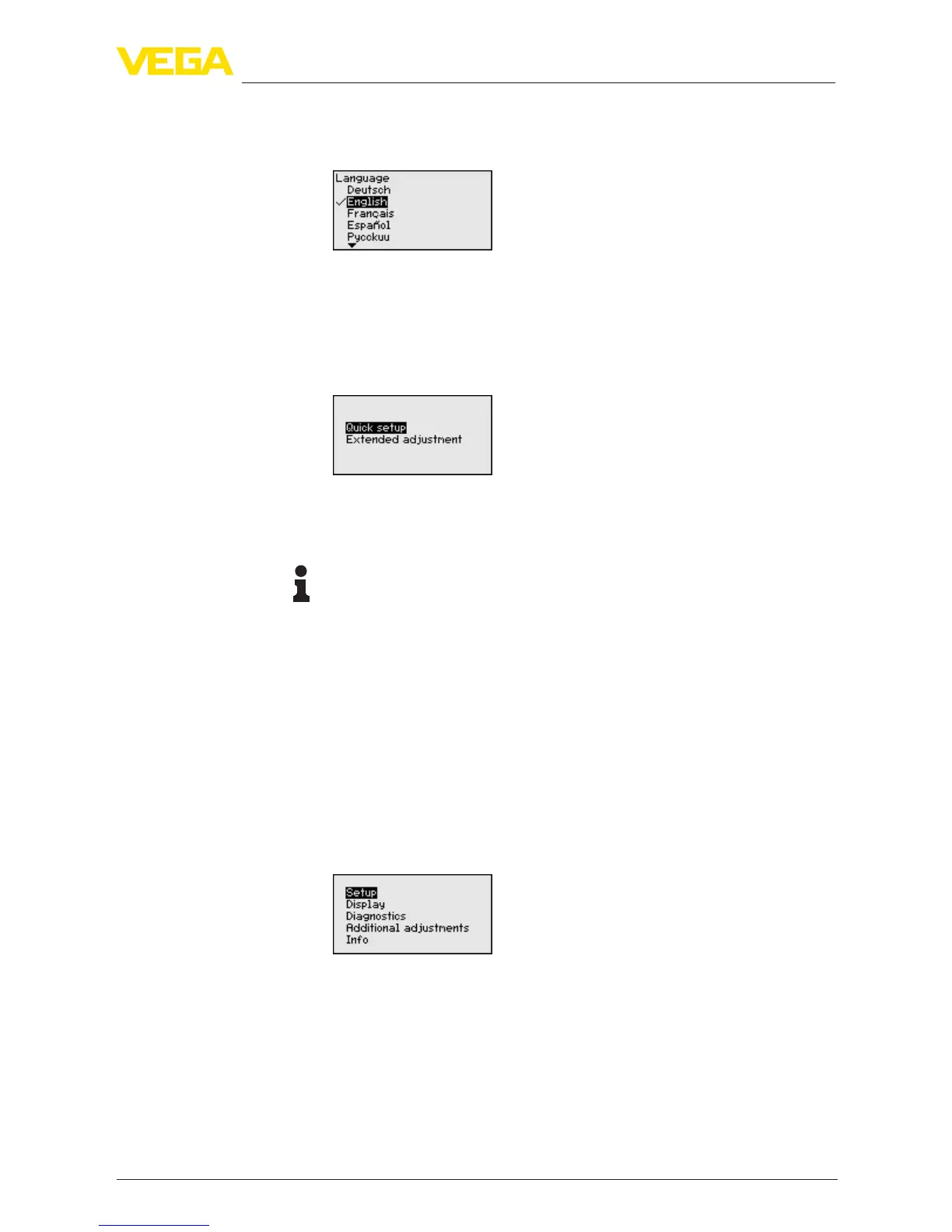
This menu item is used to select the national language for further pa-
rameter adjustment. You can change the selection via the menu item
"Setup - Display, Menu language".
With the "OK" key you move to the main menu.
6.4 Parameter adjustment - Quick setup
To quickly and easily adapt the sensor to the application, select
the menu item "Quick setup" in the start graphic on the display and
adjustment module.
Select the individual steps with the [->] key.
After the last step, "Quick setup terminated successfully" is displayed
briey.
Information:
The echo curve of setup is stored automatically during the quick
setup.
The return to the measured value indication is carried out through the
[->] or [ESC]
keys or automatically after 3 s
Youcannd"Extendedadjustment" in the next sub-chapter.
6.5 Parameter adjustment
The instrument is adapted to the application conditions via the pa-
rameter adjustment. The parameter adjustment is carried out with an
adjustment menu.
Themainmenuisdividedintovesectionswiththefollowingfunc-
tions:
Setup: Settings, for example, for medium, application, vessel, adjust-
ment, damping
Display: Language setting, settings for the measured value indication
as well as lighting
Diagnosis: Information, e.g. on instrument status, pointer, measure-
ment certainty, simulation, echo curve
Further settings: e.g. instrument units, unit SV2, false signal sup-
pression,linearization,date/time,reset,copysensordata
Selection of national
language
Main menu



 To Next Page