16
HPS50 PersonalScope
TM
Operation
1
2
NOTE:
- If functions are used together with cursor keys
a short indication will pop up at the right
bottom of the screen.
- Some keys have double function selected with
a long --- or short press.
- In most selections, the unit will return to the
default t-V/div mode if no key is pressed
during 10 sec, a selection will be canceled.
OPERATION
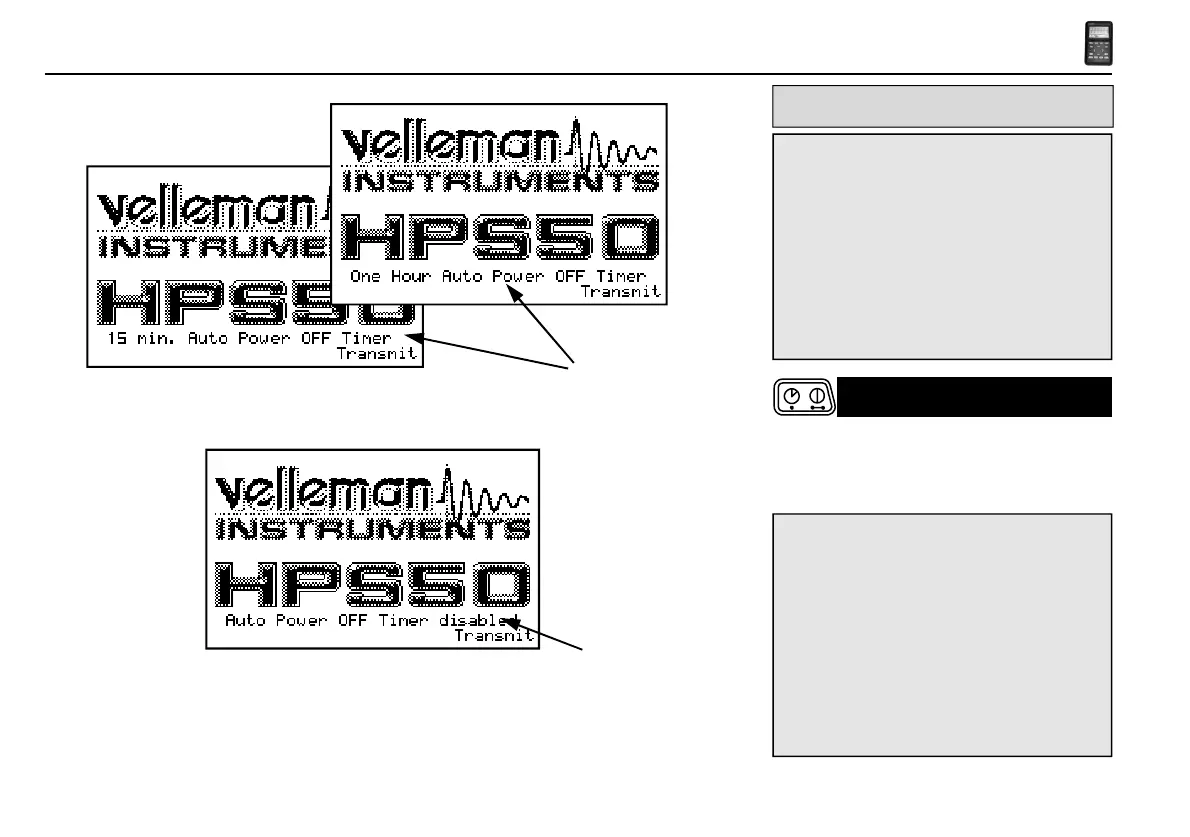
Short press: On (Off) with auto power off timer. (1)
Long press: On without auto power off timer. (2)
NOTE:
• Pressing a key resets the auto power off timer.
• The power-off mode is displayed at the
bottom of the screen during startup.
• The last signal will be saved when the "HOLD"
setting was chosen before powering off the
device.
POWER ON/OFF



 To Next Page
 Loading...