EasyManua.ls Logo

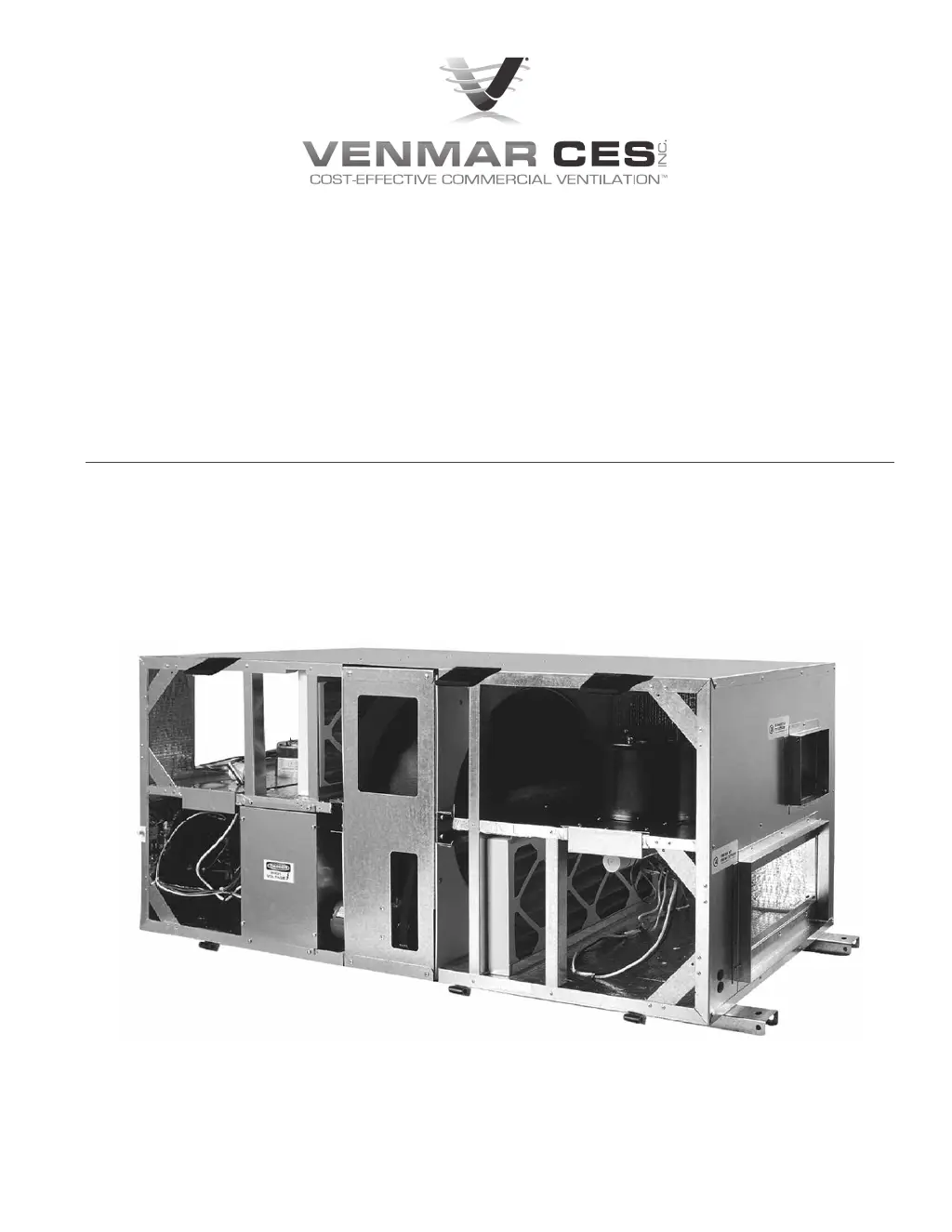
Venmar ERV500e - User Manual

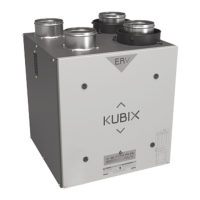
Venmar ERV500e
24 pages
Print Icon
To Next Page IconTo Next Page
Loading...
Installation, Operation and
Maintenance Instructions
ERV500i/e
ERV500i

Questions and Answers

  • J
    Jennifer AlvarezAug 10, 2025
    What to do if my Venmar Fan unit will not turn on or off?
    • E
      Edward HardingAug 10, 2025
      If your Venmar Fan unit isn't turning on or off, there are several things you can check: * First, examine the external wiring to ensure it's properly connected. * Next, check the internal wiring within the control box to confirm all connections are secure. * Also, verify that the Occ./Unocc. control circuit is closed. * Finally, inspect the external terminal strip wiring to see if the high or low speed control contacts are closed.
  • L
    Lisa WilliamsAug 18, 2025
    Why is my Venmar Fan motor and blower not functioning?
    • T
      thomasgeorgeAug 18, 2025
      If the motor and blower in your Venmar Fan aren't working, consider the following potential causes: * An interruption in the electrical supply. Check the unit's circuit breaker and the three-wire service connector on each motor. * A faulty fan motor capacitor. Inspect the capacitor connections and test the motor with a new capacitor. * Fan motor failure. In this case, you should check the fan motor. * A malfunctioning fan motor relay in the control box. Examine the relay wiring and test the relay operation.
  • J
    johnhughesAug 25, 2025
    Why is the air from my Venmar Fan supply diffusers too cold?
    • M
      Matthew HuffAug 26, 2025
      If the air from the supply diffusers of your Venmar Fan is too cold, it could be due to an imbalance of supply and exhaust air. You should check the filters and enthalpy wheel for any blockage. Also, check the balance of airflow and consider installing a post-heat module.
  • B
    Barbara HowellDec 3, 2025
    Why is the enthalpy wheel not running on my Venmar ERV500e Fan?

    Summary

    Safety Considerations

    Installation

    Interior Mount

    Install unit for easy access, showing clearance and port locations.

    Ceiling Mount

    Mount unit level using threaded rod, with isolation if needed.

    Rooftop Mount (ERV500 e ONLY)

    Locate roofcurb on opening, distribute weight, and install flashing.

    Make Duct Connections

    Rigging and Placing Unit (ERV500 e ONLY)

    Install Hoods (ERV500 e ONLY)

    Systems Integration

    Electrical Connections

    Start Up Procedures

    Sequence of Operation

    Check unit operation in all modes after installation.

    Airflow Balancing

    System Service

    Damper Actuator Testing and Replacement

    Test actuator for proper function and replace if defective.

    Motor and Blower Removal

    Cassette Removal

    Cassette Service

    Appendix H

    Wall Control Connection

    Details wiring for standard and Xtra wall controls, including notes.

    Occupied Timer;Sensor Connection

    Explains connection for occupancy control via timer or sensor.

    Appendix H Continued

    Enthalpy Control

    Describes how an enthalpy controller manages free cooling and A/C unit cooling.

    Low Temperature Control

    Details using a low-temperature controller to manage fan operation and damper position.

    CO2 Ventilation Control

    Describes controlling fan speed based on CO2 levels using a CO2 controller.

    Remote Fan Control

    Explains how to control fan speed using dry contacts and jumper settings.

    Wheel Rotation Sensor

    Explains the function and wiring of the wheel rotation sensor for unit shutdown.

    Smoke Detector Installation

    Details connecting a duct mount smoke detector to stop ERV operation during an alarm.

    Appendix I

    Trouble Shooting

    Provides common problems, their causes, and solutions for unit operation.

    Venmar ERV500e Specifications

    General IconGeneral
    Weight35 lb
    Power Consumption27-102 W
    Voltage120V
    Airflow @ 0.4 in. w.g.500 CFM
    Airflow @ 0.2 in. w.g.500 CFM

    Related product manuals