29 | Page
Version 00
© Verder Liquids B.V
Ds500, Ds500+ Operating manual
Original instructions (en)
12.2 Error Codes
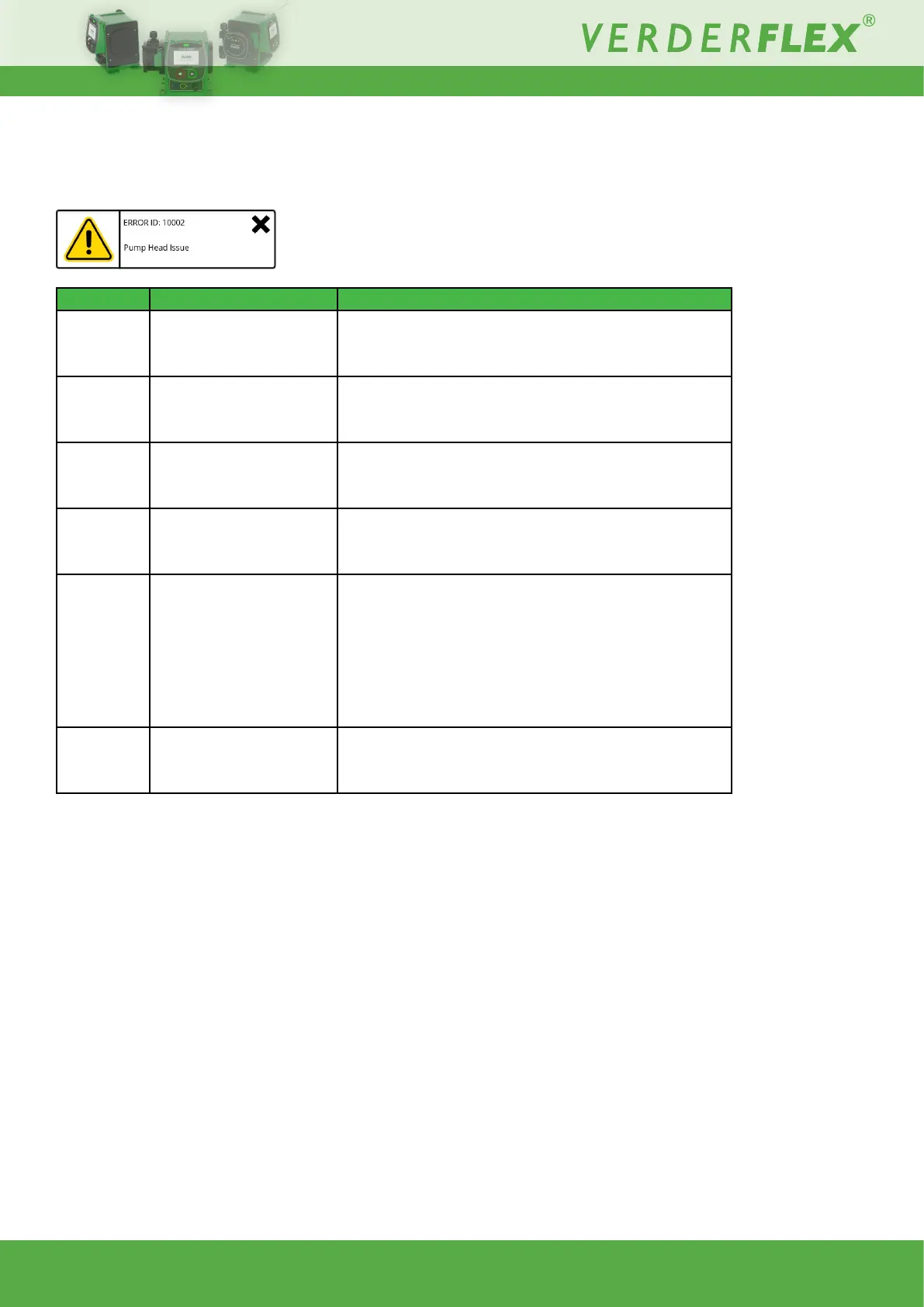
On screen error codes provide useful information in the event of an error:
Error ID Message Solution
10002 PumpHeadIssue
• Makesurecartridgeisproperlyandsecurelyxed.
• Replacethecartridgeifbursthasbeenidentied.
11500 Internal Memory Error • Power cycle the unit
11501 ExternalMemoryError • Power cycle the unit
12008 Motor Failure
• Power cycle the unit - if problem persists, contact Verder
for technical support.
12016 Motor Failure
• Power cycle the unit.
• Remove the cartridge (see 10.3.3 Cartridge information)
andconrmifthepumpresumesnormaloperation.
If yes - install the same cartridge to see if normal operation
resumes.Ifno-tanewcartridgeandre-checkifnormal
operation resumes.
• If unit has been running for a prolonged period, stop the
motor before re-energising it.
12702 Fluid Low
• Checkuidlevelorre-adjustthewarning%-see10.3.4
Fluid level monitor.
Table 17. - Error codes



 To Next Page