Verifone also recommends instructions to the cardholder regarding safe
PIN-entry. This can be done with a combination of:
• Signage on the PED
• Prompts on the display, possibly with a click-through screen
• Literature at the point of sale
• A logo for safe PIN-entry process
Use the following guidelines to protect the user’s privacy when he enters
his Personal Identication Number (PIN):
• The area of visibility should not be larger than a cone taken from the
number 5 key at an angle of 45° and covering an area of 270° directly
in front of the user.
Open the shipping carton and carefully inspect its contents for possible
tampering or shipping damage. The terminal is a secure product.
Tampering causes it to cease to function or to operate in an unsecured
manner.
1.
Remove and inspect the contents of the shipping carton. The
terminal ships in multiple congurations. The carton may include all
or any of the following:
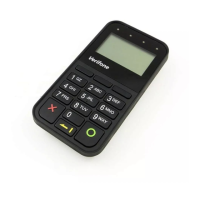
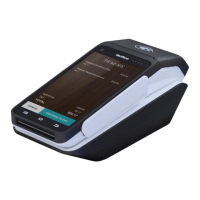
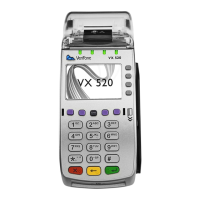
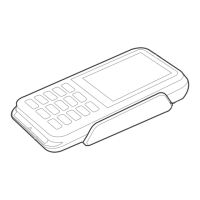
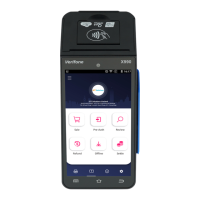
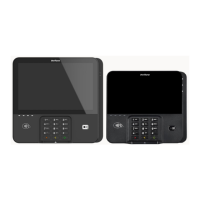
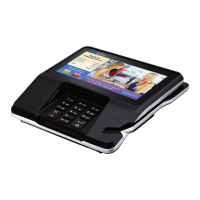
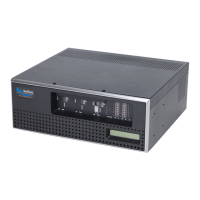
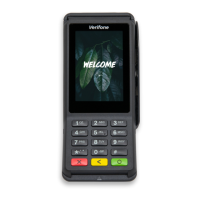
• Device
• Connectivity cable





 To Next Page