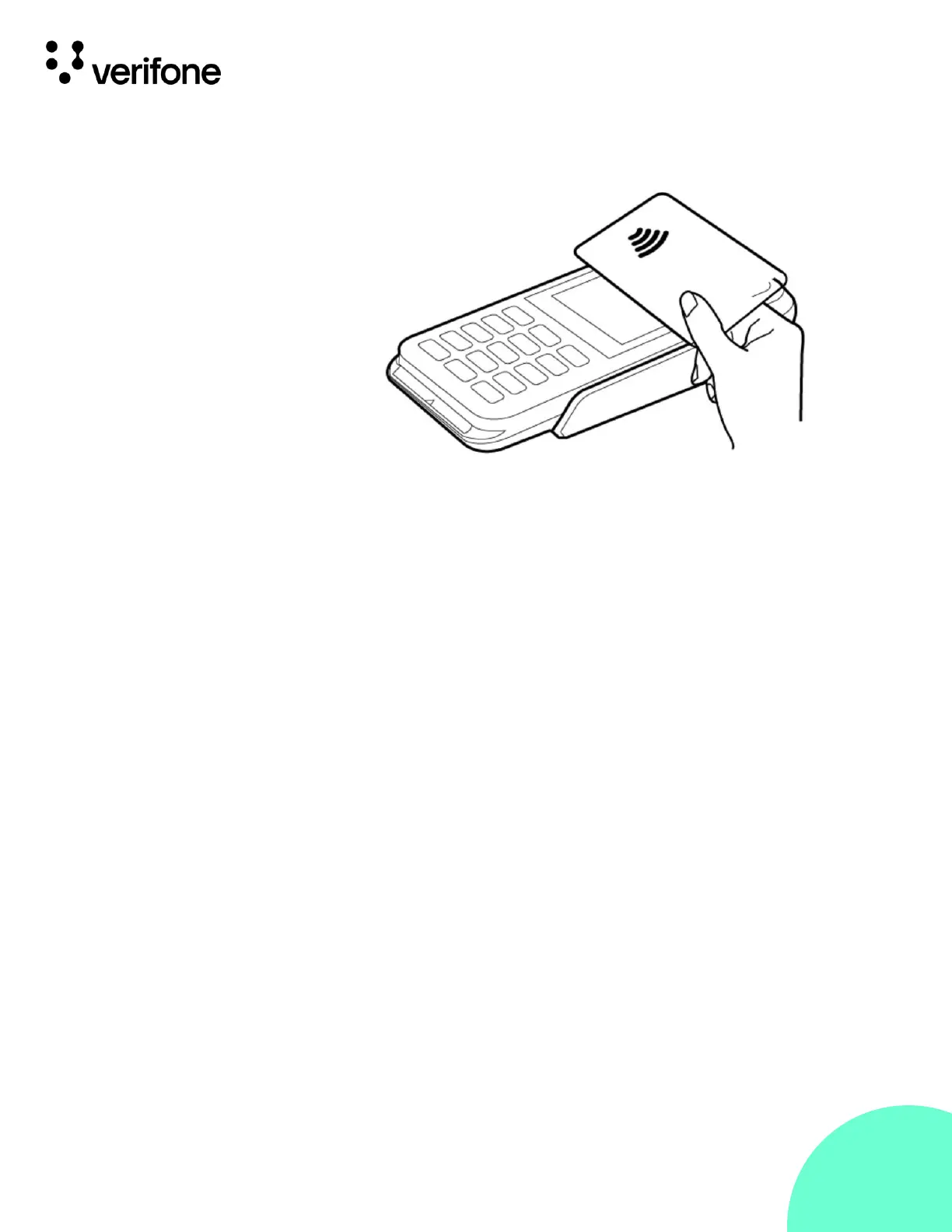
To perform a contactless smart card transaction:
1.
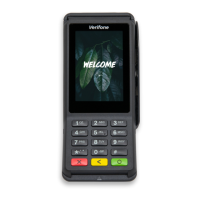
Gently tap the card onto or hold the card (within 4 cm)
against the surface of the display where the contactless logo appears.
2.
An activated LED visual on the display accompanied by a short
beeping sound indicates a successful transaction.
See Contactless Transactions for more information.





 To Next Page