Installation Guide P630
29
© Verifone Inc. All rights reserved.
The smart card transaction procedure can vary depending on the
application. Verify the proper procedure with your application provider
before performing a smart card transaction.
Conducting a Smart
Card Transaction
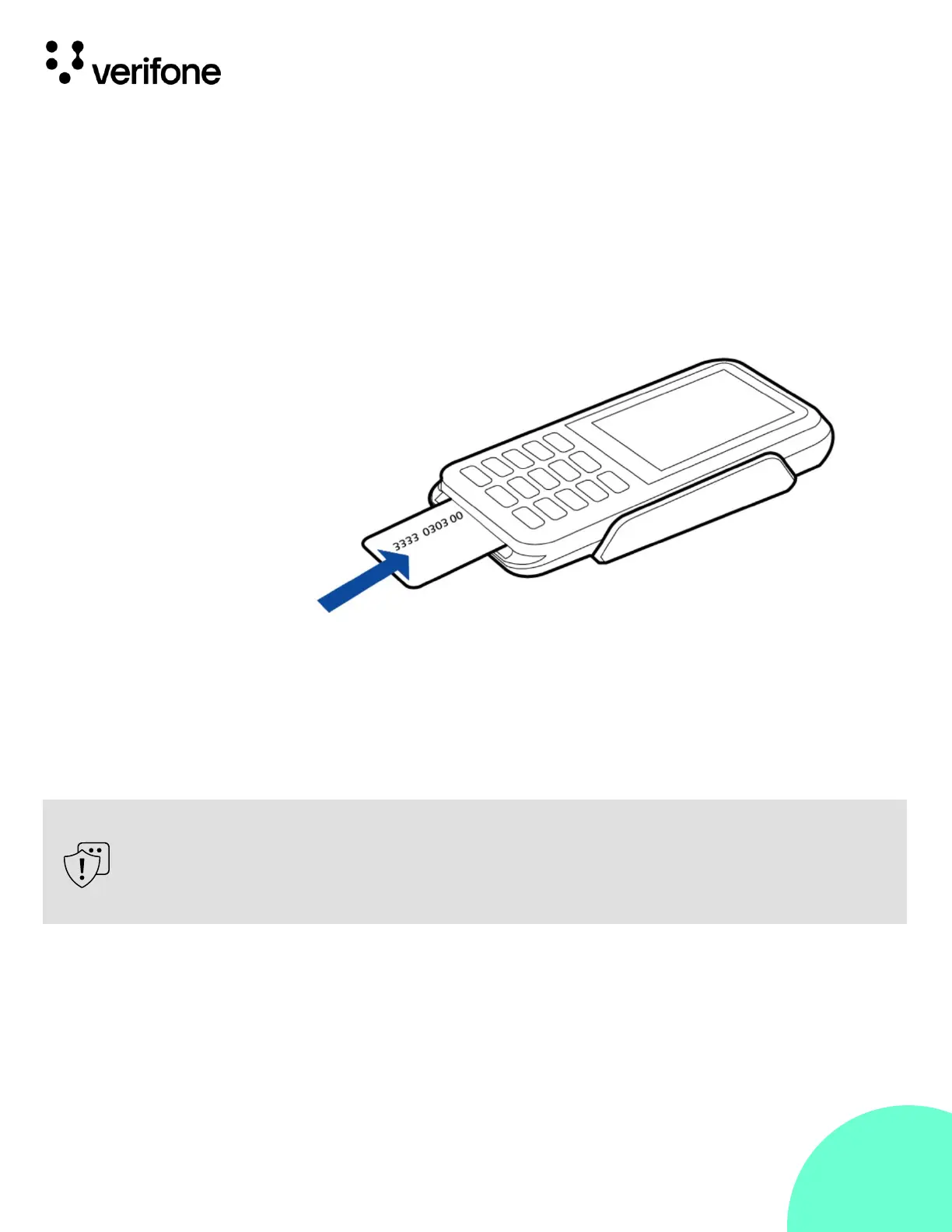
To conduct a smart card transaction:
1.
Position the smart card with the gold contacts facing upward.
2.
Insert the card into the smart card reader slot in a smooth,
continuous motion until it seats rmly.
3.
Remove the card when the display indicates the transaction is
completed.
Figure 9:
Using the Smart
Card Reader
Leave the smart card in the card reader until the transaction is completed.
Premature removal can void the transaction.











 To Next Page