32
Terminal Screen Next Step
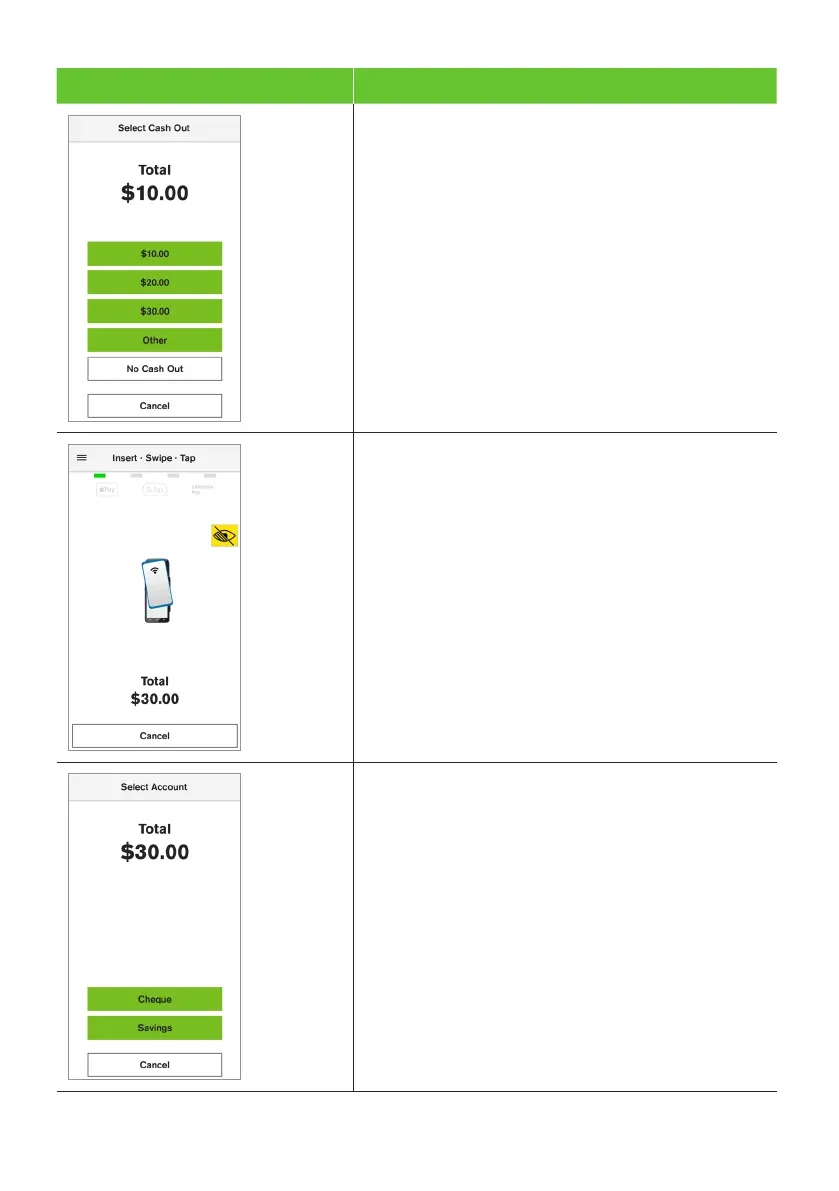
4. Select the Cash Out amount from the pre-set
options displayed on the screen or select Other
to enter a different amount.
5. The terminal will prompt the cardholder
to tap, insert, or swipe their card or
payment-enabled device (e.g, phone, smart watch,
or wearable device).
Note: The position of the card reader for tap
transactions is above the paper compartment door.
6. If the cardholder has chosen to insert or swipe
their card, the terminal will prompt them to
select the account type or application they want
to use (Cheque or Savings options only).
Important: The terminal will only display the available
application or accounts for their card.


 To Next Page
 Loading...











