53
Terminal Screen Next Step
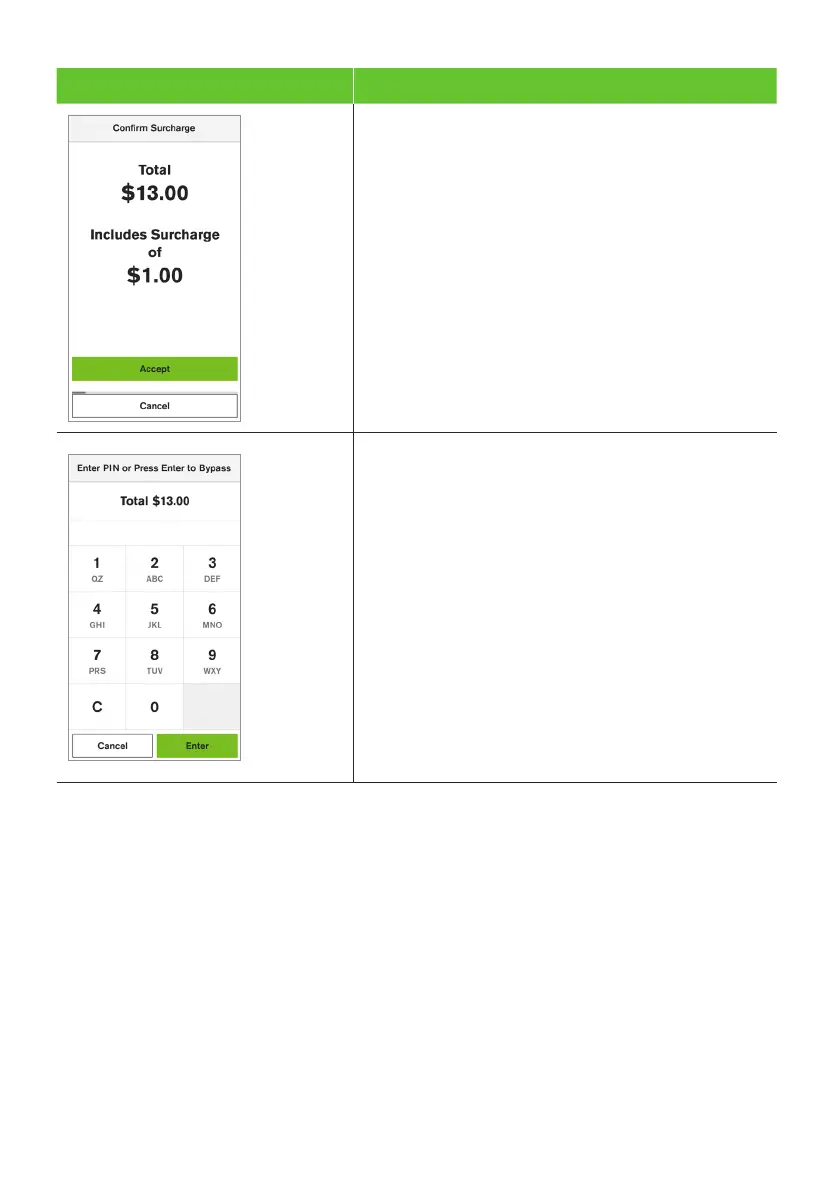
8. The Confirm Surcharge screen will be displayed.
The cardholder will be required to confirm the
surcharge amount.
9. The cardholder will be required to enter their
Personal Identification Number (PIN).
Important: If the cardholder doesn’t wish to enter a
PIN, you can skip (Bypass) this step for certain card
types by leaving the PIN blank and pressing Enter.
The cardholder will need to provide a signature to
authorise the transaction. They’ll need to sign directly
on the screen using their finger and will be prompted
to return the terminal to you for verification.
You’ll be prompted to approve or decline the signature.
If the signature matches the one on the back of the
card, select Yes, Approve or select No to cancel
the transaction.
Note: If the cardholder requires to re-enter their
signature, select Clear.


 To Next Page
 Loading...











