9. Use the UP or DOWN arrows to select one of five options:
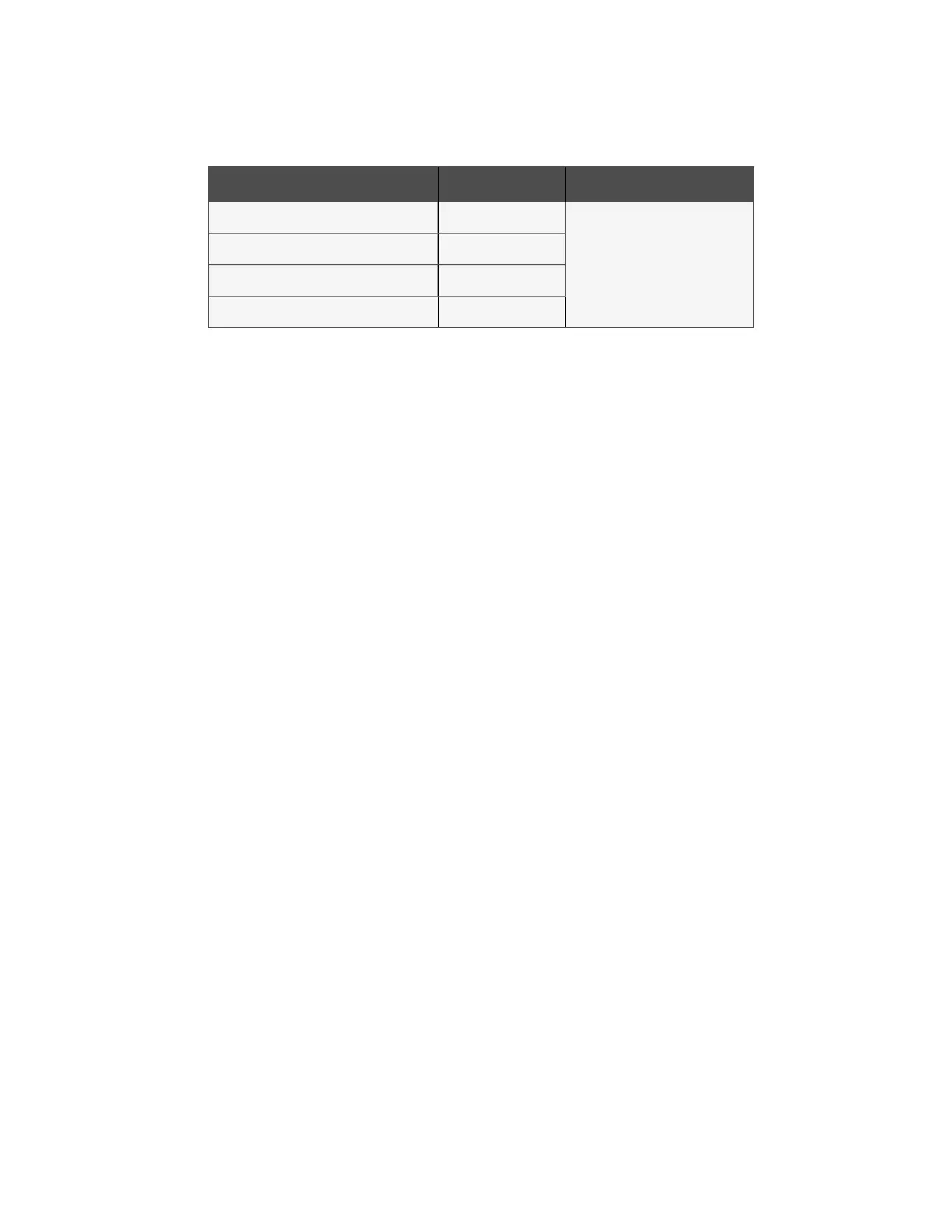
Configuration Code Fan # Value
C03 Fan 1
0 = No Fan
1 = EBM Papst
2 = Ziehl-Abegg
4 = Rosenberg
6 = Multi-wing
C04 Fan 2
C05 Fan 3
C06 Fan 4
Table 11.4 Configuration Code Values
10. Press the ENT button.
11. If the new value is entered into the control board, the display flashes "888."
12. Press the ESC button for C03 to be shown on the display.
13. Repeat steps 4 through 11 for C04, C05, and C06 setting them to 0, No Fan.
14. Unplug the power connector to the Condenser controller board (P24).
15. Reconnect only the fan to be addressed, to P23 (on the control board), Fan 1's connection. Make sure to only plug
in one fan at a time during this process or you may corrupt the settings in the other fans. Plugs listed below:
• P23 = Fan 1
• P27 = Fan 2
• P28 = Fan 3
• P29 = Fan 4
16. Wait 30 seconds (60 seconds when using Multi-wing).
17. Power the condenser board back up and wait for the F00 to be displayed.
18. Use the UP or DOWN arrows to select one of the following parameters.
The correct parameter depends on the supplier of the fan that will be addressed.
• C00—EBM Papst fan
• C01—Ziehl-Abegg fan
• C29 - Rosenberg fan
• C30 = Multi-wing
19. Press the ENT button.
20. Use the UP or DOWN arrows to the correct fan address number. Fan 1 should be 1 (fan closest to electric panel
end). Fan 2 should be 2, etc.
21. Press the ENT button. The display flashes 888 when the command is accepted.
22. Press the ESC button for the parameter to be shown on the display.
23. Repeat steps 7 through 22 for the rest of the fans that need to be addressed such that only the fan to be
addressed is connected and it is plugged into the fan 1 output P23.
24. Once addressing is complete, unplug all fans so they can be connected to the correct output after configuration
(Step 28 ).
25. Use the C3-C6 commands as shown in Step 9 so all installed fans are set to the correct matching brand.
26. Unplug the power plug, P24, from the control board.
27. Wait 30 seconds.
60 Proprietary and Confidential ©2024 Vertiv Group Corp. 11 Maintenance
Vertiv™ Liebert® MCV Installer/User Guide



 To Next Page