AHD DVR User Manual
10
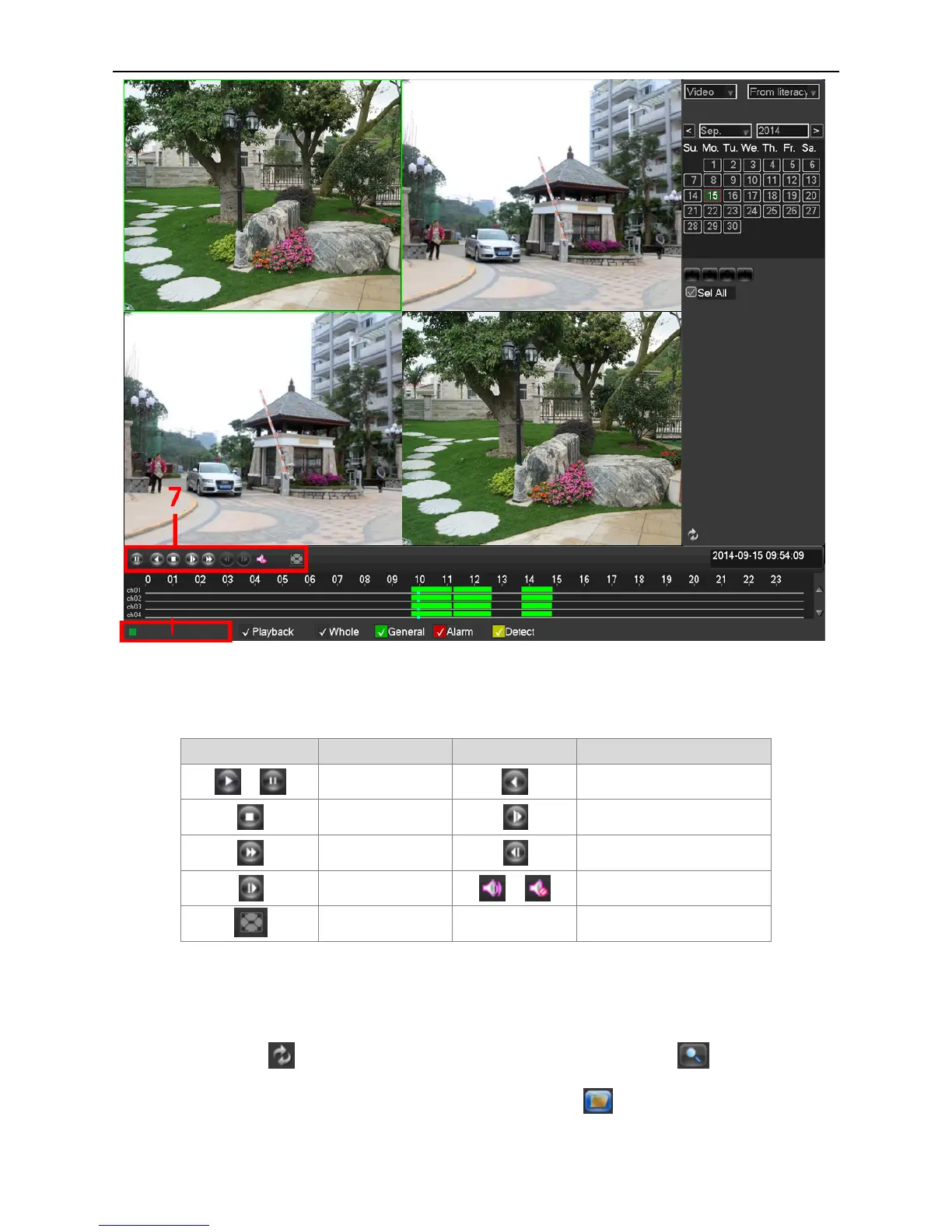
Picture 3.4
7. Playback Control Keys
8. Operation hint: Display the function of the cursors place.
Button Function Button Function
/
Play/Pause
Backward
Stop
Slow play
Fast play
Previous frame
Next frame
/
Open Sound / Mute
Full screen
Table 3.2 Playback control key list
Note: Frame by frame playback is only performed in the pause playback state.
Click Page Switch button , select the file’s start time, type and channel, click Search button to show the eligible
file information in the video file list, then select the files and click Backup button to pop up the Back-up window.
Select a backup device and the files, click “Start” button to back up the selected files.
8



 To Next Page