AHD DVR User Manual
20
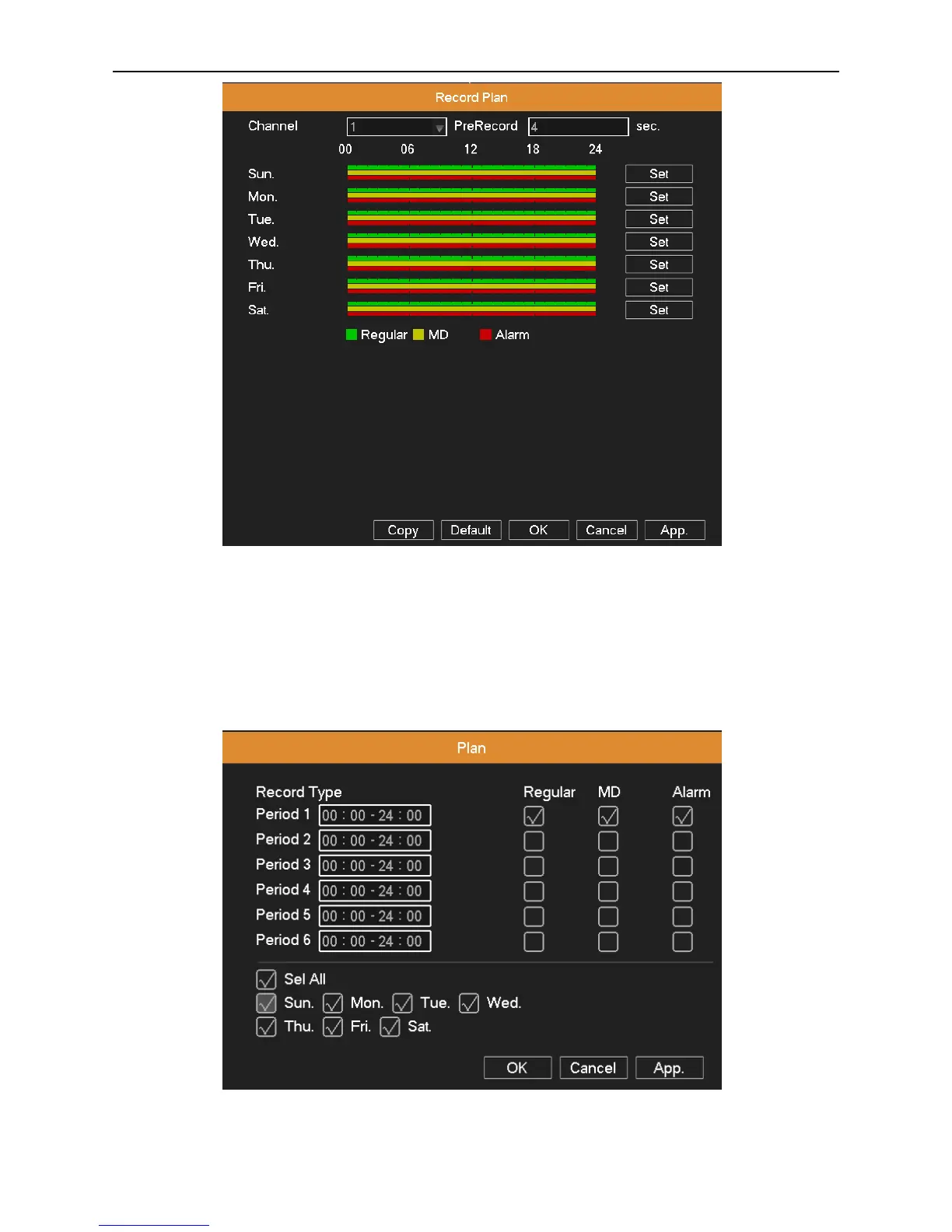
Picture 4.5 Recording Plan
Channel: Choose the corresponding channel number to set the recording plan.
Pre Record: Record 1-5 seconds before the action. (Time length is decided by the code stream)
Set: Click Set button to pop up the Plan window, select one day or all days of recording plan, set recording type and period,
then click OK, the recording will start only in the set range.
Picture 4.6 Plan



 To Next Page