80
Calling up the service menu
Tap the following buttons:
1. " "
2. "Service"
3. Enter password "viservice".
4. Use to confirm.
5. Select the required menu section.
Note
Not all menu areas will be available, depending on
the system equipment level.
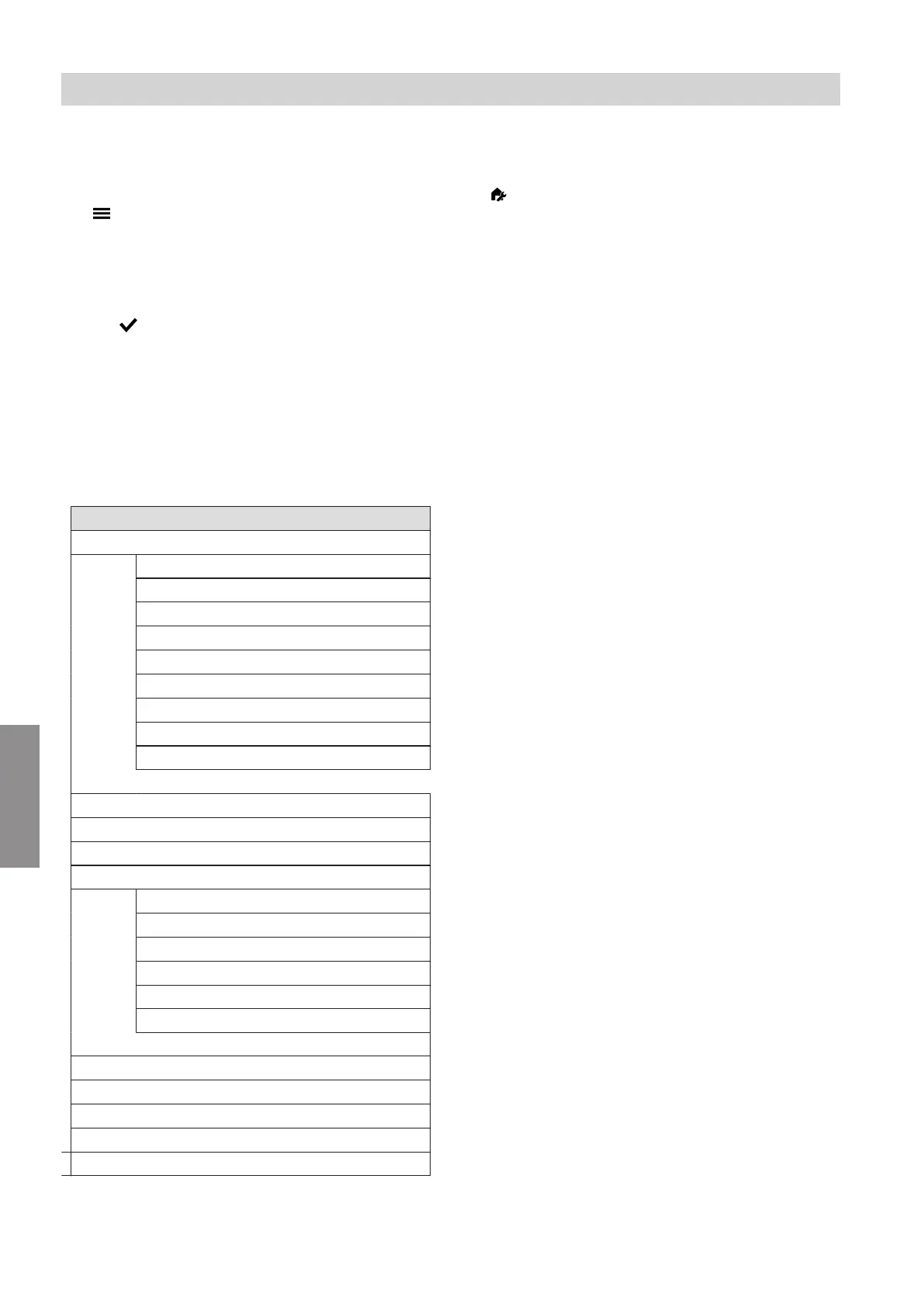
Service menu overview
Service
Diagnosis
General
Burner
Heating circuit 1
Heating circuit 2
Heating circuit 3
Heating circuit 4
*1
DHW
Solar energy
RF module
Actuator test
System configuration
Message history
Service functions
System pressure setting
Reset service
Filling
Air vent valve
System log
WLAN Information
Energy statement reset
Change passwords
Commissioning
Appliances detected
Exit service
Access point ON/OFF
Note
Tap to return to "Service, main menu"
*1
(only Vitodens 3xx and Vitodens 200-W, type B2HF with 7 inch touchscreen)
Diagnosis and service checks
Service menu
5593201
Diagnosis





 To Next Page