Step Figure Description
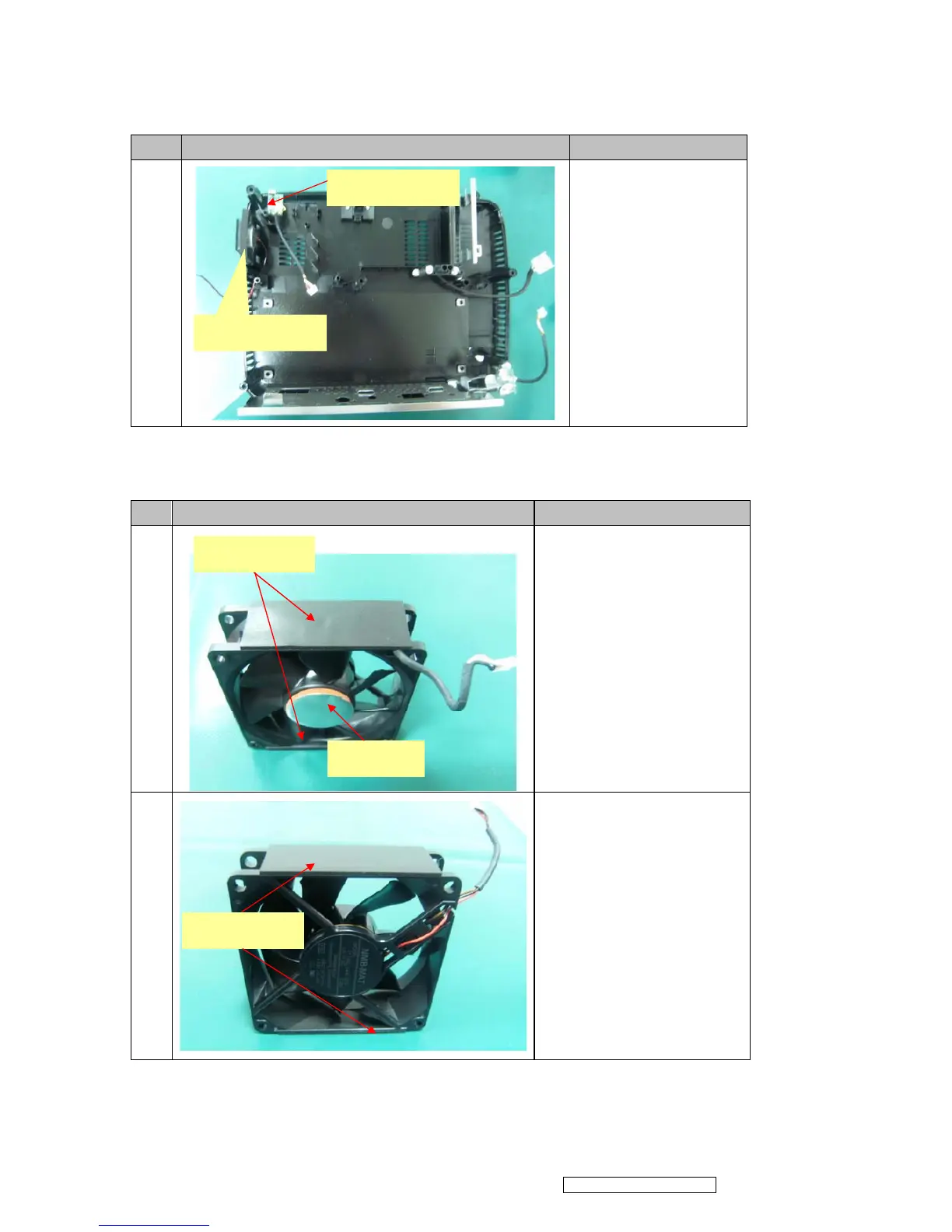
18
1. Remove Speaker Module.
2. Loosen the screws and
remove front and back IR.
3.3 Assembly FAN Module
Step Figure Description
1
Assemble FAN2(J2394-0101-01):
1. Paste the FAN PAD
(P4E38-1070-00) on the middle of
it.
2. Paste the FAN Sponge*2
(P4R38-1530-00) on the top and
bottom of it as picture shown.
2
Assemble FAN1(J2394-0101-00):
Paste the FAN Sponge*2
(P4R38-1530-00) on the two edges
of it as picture shown.
Speaker Module
J1635-3720-00*1
FAN Sponge*2
FAN PAD
FAN Sponge*2
Confidential - Do Not Copy
ViewSonic Corporation
PJD6531w



 To Next Page