© 2009 Viking Preferred Service
16
Diagnostics
Program Modes
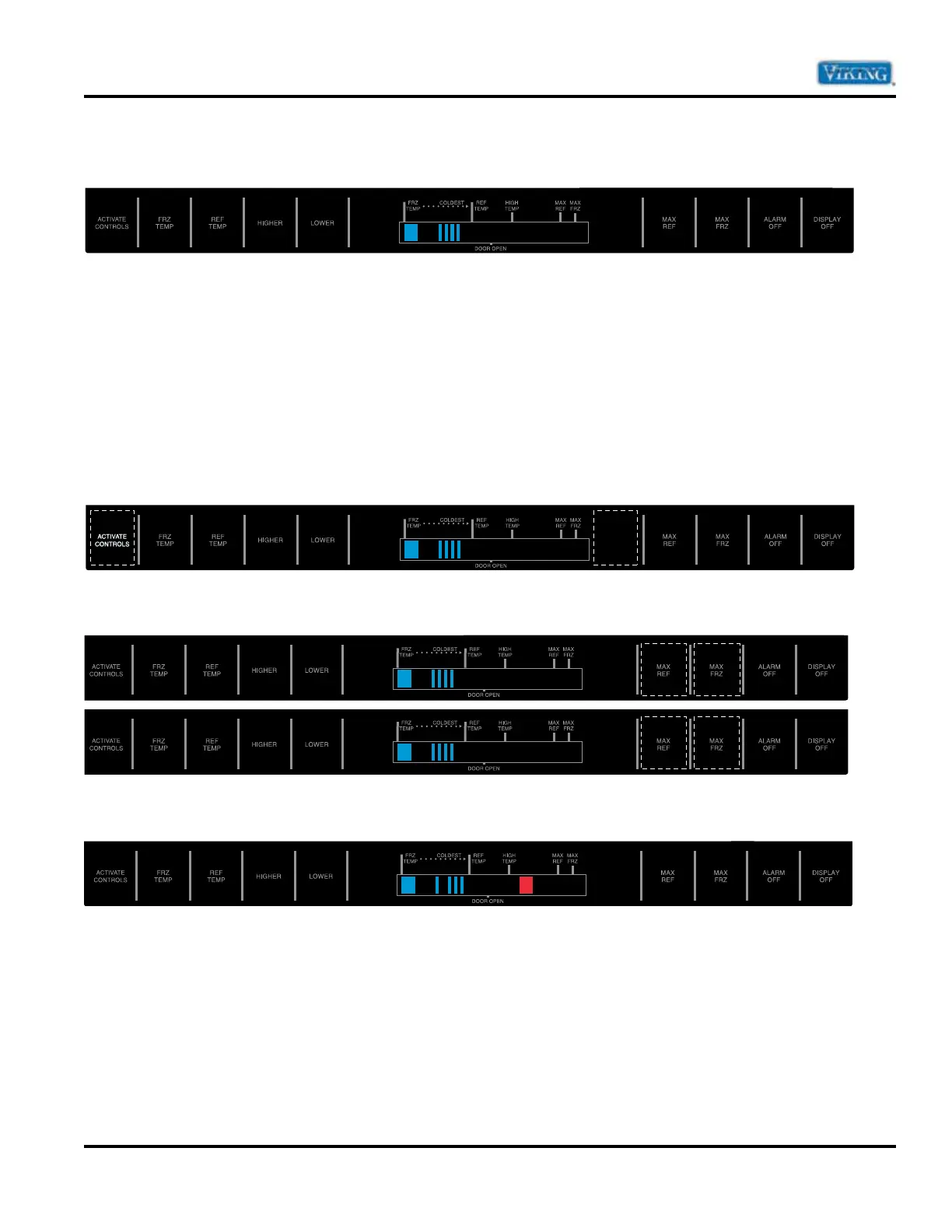
Bottom Mount Control Panel
Two programming modes are available for the bottom mount unit. Mode A allows the reading of both the
Freezer and Fresh Food Thermistor. It is also used to program the following:
Ê UÊivÀÃÌÊÕÀ>ÌÊ7iÊÃiÌÊÌÊÛiÌ>ÊivÀÃÌÊÊ`iÊ®Ê
Ê UÊ6Êëii`Êëii`ÊÊÜVÊV«ÀiÃÃÀÊÜÊ«iÀ>Ìi®
Ê UÊÊÀiiâiÀÊ>`ÊÀiÃÊ`ÊÕÌÉÕÌ"ÕÌÊvviÀiÌ>Ê/i«iÀ>ÌÕÀiÊvviÀiViÊLiÌÜiiÊVÞViʺ"»Ê>`Ê
cycle “ON” temperatures). Mode B is used for all other programmable functions. To access the program
modes follow the steps below.
1. Open the refrigerator door.
2.
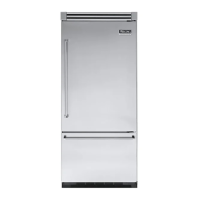
Press “ACTIVATE CONTROLS” pad (far left pad). Then press “HIDDEN BUTTON” pad (located between
display window and Max Ref pad).
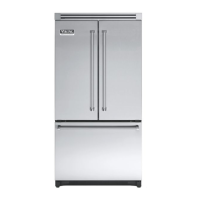
3. Within 6 seconds of pressing the Hidden Button pad, press the “MAX REF” pad, then press the
“MAX FRZ” pad, the “MAX REF” pad, then the “MAX FRZ”.
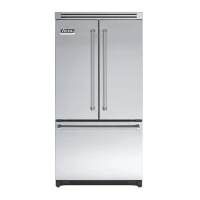
4. An audible tone will sound three times confirming the unit is in Program Mode A and the orange LED to
the right of the HIGH TEMP indicator will illuminate.
1 2
21
34


 To Next Page