© 2009 Viking Preferred Service
21
Diagnostics
Mode B Functions
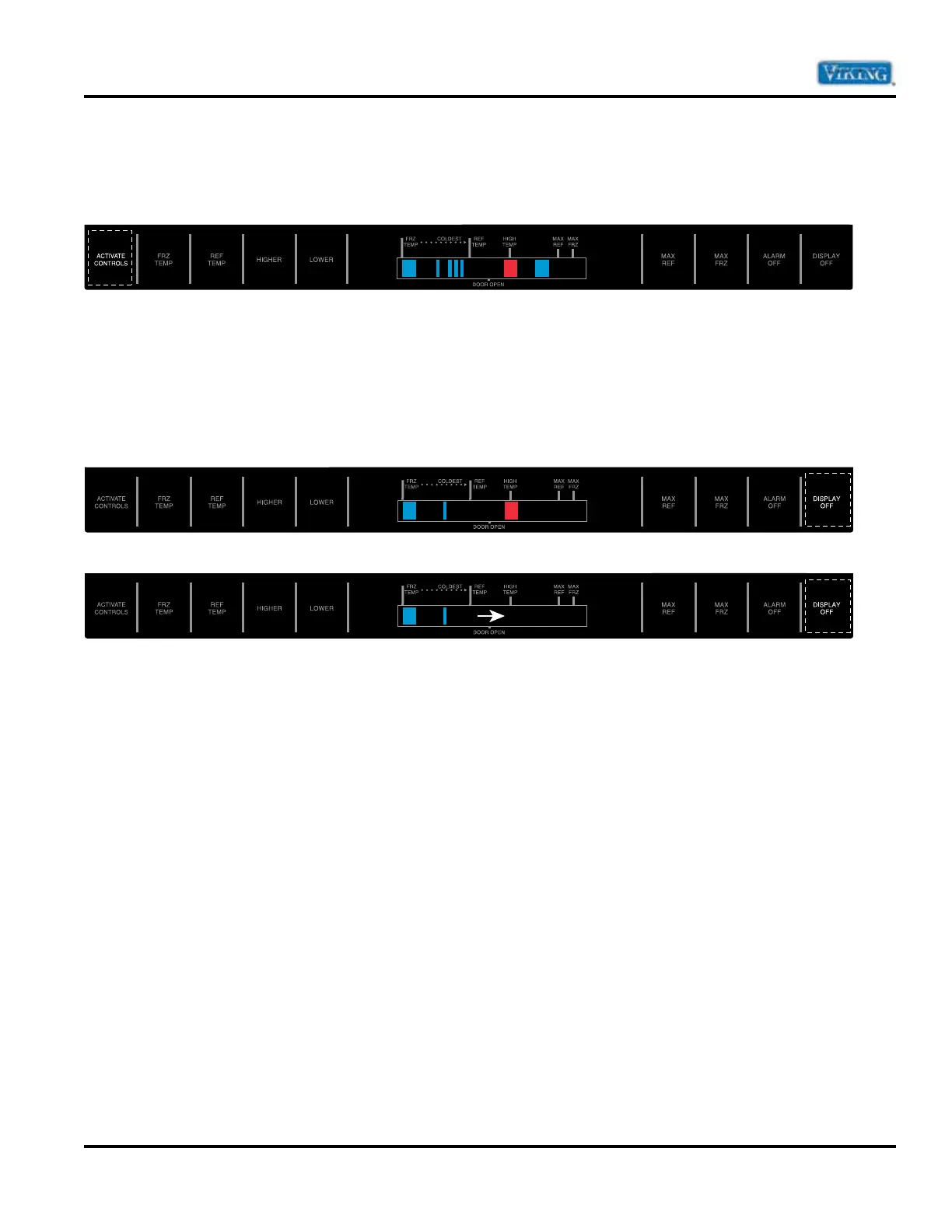
Once in Program Mode A (see Program Mode on page 16), press “ACTIVATE CONTROLS” pad to enter
Program Mode B. The orange LED to the right of the HIGH TEMP indicator will turn off and the High Temp
light will turn on. This indicates the controller is in Service Mode B.
Once in Program Mode B, the following programmable functions can be achieved:
Automatic Keyboard Functions
Pressing “DISPLAY OFF” pad toggles between active and inactive keyboard. If high temperature indicator
glows, all pads (keys) except “ALARM OFF” and “ACTIVATE CONTROLS” will be disabled after 10 minutes.
If high temperature indicator is off, all pads (keys) on the keyboard are always enabled. DO NOT LEAVE
KEYBOARD IN ENABLED MODE AFTER PROGRAMMING IS COMPLETE.


 To Next Page