© 2009 Viking Preferred Service
26
Diagnostics
Mode B Functions (continued)
Defrost Mode Selection
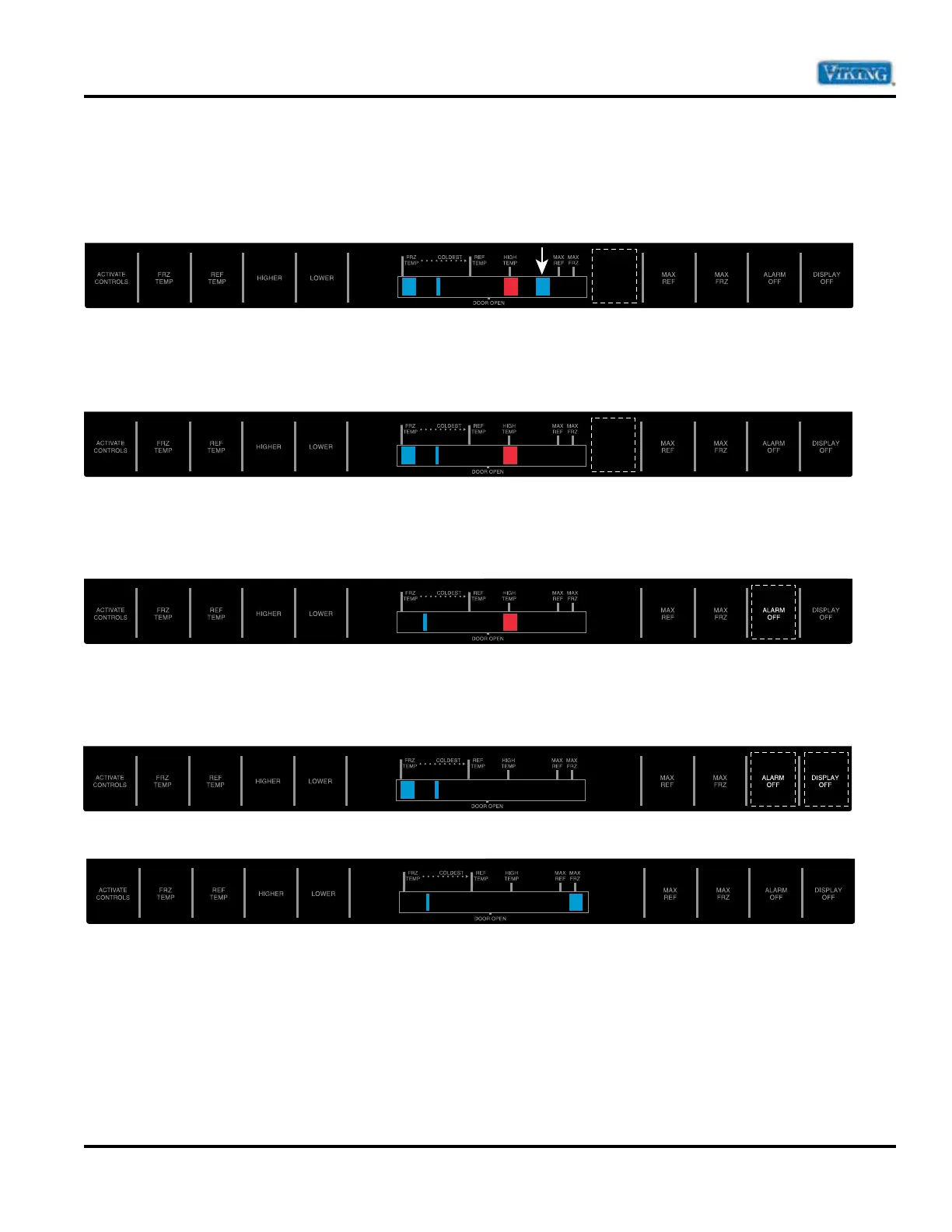
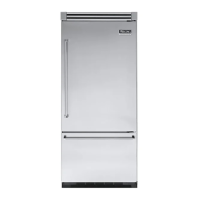
Toggle between adaptive and convectional defrost mode by pressing “HIDDEN BUTTON” pad. If the
BLUE LED to the Left of the MAX REF Indicator is “ON”, then the Adaptive Defrost is activated
(Factory Default Setting).
If the BLUE LED to the Left of the MAX REF Indicator is “OFF”, convectional defrost is selected. Conventional
Defrost time is adjusted in SERVICE MODE A. Refer to page 18 for settings. The factory default is 8 hours
(4th Bar).
Forced Defrost
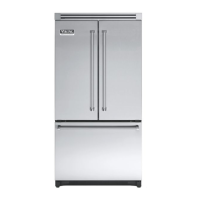
Defrost can be forced to start by pressing and holding the “ALARM OFF” pad for 3 seconds. Program will be
saved permanently in EEPROM and program mode will exit to Run Mode.
Forced Compressor Start
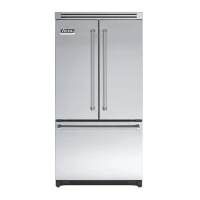
Compressor start can be forced by pressing and holding “MAX FRZ ” pad for three seconds. Program
changes will be saved permanently in EEPROM. Compressor, evaporator fan, and condenser fan will come on.


 To Next Page