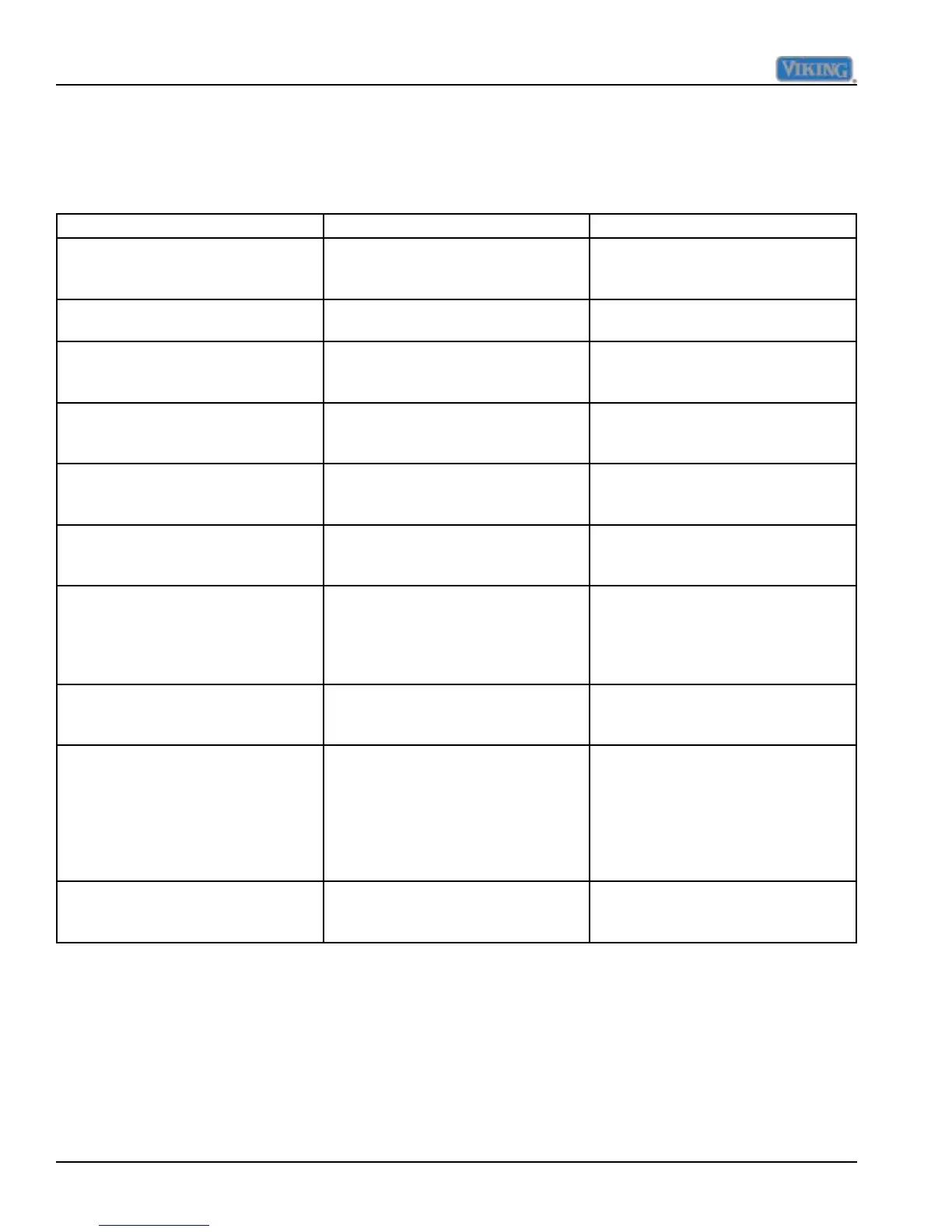
Operation Description How to Access Function
Keyboard Entry Tone Indicates a pad was pressed, com-
mand was read, and accepted
To turn off entry tone, press and hold
“ACTIVATE CONTROLS” pad for 3
to 5 seconds
Command Accepted Tone Three short tones sound indicating a
command has been accepted
"ACTIVATE CONTROLS" Pad If the pad is activated, the display
panel remains active at least 10
minutes after the door is closed
Press the “ACTIVATE CONTROLS”
pad
"FRZ TEMP" Pad "FREEZER" will light up and buff-
ered freezer temperature will be
displayed. Factory setting is 0
o
F
Press “HIGHER” or “LOWER” pad
"HIGHER" Pad Raises temperature settings one
degree at a time
Press “HIGHER” pad. To raise
temperature at a faster rate, hold the
pad down
"LOWER" Pad Lowers temperature settings one
degree at a time
Press “LOWER” pad. To lower
temperature at a faster rate hold, the
pad down
"FAST COOL" Pad "FAST COOL" will light up enabling
the fast cool function which changes
the freezer set point to max frz and
the ref set point to max ref for a fac-
tory default of 2 hours.
Press "FAST COOL" pad. A second
press will disengage feature.
"MAX RFZ" Pad Sets freezer temperature to coldest
setting (-5
o
F). Factory setting is 6
hours
Press “MAX FRZ” Pad to engage. A
second press will disengage feature
"ALARM OFF" Pad Deactivates (partially or fully), audio/
visual alarm signals
Press “ALARM OFF” to terminate
audible alarm, visual alarm indica-
tors will continue to blink until alarm
condition is cleared or permanently
disabled. To reactivate press and
hold “ALARM OFF” pad for 3 sec-
onds.
"DISPLAY OFF" Pad Deactivates control panel except for
"ACTIVATE CONTROLS" and "DIS-
PLAY OFF" pads
Press “DISPLAY OFF” pad to de-
activate display. Press “ACTIVATE
CONTROLS” pad to reactivate
Operation
10 ©2012 Viking Preferred Service
Display Panel Operation
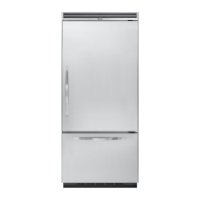
The unit being serviced has a control panel that allows operation of the unit as well as diagnostic abilities.
See the information below for details.



 To Next Page