ALARM
OFF
HIGHER
LOWER
DISPLAY
OFF
HIGHER
LOWER
ALARM
OFF
HIGHER
FRZ
TEMP
HIGHER
Freezer Cut-In
Model Value
5301 7
5361 6
Service Procedures
30 ©2012 Viking Preferred Service
This value should be set at 75HZ for this
model refrigerator, see Table 1, Page 39.
To exit the low speed adjustment press and
release "ACTIVATE CONTROLS" one time
which will result in "PrA" being displayed. You
are now back in Mode A.
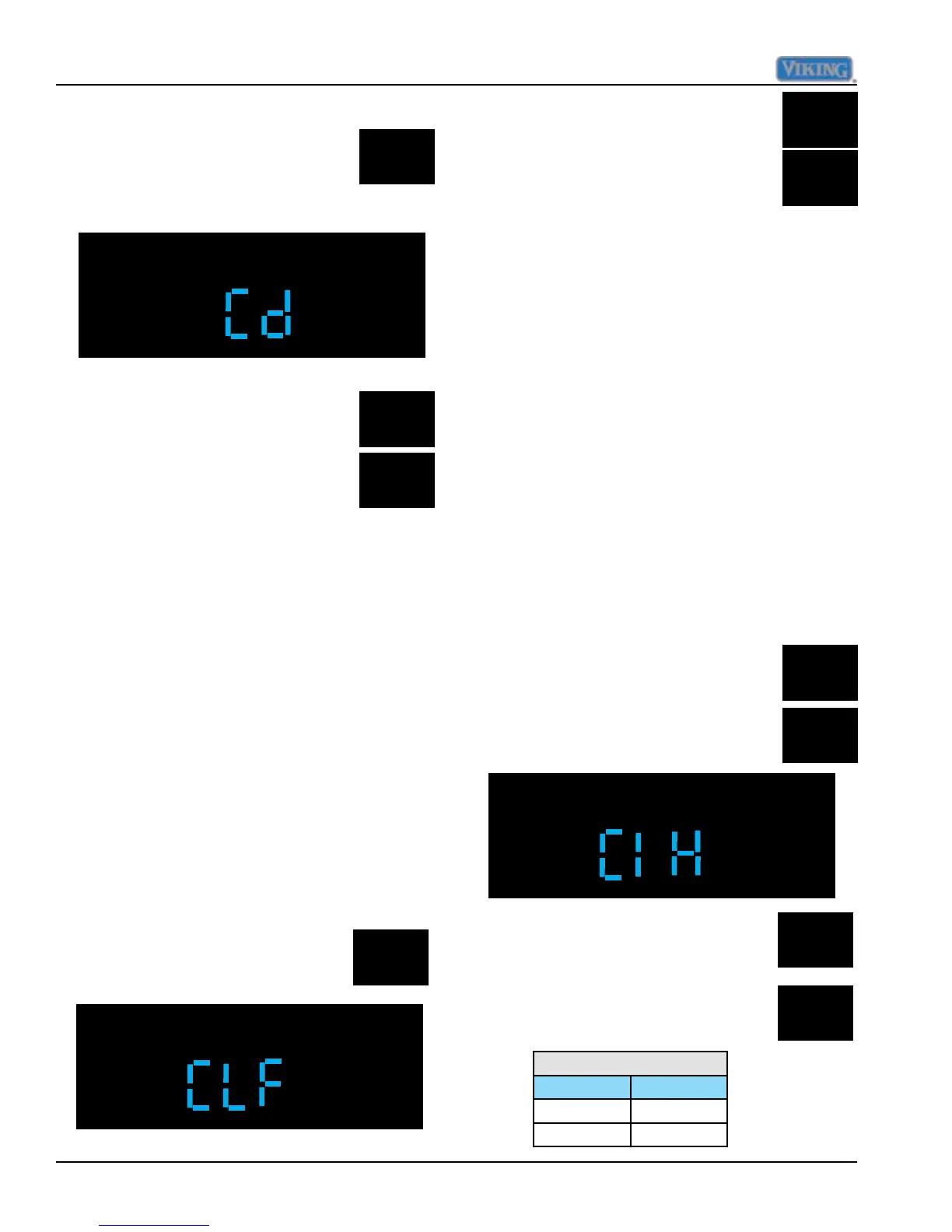
Press and hold the "ALARM OFF"
pad for three seconds until you
hear 3 audible beeps and the
display changes to "Cd".
Pressing the "HIGHER or LOWER"
pads will result in number of hours
being displayed and can be
adjusted in one hour increments
from 4 hours to 24 hours CRTD
interval.
To exit this time period adjustment press and
release "ACTIVATE CONTROLS" one time
which will result in "PrA" being displayed. You
are now back in Mode A.
Compressor low speed frequency
Compressor low speed frequency is set to a
predetermined value based upon model of
refrigerator. This value can be set in Mode
A as a separate adjustment or can be set
automatically in Mode C when selecting
model code, where several control values are
set by eeprom Table 1, Page 39, lists eeprom
values set by model code.
To enter low speed frequency adjustment
in Mode A, press and release
"DISPLAY OFF" once, this will
result in the display "CLF".
While still in Mode A press and hold
"ALARM OFF" and then "HIGHER"
pad for three seconds, the display
will change to "CIH"..
Pressing and releasing "HIGHER or
LOWER" pads will bring the numeric
display up, pressing and releasing
changes in increments of 1 HZ,
holding the key down changes in
increments of 5 HZ.
Adjust Cut-In Hysteresis
Cut-In hysteresis for the refrigerator and
freezer are set to predetermined values,
based upon model of refrigerator. This
value can be set in Mode A as a separate
adjustment or can be set automatically in
Mode C when selecting model code, where
several control values are set by eeprom.
Table 1, on page 39 lists eeprom values set
by model code.
Press and release "FRZ TEMP",
this will result in "FREEZER"
illuminating on display.
The freezer section should be set to
appropriate value in table below.



 To Next Page