FAST
COOL
LOWER
HIGHER
ALARM
OFF
LOWER
HIGHER
Service Procedures
©2012 Viking Preferred Service 33
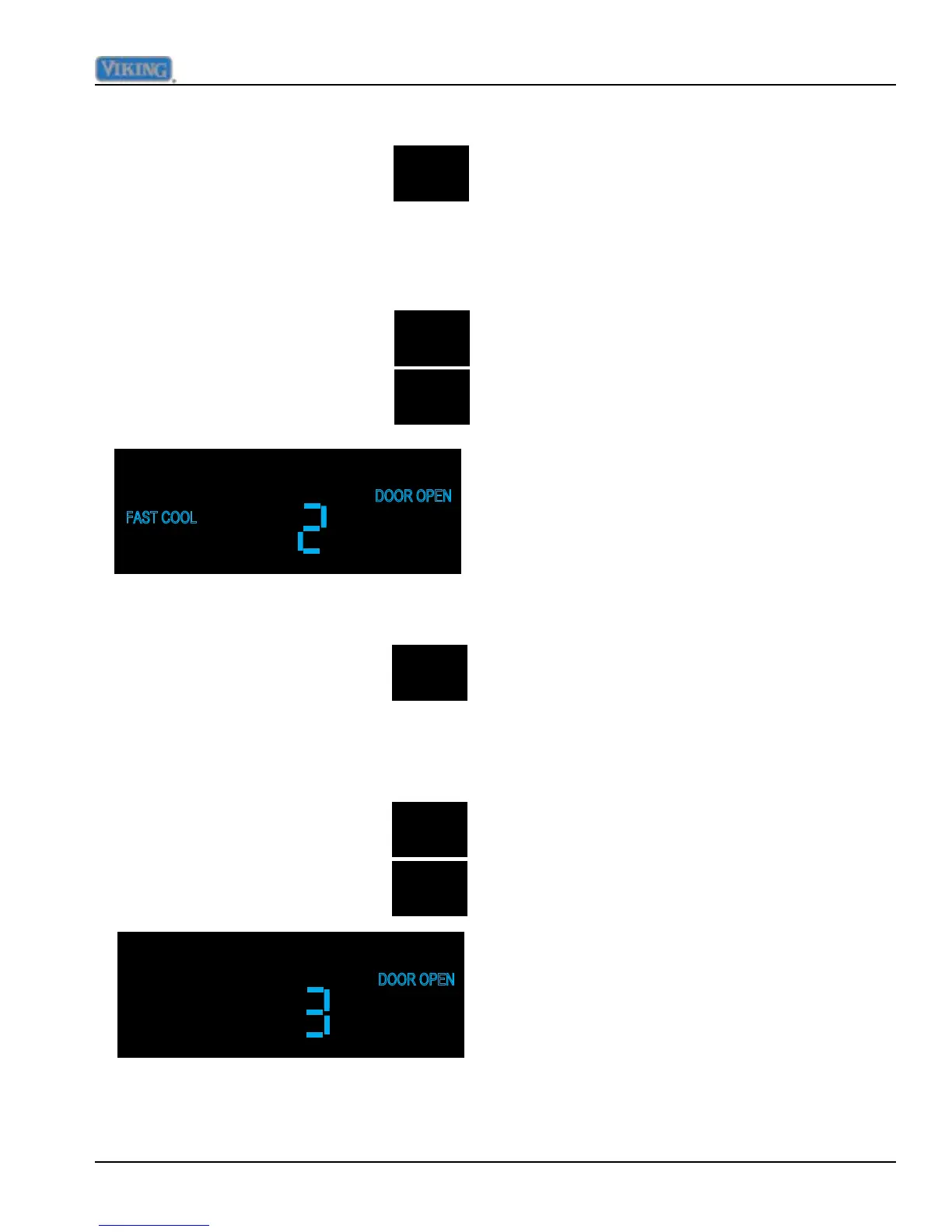
While in Mode B, press and
release "FAST COOL" one time,
this will result in "FAST COOL"
illuminating on the display along
with the current numeric value in hours that
FAST COOL is set at. Factory default for this
adjustment is 2 hours. Range is 1 to 20 hours
in 1 hour increments.
The duration is adjusted using the
"HIGHER and LOWER" pads.
Adjust FAST COOL duration
Adjust Door Open Alarm delay
Adjust Compressor Dwell Time
This adjustment is not a eld adjustment and
should not be performed by technicians. This
is a factory only adjustment.
If you see "Cdt" in the display, immediately
exit Mode B by holding "ACTIVATE
CONTROLS" for three seconds until you get
three audible beeps. Return to your previous
actions.
Adjust Compressor High Frequency
This adjustment is not a eld adjustment and
should not be performed by technicians. This
is a factory only adjustment.
If you see "CHF" in the display, immediately
exit Mode B by holding "ACTIVATE
CONTROLS" for three seconds until you get
three audible beeps. Return to your previous
actions.
Adjust DC Fan Cycling On Time
This adjustment is not a eld adjustment and
should not be performed by technicians. This
is a factory only adjustment.
If you see "dCo" in the display, immediately
exit Mode B by holding "ACTIVATE
CONTROLS" for three seconds until you get
three audible beeps. Return to your previous
actions.
While in Mode B, press and
release "ALARM OFF" one time,
this will result in "DOOR OPEN"
illuminating on the display along
with the current numeric value in minutes that
the delay is set at. Factory default for this
adjustment is 3 minutes. Range is 1 to 20
minutes in 1 minute increments.
The duration is adjusted using the
"HIGHER and LOWER" pads.



 To Next Page