Service Procedures
34 ©2012 Viking Preferred Service
While in Mode C, press and
release, either "FRZ TEMP or
REF TEMP" to display the current
model type setting, a three digit
number in the display.
Pressing and releasing either
"HIGHER or LOWER" pads will
allow you to change model types
until you get to the proper three
digit number for your unit, see
Table 1 on Page 39. Set the
correct model code from table
below.
If you are not already in Mode B, go back to
Mode B instructions on Page 32.
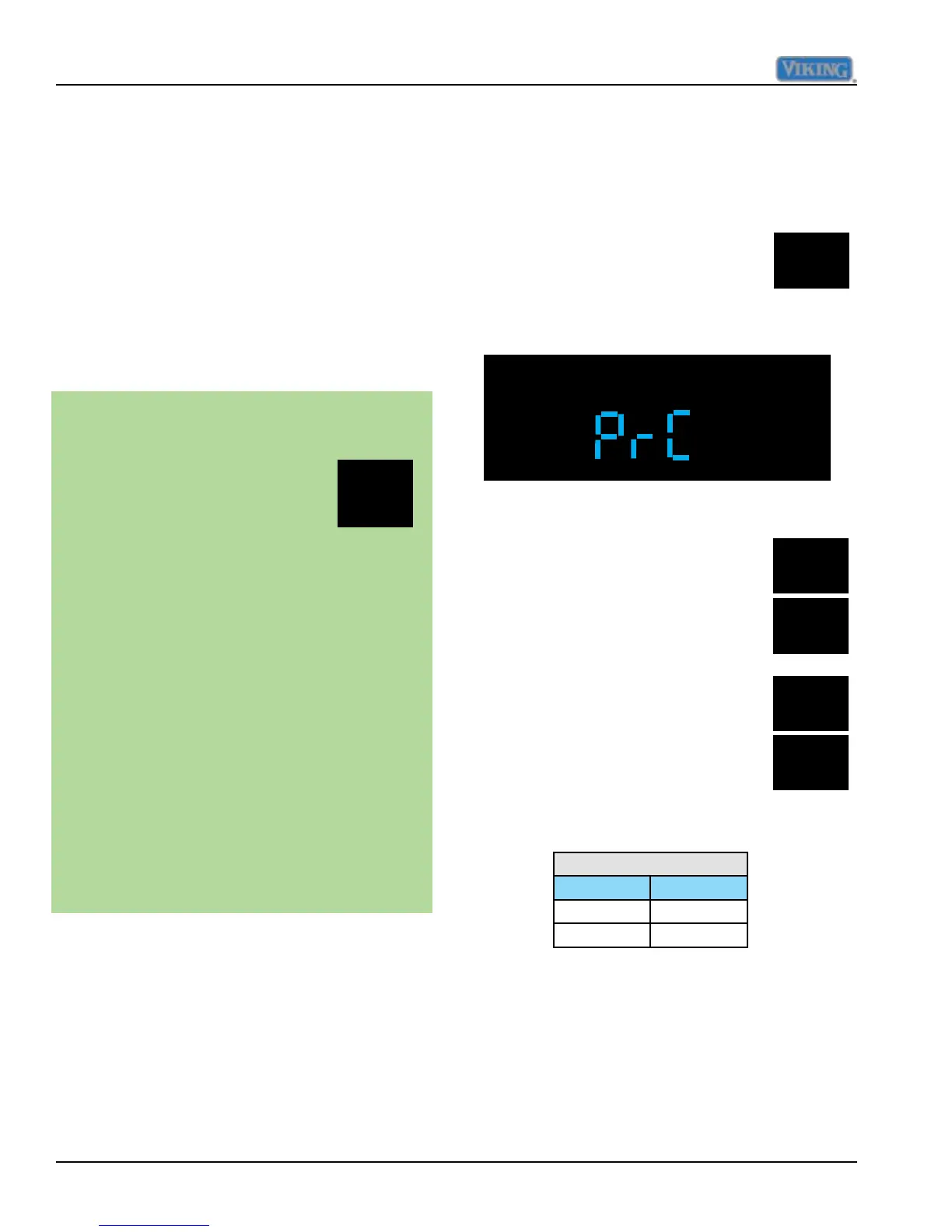
Once you are in Mode B (Prb in
display), press and hold "ALARM
OFF" for three seconds and
display will change to "PrC",
signifying that control is now in
Program Mode C, see illustration below.
Adjust DC Fan Cycling Off Time
This adjustment is not a eld adjustment and
should not be performed by technicians. This
is a factory only adjustment.
If you see "dCF" in the display, immediately
exit Mode B by holding "ACTIVATE
CONTROLS" for three seconds until you get
three audible beeps. Return to your previous
actions.
Exiting Mode B
ACTIVATE
CONTROLS
To exit Mode B and retain any changes
made in system up to this point you
must press and release
"ACTIVATE CONTROLS" one
time, the display changes to
"PrA". This signies that the
changes were written to the eeprom
and that the system has left Mode B
and returned to Mode A.
The other way to ensure changes
have been written into the eeprom
is to press and hold "ACTIVATE
CONTROLS" for three seconds and
you will get three audible tones along
with a normal temperature display.
This indicates that you have left Mode
B and returned to normal operation.
Failure to do this will cause system
to time out after 10 minutes and any
changes will be lost.
ALARM
OFF
Program Mode C
FRZ
TEMP
REF
TEMP
HIGHER
LOWER
Model code
Model Value
5301 530
5361 536
Set Model type
The "REFRIGERATOR and/or FREEZER"
indicators will illuminate for each model type
as it is selected depending upon the model
conguration. (example: code 430 will only
illuminate the "REFRIGERATOR" indicator
because it is an All Refrigerator)



 To Next Page