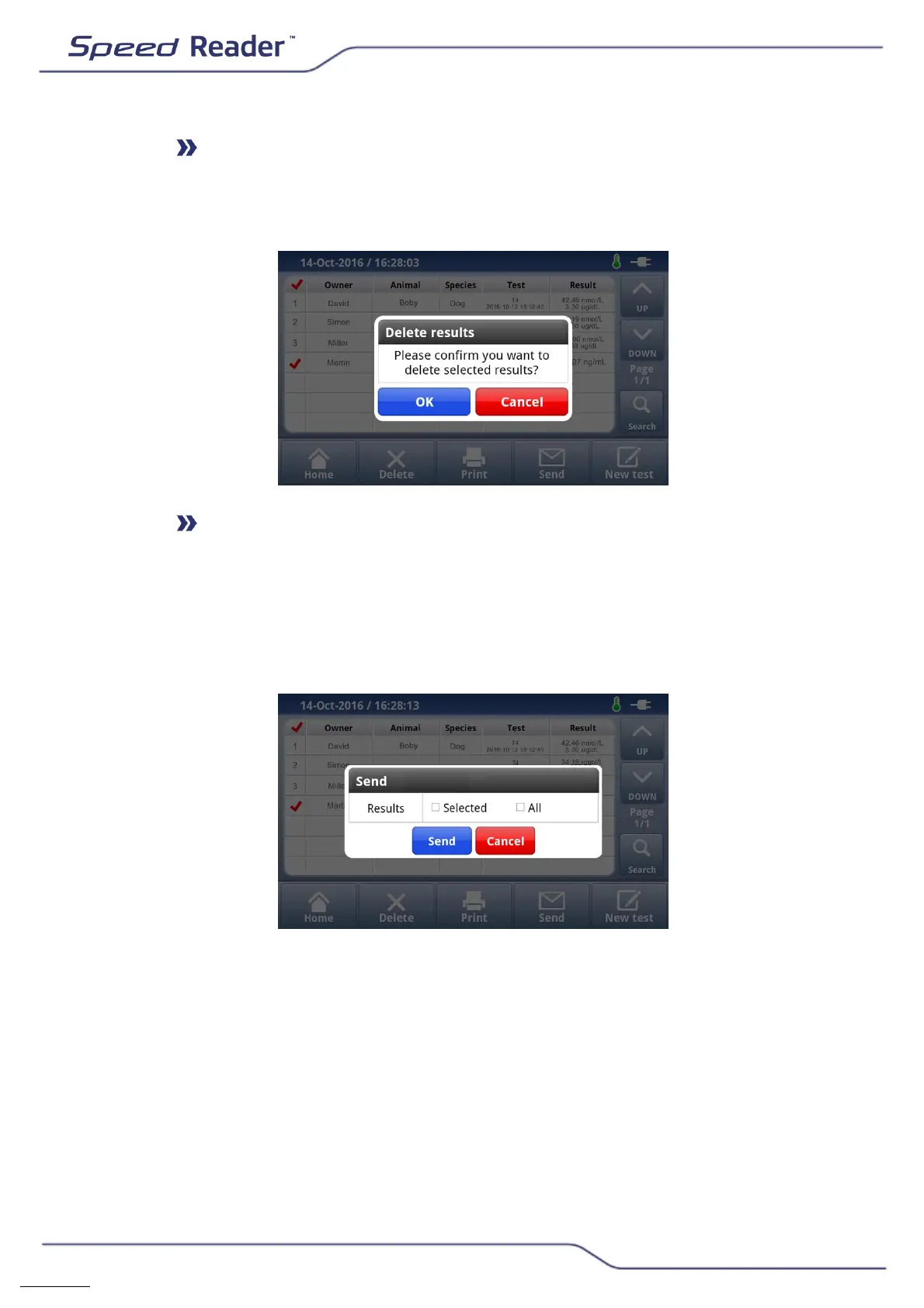
Deleting results
o The “Delete” button lets you delete the selected results (only the
administrator can delete results).
Sending results
o The “Send” button lets you send all, or the selected, results to a USB
key (only use the USB key provided with the reader). Results are
saved in a .csv format which can be processed with an Excel type
spreadsheet.


 To Next Page