User ID
o This menu shows the user accounts stored in the unit. Each account is
secured by a unique password. This feature lets you link results to an
account when a user is logged in.
o To log in, press the desired user account, and then press the “Select
User” button to enter the password.
o The administrator (admin) is stored by default with the password
“0000”. Once connected, this user is the only one that can add another
user (“Add” button) or that can activate the connection function
(“Login ON/OFF” button).
o The “Login ON/OFF” feature lets you specify if a user must be logged
in to use the reader:
when it is active (“ON” mode). User identification is required
before using the reader.
in “OFF” mode, the tests can be carried out without tracking the
user who performed the operation.
o The administrator is also able to reset the reader in the Settings/About
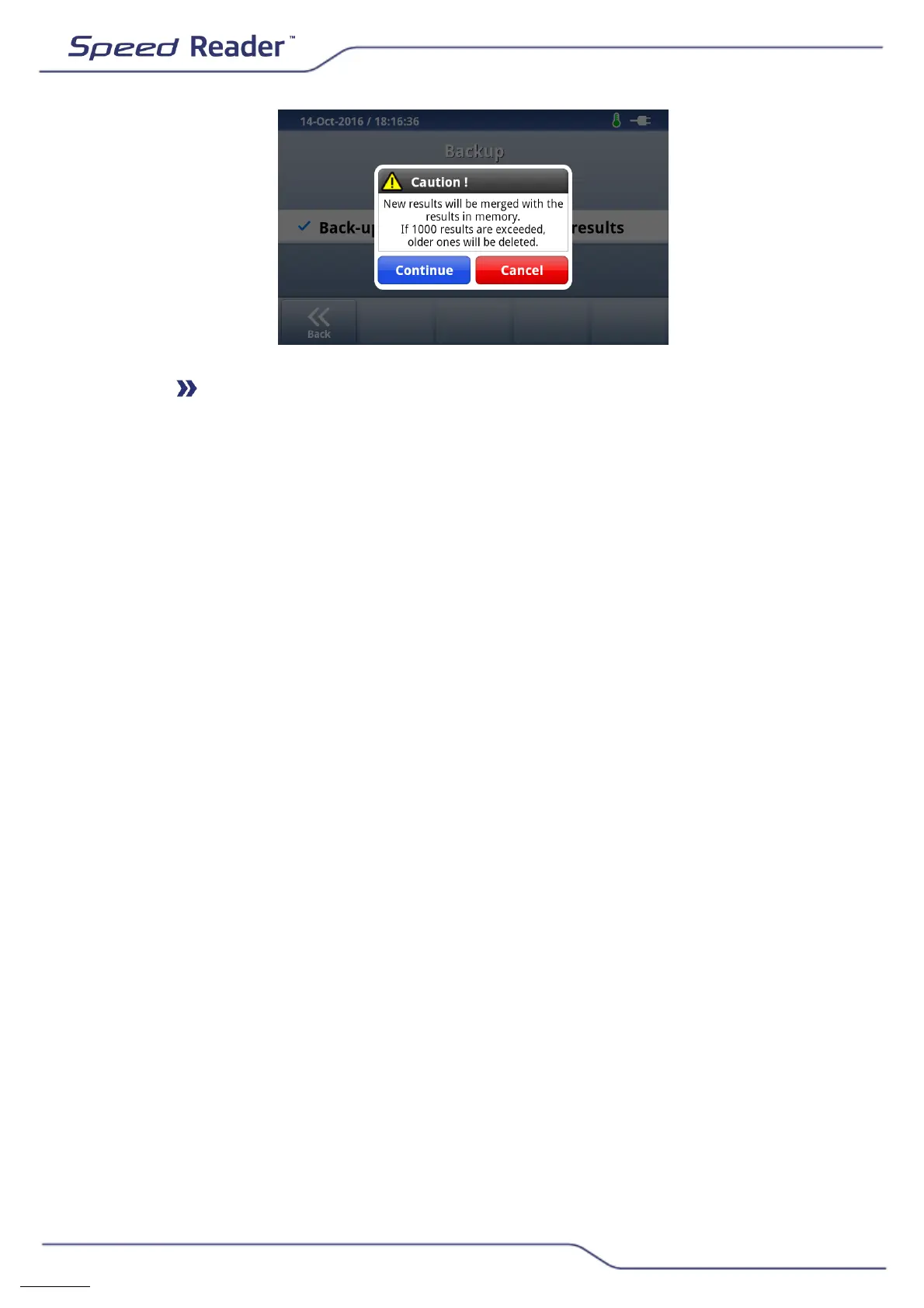
Speed Reader menu and to delete or restore results in the
Settings/Backup menu.
o To disconnect a user, return to the main menu and press “Log out”.


 To Next Page