System
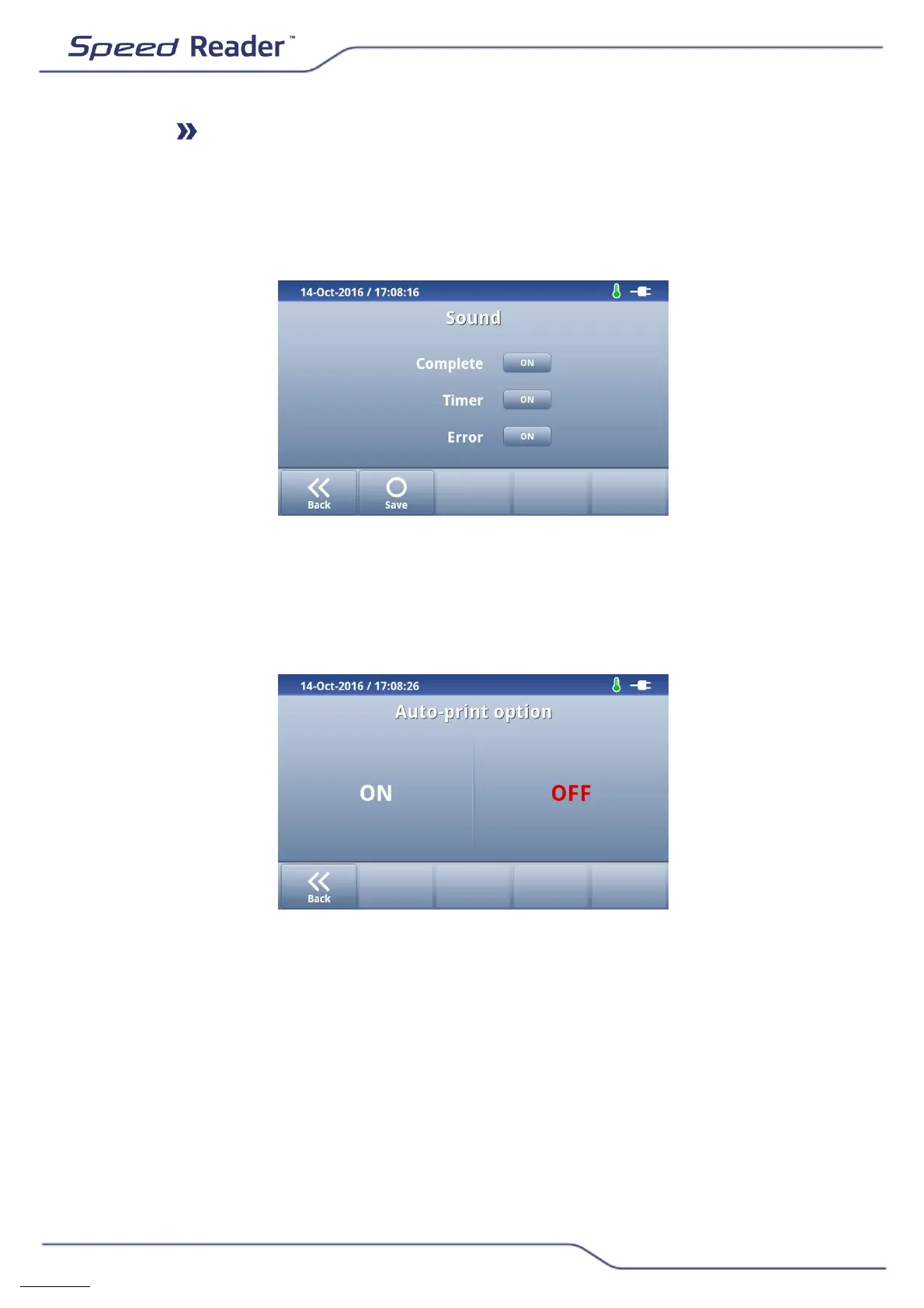
o Sound
This feature lets you turn the sound alerts on or off at different times.
o Enable or disable the various alarms with the “ON/OFF” buttons.
o Save by pressing “Save”.
o Printer
Automatic printing of the result
Select “ON” to enable the automatic printing of the results, “ON” to turn off
the automatic printing of the results. By default, this option is disabled.
o Date & time
This menu allows you to set the date and time. It is essential that
these settings are up-to-date so that checking the expiration dates of
consumables can be performed correctly.
o In the menu “Settings”, select “Date & time”.
o Set the date using the “+” and “-” buttons.


 To Next Page