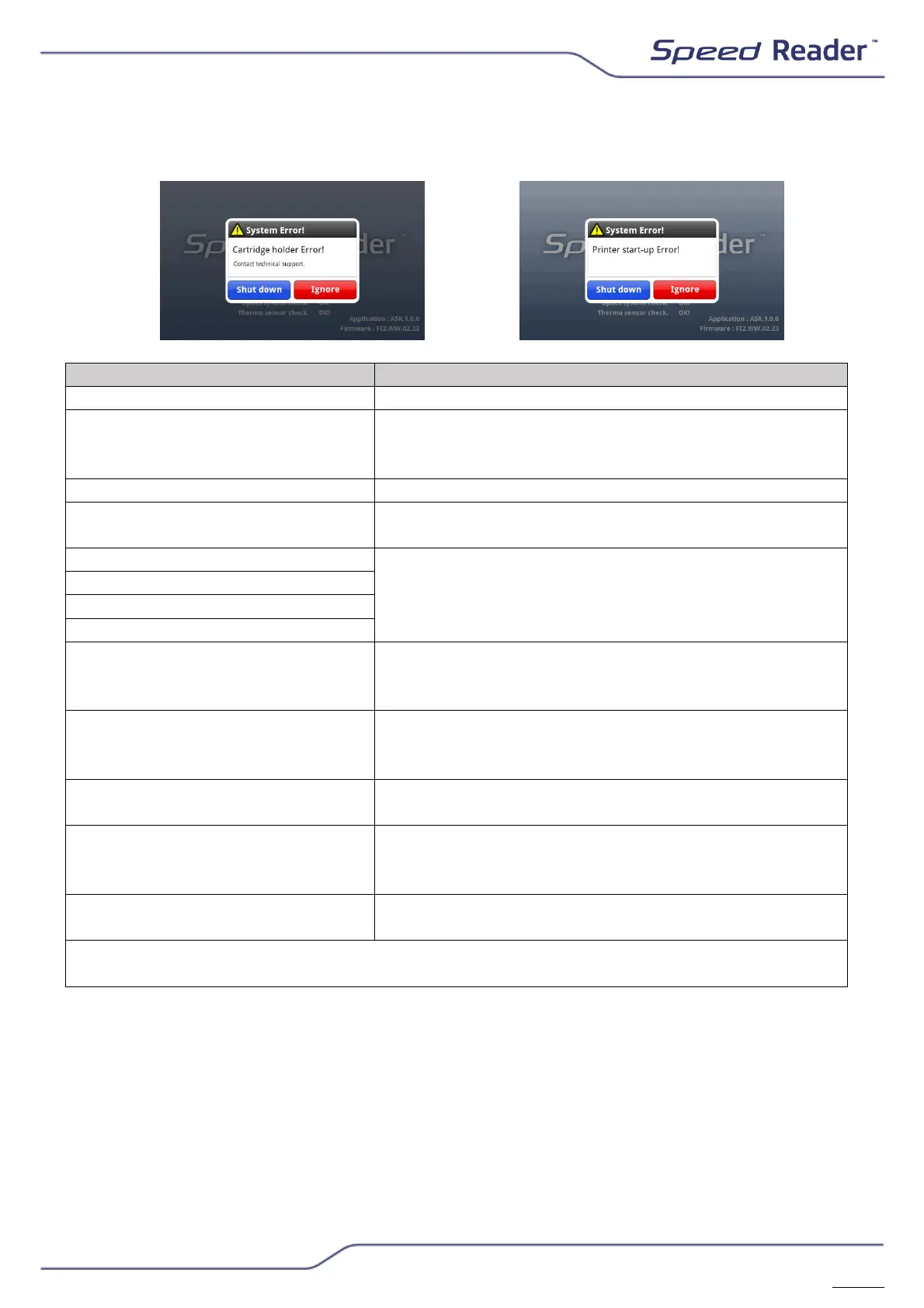
Error messages
No check band, try again with a new tape.
Problem in identifying the tape. Check that the
barcode is not damaged or contaminated. If the
problem persists, contact technical assistance.
The calibration chip and the test do not match.
“Can not install Lot Chip”
Try using a new calibration chip. If the problem
persists, contact technical assistance.
Switch the unit off and restart. If the problem
persists, contact technical assistance.
“Cartridge holder Error!”
“Temperature sensor Error!”
“Printer start-up Error!”
It is not possible to print. Replace the thermal
paper correctly. If the problem persists, contact
technical assistance
“Temperature out of
recommended range.
Proceed?”
Place the unit in a room between +15°C and
+35°C. If the problem persists, contact
technical assistance.
“System in operation. Please
wait.”
The test loader is being opened or closed.
Please wait.
“The expiry date of the system
cartridge has passed.”
Check the date and time of the device. If the
expiration date has passed, the check may not
work; please contact technical support.
To delete, send or print data, please select at
least one line.
Never disassemble the unit, even when an error occurs.
If an error persists, contact technical assistance.


 To Next Page