Other settings
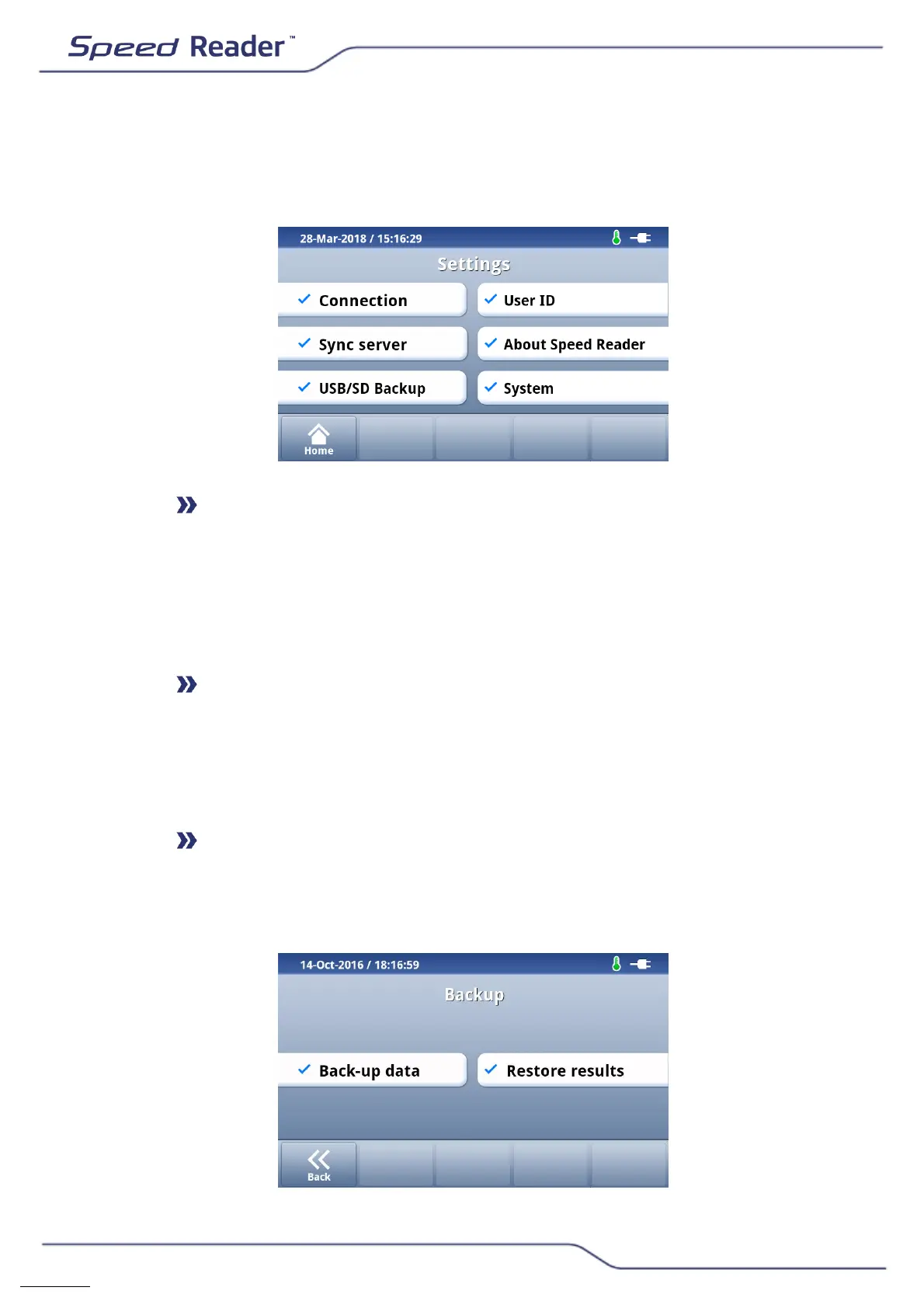
Starting from the main screen, select “Settings”. The following screen
appears:
Connection
This menu lets you enable or disable various connection modules: WiFi and
Ethernet. These features are not active at the moment. Once they are
active, an update will be made available with details for connecting the
device.
Sync server
This menu is not activated at this time. As soon as it is available, an update
will be available detailing the procedure for connecting the device to a
server.
USB/SD Backup
You can back up the data stored in the reader or restore previously saved
results at any time.


 To Next Page