Viewing previous results
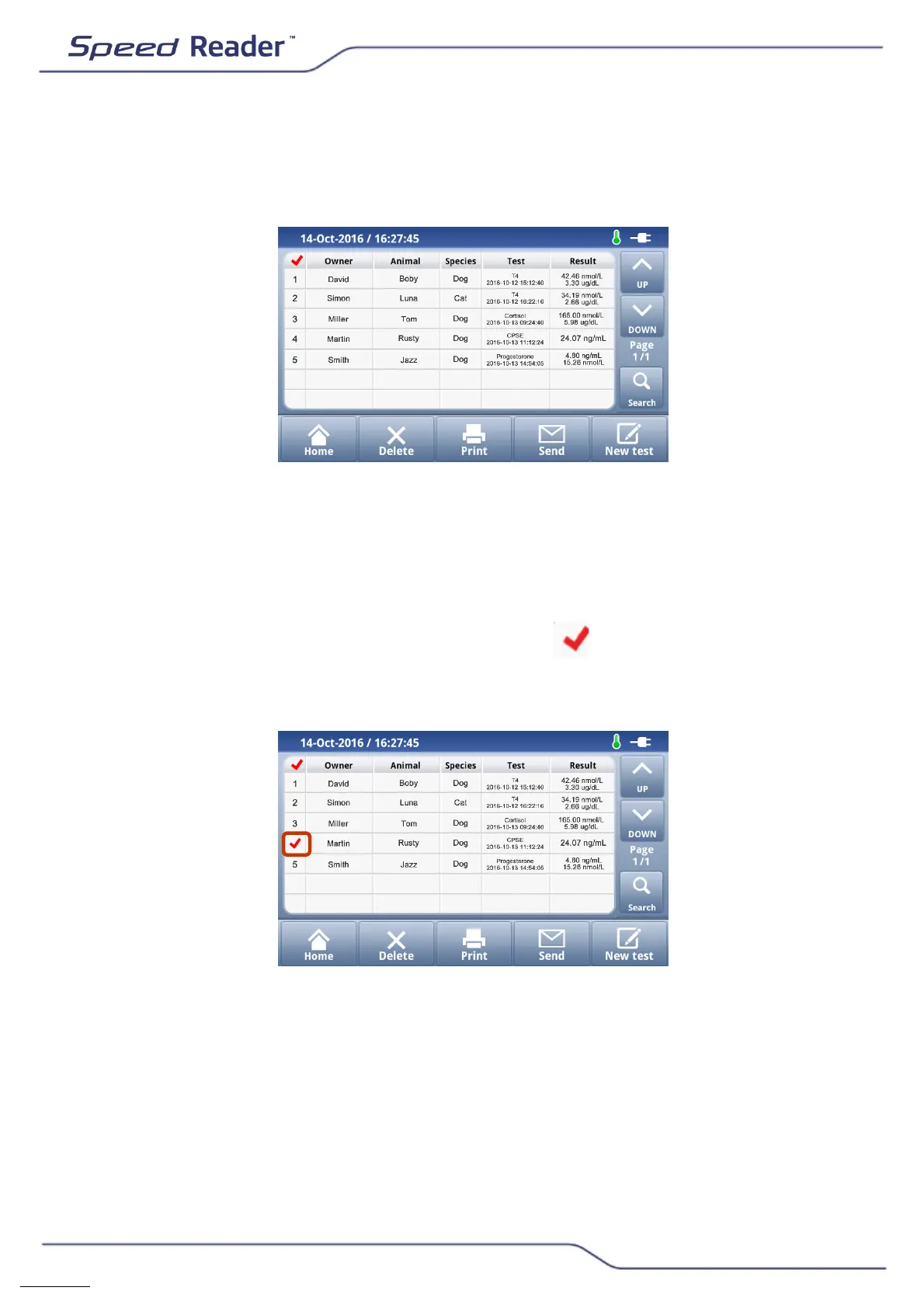
o To view previous results, select “Results” in the main screen.
o The screen shows all stored results (7 results per page and up to
1,000 in memory).
o For T4, Cortisol and Progesterone tests, the result is displayed with 2
units
o To select one or more results, press the number of the test in the first
column on the left of the table. The icon appears - this means the
result has been selected. You can select more than one result in order
to delete, print or send them.


 To Next Page