98
Viscount Concerto III - Operating Manual
5.11 ERROR MESSAGES - DISK MENU
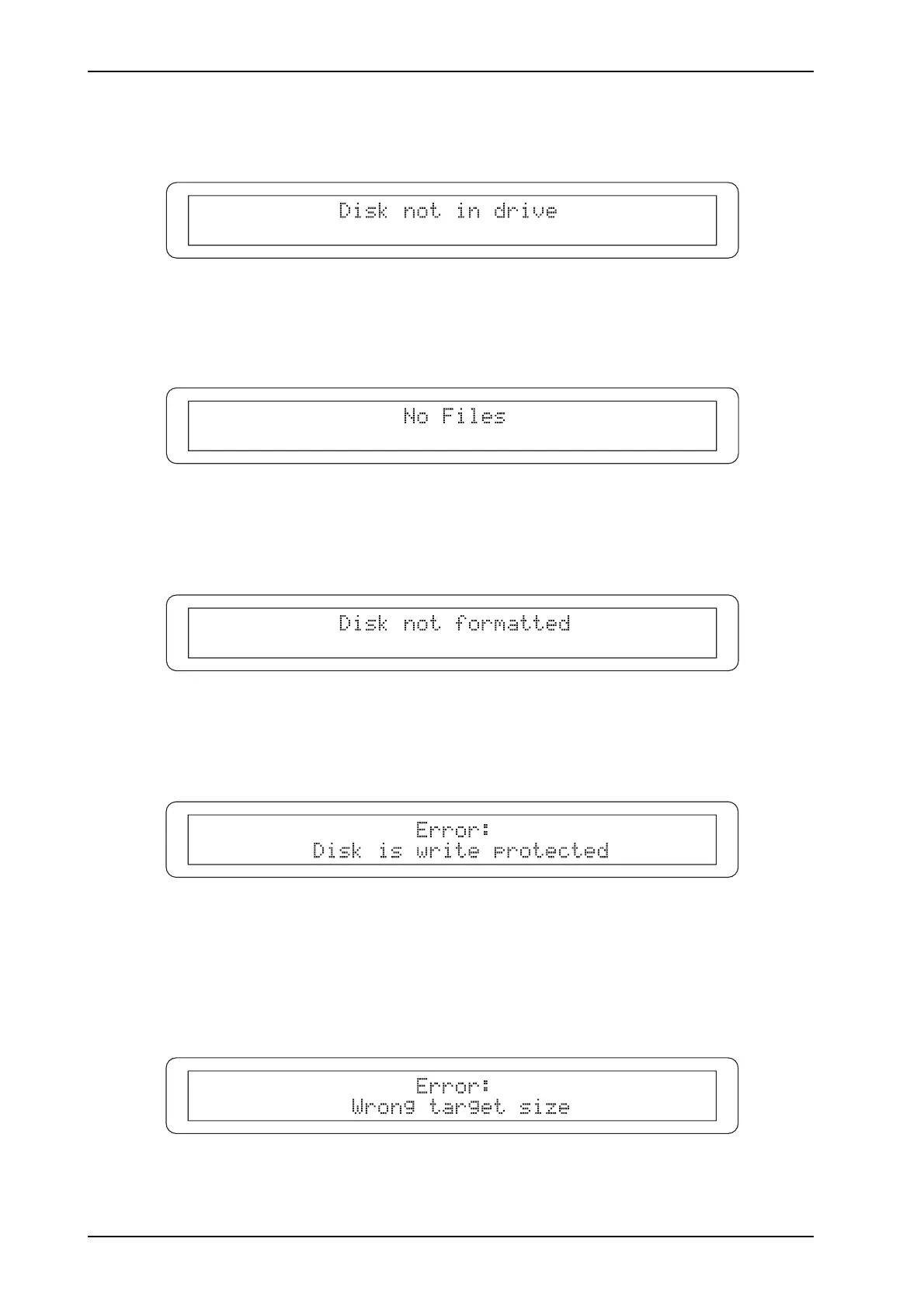
- DISK NOT IN DRIVE
The DISK menu has been recalled with no floppy disk inserted in the drive.
- NO FILES
There is no file on the floppy disk for completion of the current operation.
- DISK NOT FORMATTED
An unformatted disk has been inserted. The disk starts the formatting procedure automatically.
- DISK IS WRITE PROTECTED
The disk has write-protection so it is not possible to complete the current operation. Remove the
protection (the window in the top right-hand corner of the floppy disk must be closed) and repeat
the operation.
- WRONG TARGET SIZE
During a floppy disk copy operation, a destination disk with capacity different from the source disk
has been inserted. Remove the floppy disk and repeat the operation with the right disk.












 To Next Page