100
Viscount Concerto III - Operating Manual
6.1 REGULATING THE DISPLAY CONTRAST
The Concerto III’s display has a contrast adjustment function allowing the maximum visibility to
be obtained for the organist’s performing angle.
The setting can be made directly from the MIDI&UTILITY menu by locating the cursor on the
LCD CONTRAST field and setting the value using the encoder.
6.2 II/P PISTON COMBINE FUNCTION
The II/P PISTON COMBINE function allows the memories of the second manual to be “coupled”
to those of the pedal board. This means that when a manual I memory is recalled, the same memory
will also be automatically activated for the pedal board.
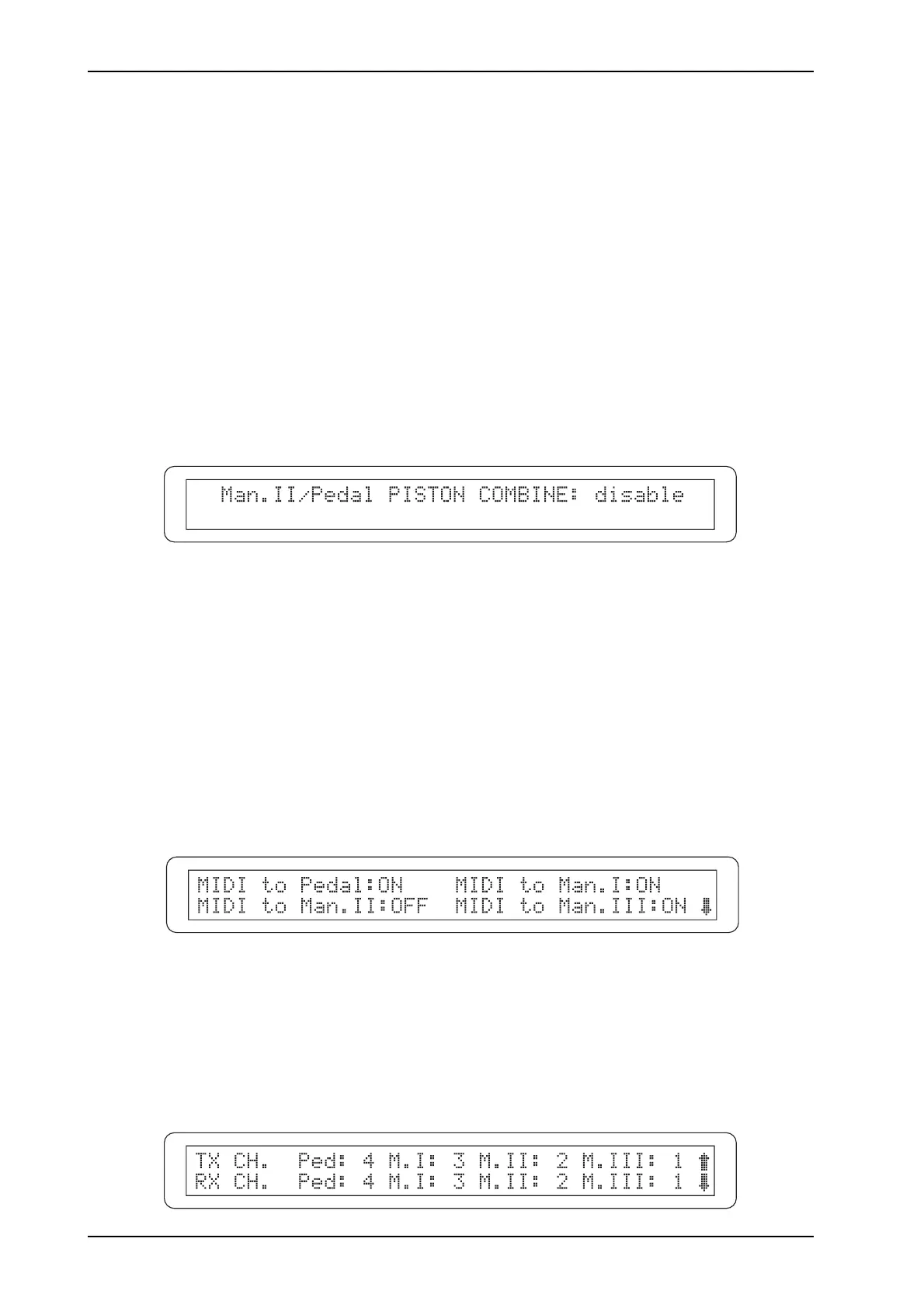
To activate this function, select the II/P PISTON COMBINE field in the MIDI&UTILITY menu;
the system will display the following video page:
Use the encoder to set enable to activate the function or disable to deactivate it. The status of the
Piston Combine function is also indicated by the [II/P PIST. COMB.] LED on the right of the
display (when the LED is on, the function is active).
Press ESC to save the setting and return to the MIDI&UTILITY menu.
6.3 MIDI FUNCTIONS
To access the Concerto III’s MIDI functions, select the MIDI SETTINGS option in the
MIDI&UTILITY menu and press [ENTER/YES]. The first video page displayed enables or disables
the transmission of MIDI data for each section of the organ:
The video page consists of four fields, representing the organ’s four sections (Pedal, Man.I, Man.II
and Man.III). The user can set whether the MIDI messages are to be transmitted for each section
by selecting ON or OFF.
Press [EXIT/NO] to return to the MIDI&UTILITY menu or [CURSOR (PG) DOWN] to display
the video page for setting the MIDI channels:












 To Next Page