119
Viscount Concerto III - Operating Manual
11. APPENDIX
Indicating the software release you are installing:
11.1 UPDATING OF THE OPERATING SYSTEMS
The Viscount Concerto III has the possibility of updating its operating systems in case of software
changes to the instrument.
For the updating you simply have to switch the organ and to insert the floppy disk containing the
updating released by Viscount. The system will activate the installation procedure and will display
all video pages to execute the update.
The operating systems of the Concerto III are two, i.e:
- SYSTEM: software for the organ sections, user interface, sequencer and MIDI
The updating file of this section is called
CE3__XXX.SYS
- SOUND DRIVER: software for the sound sources.
The updating file of this section is called:
CEA__XXX.DRV
XXX indicate the software release
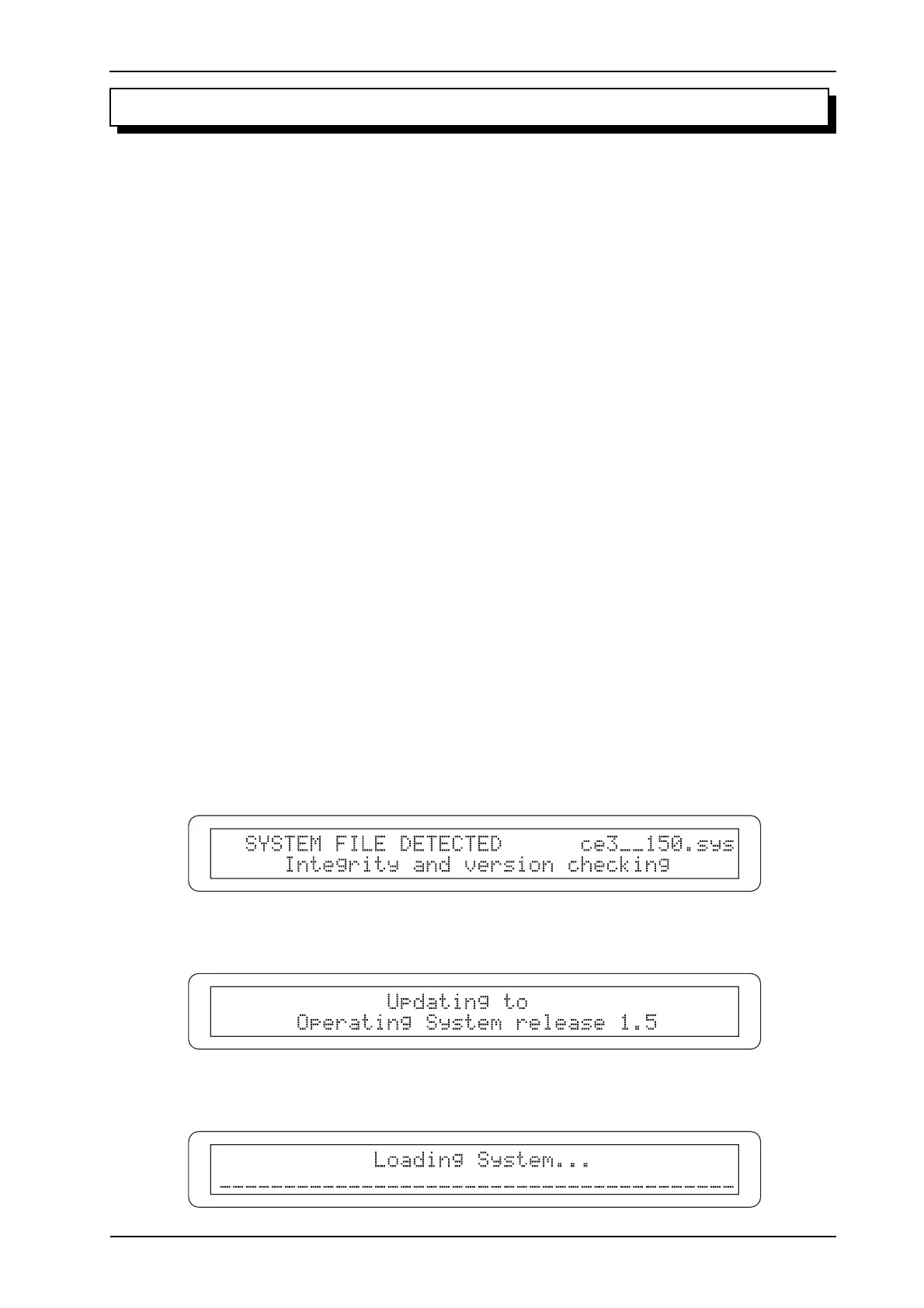
UPDATING OF THE SOFTWARE “SYSTEM”
Switch on the organ on while keeping pressed the buttons [CURSOR (PG) LEFT] and [CURSOR
(PG) RIGHT] with the floppy disk containing the updating files in the disk drive. The system will
proceed with the verification of the data in the floppy.
It will procede with the reading and the loading of this file












 To Next Page