96
Viscount Concerto III - Operating Manual
5.9 DELETING FILES
To delete any files saved on the floppy disks, recall the FILE DELETE function: to do this, select
the DEL option and press [ENTER/YES].
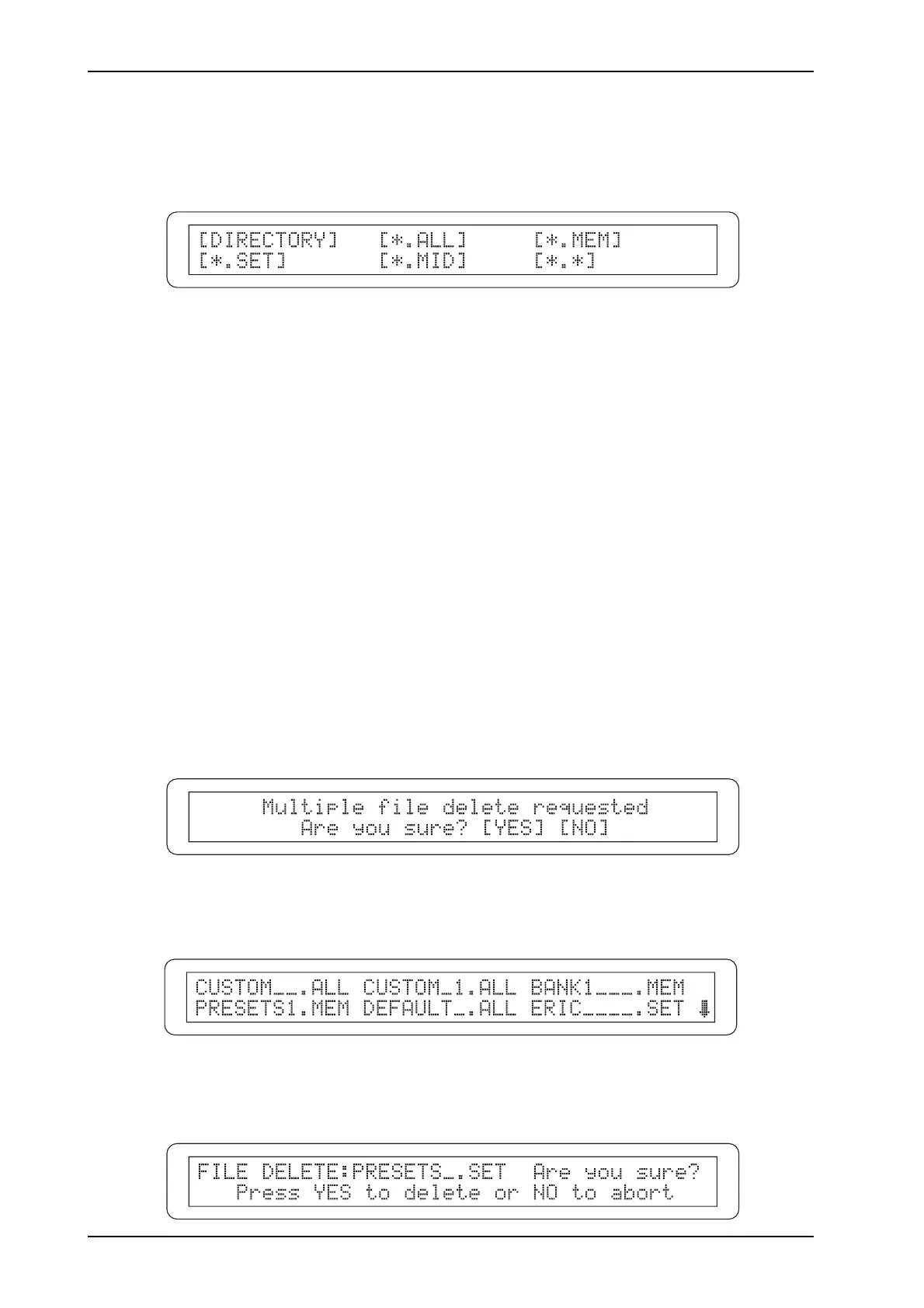
These display options allow you to delete:
o DIRECTORY: one of the files on the disk.
o *.ALL: all the files with extension ALL (i.e. the files in which the organ’s general settings and
memories are saved).
o *.MEM: all the files with extension MEM (the general and dedicated memories, Tutti and
Crescendo).
o *.SET: all the files with extension SET (the organ’s general settings).
o *.MID: all the files with extension MID (the MIDI sequences recorded with the sequencer).
o *.*: all the files on the floppy disk.
If you select a multiple deletion procedure (*.ALL, *.MEM, *.SET, *.MID e *.*) the system will
warn you of the chosen procedure and wait for you to confirm with [ENTER/YES] or abort the
operation by pressing [EXIT/NO]:
If the DIRECTORY option has been selected, the display will show the entire contents of the disk,
to allow you to select the file you wish to delete:
Here again, to avoid accidental deletions the display will show a confirmation prompt indicating
the name of the file about to be deleted:












 To Next Page