113
Viscount Concerto III - Operating Manual
8.6 MIDI SEQUENCE MODIFICATION FUNCTIONS
As described in the introductory notes to this section, the Concerto III’s sequencer allows you to
modify the main parameters of a recorded song using three Edit functions:
- TRANSPOSE: transposes the song by semitones.
- TEMPO: modifies the tempo of the song.
- CLEAR: deletes specific groups of bars from the tracks.
To access these functions, after loading a MIDI sequence with the sequencer (in Play or Record
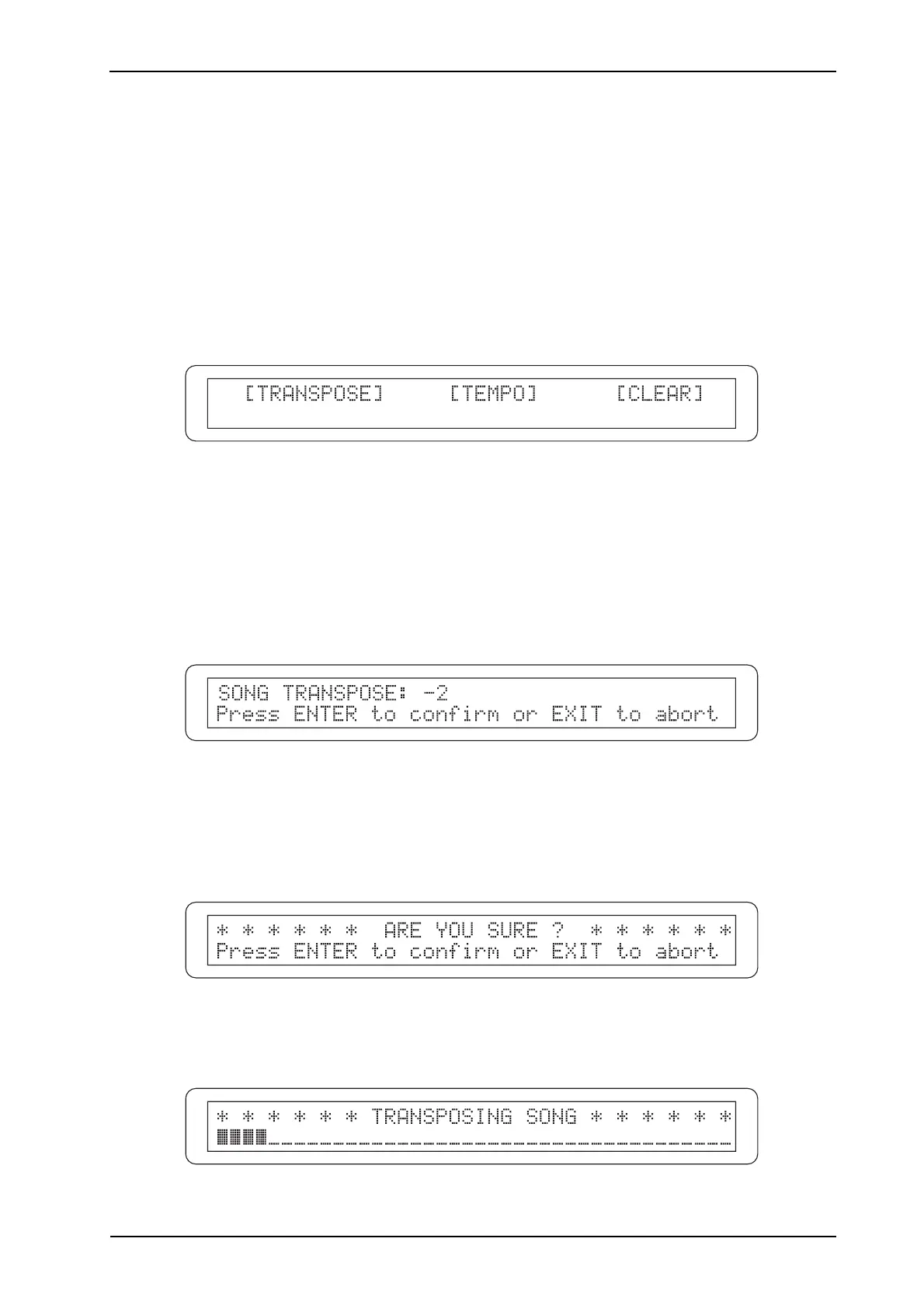
mode), simply press the [EDIT] button and the display will show the menu:
which contains the three functions listed above. Use the [CURSOR] buttons to move the cursor and
[ENTER/YES] to recall the function you require.
TRANSPOSING THE KEY
To transpose the key of the loaded song, select the TRANSPOSE field from EDIT menu; the display
will show the video page:
Use the encoder to set the transposition value, bearing in mind that it is set in semitones.
After selecting the value you require, press [ENTER/YES] to proceed with modification and saving
of the song, or [EXIT/NO] to abort the whole procedure and return to display of the EDIT menu.
If the modification is started, the display will show a confirmation prompt:
Here again, press [ENTER/YES] to continue or [EXIT/NO] to abort the changes.
The system will then proceed to transpose the song:












 To Next Page